> ## Documentation Index
> Fetch the complete documentation index at: https://docs.pensiv.so/llms.txt
> Use this file to discover all available pages before exploring further.

# Invite friends, earn rewards

> Where you hand out your invite link and receive a month of Pro and credits. Covers how rewards build up and the first-month discount for the friend you invited.

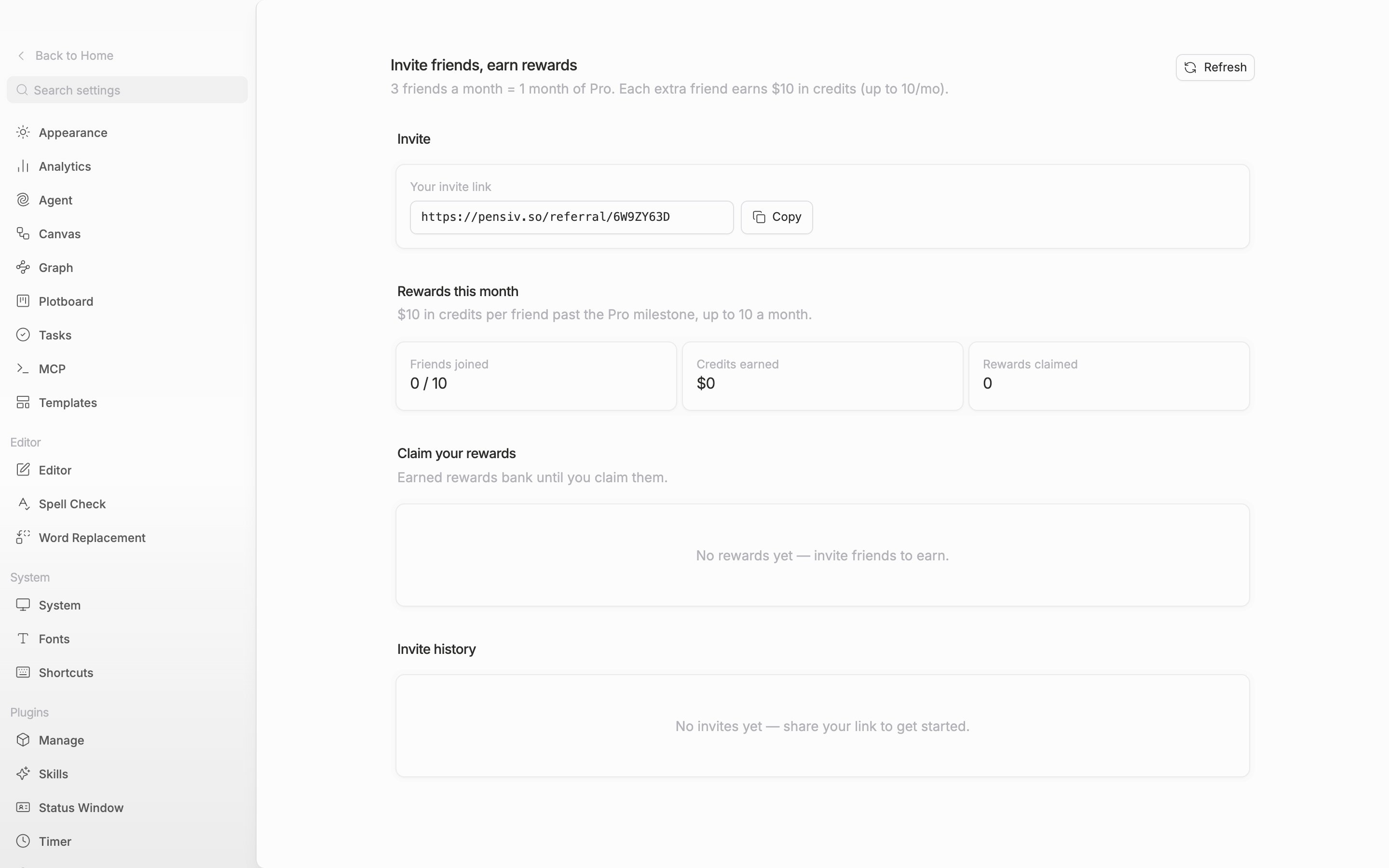
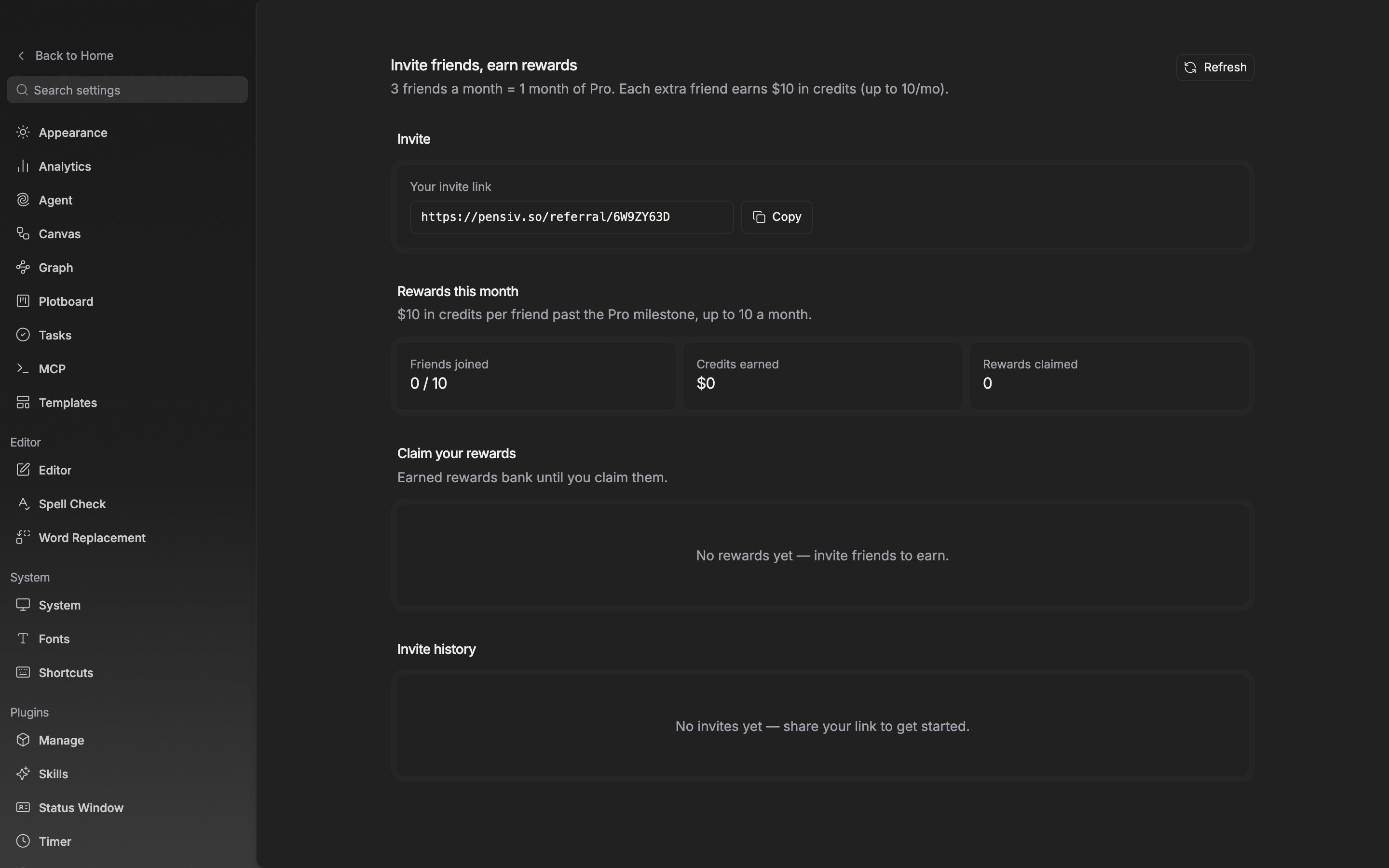
Pick **Invite friends** in the **Workspace** group on the left of **Settings**. It is the same screen if you go in with a work open.

The one line at the top is the rule. **3 friends a month = 1 month of Pro. Each extra friend earns \$10 in credits (up to 10/mo).**

## Your invite link

The **Your invite link** field on the **Invite** card holds an address starting with `pensiv.so/referral/`. The string on the end is the referral code, issued one per account. Click **Copy** and it changes to **Link copied** for a moment. Before it is issued, **Preparing your link…** is shown.

There is no way to send an invitation by email yet.

<div className="app-window block dark:hidden">
  <img src="https://mintcdn.com/raumlabsinc/WQIpN21D_2L4wB76/images/en/account/referrals--01.png?fit=max&auto=format&n=WQIpN21D_2L4wB76&q=85&s=88c18d7f91fae124fc70bc7a1c532160" alt="The top of the page. The title “Invite friends, earn rewards”, the one-line rule beneath it, the “Refresh” button on the right, and the “Your invite link” field and “Copy” button on the “Invite” card are all visible on one screen. The link field is filled with an address starting with pensiv.so/referral/." width="2880" height="1800" data-path="images/en/account/referrals--01.png" />
</div>

<div className="app-window hidden dark:block">
  <img src="https://mintcdn.com/raumlabsinc/WQIpN21D_2L4wB76/images/en/account/referrals--01-dark.png?fit=max&auto=format&n=WQIpN21D_2L4wB76&q=85&s=a04965a77710a3918cdc187322da91a4" alt="The top of the page. The title “Invite friends, earn rewards”, the one-line rule beneath it, the “Refresh” button on the right, and the “Your invite link” field and “Copy” button on the “Invite” card are all visible on one screen. The link field is filled with an address starting with pensiv.so/referral/." width="2880" height="1800" data-path="images/en/account/referrals--01-dark.png" />
</div>

<p className="app-caption">One invite link is issued per account, and this field is the only route for inviting.</p>

## Rewards this month

**Friends joined** counts qualified friends in the form `3 / 10`, and if any invite has not qualified yet, **N waiting to qualify** is attached beneath it. **Credits earned** is the amount built up at \$10 per friend past the third, and **Rewards claimed** is the number of times you pressed claim.

A friend has to sign up and then finish email verification before they cross over to qualified. The counting unit is a calendar month, so it starts over each month.

## Claim your rewards

Rows of **1 month of Pro** or **\$10 in credits** stack up, and each row carries the date it was earned and a **Claim** button. **Earned rewards bank until you claim them.** They do not vanish if you do not rush to press it.

A month of Pro comes in as a 30-day free period on an account that is not yet on Pro, and as credits if you are already on Pro or above. During the free period, **Pro active — N days left** appears, and the same notice shows on the **Billing** tab. If you subscribe to Pro during that time, paid billing starts only after the period ends, so you do not pay twice over.

If the numbers do not change right away, click **Refresh** at the top right. Friends qualify outside the app, so the screen is a beat behind.

## Invite history

**Invite history** keeps one row per invited email, with the join date or **Pending** following on the right.

## On the invited side

A friend who came in through your link sees a notice on the **Billing** tab: **A friend sent you 50% off your first month of Pro — applied at checkout. Works on Pro yearly too.** There is no separate field for entering a code; it is applied at checkout on its own.
