> ## Documentation Index
> Fetch the complete documentation index at: https://docs.pensiv.so/llms.txt
> Use this file to discover all available pages before exploring further.
# File formats
> The extensions pensiv reads, the formats you can pick when exporting a manuscript, and how to pull out several files at once.
## Import
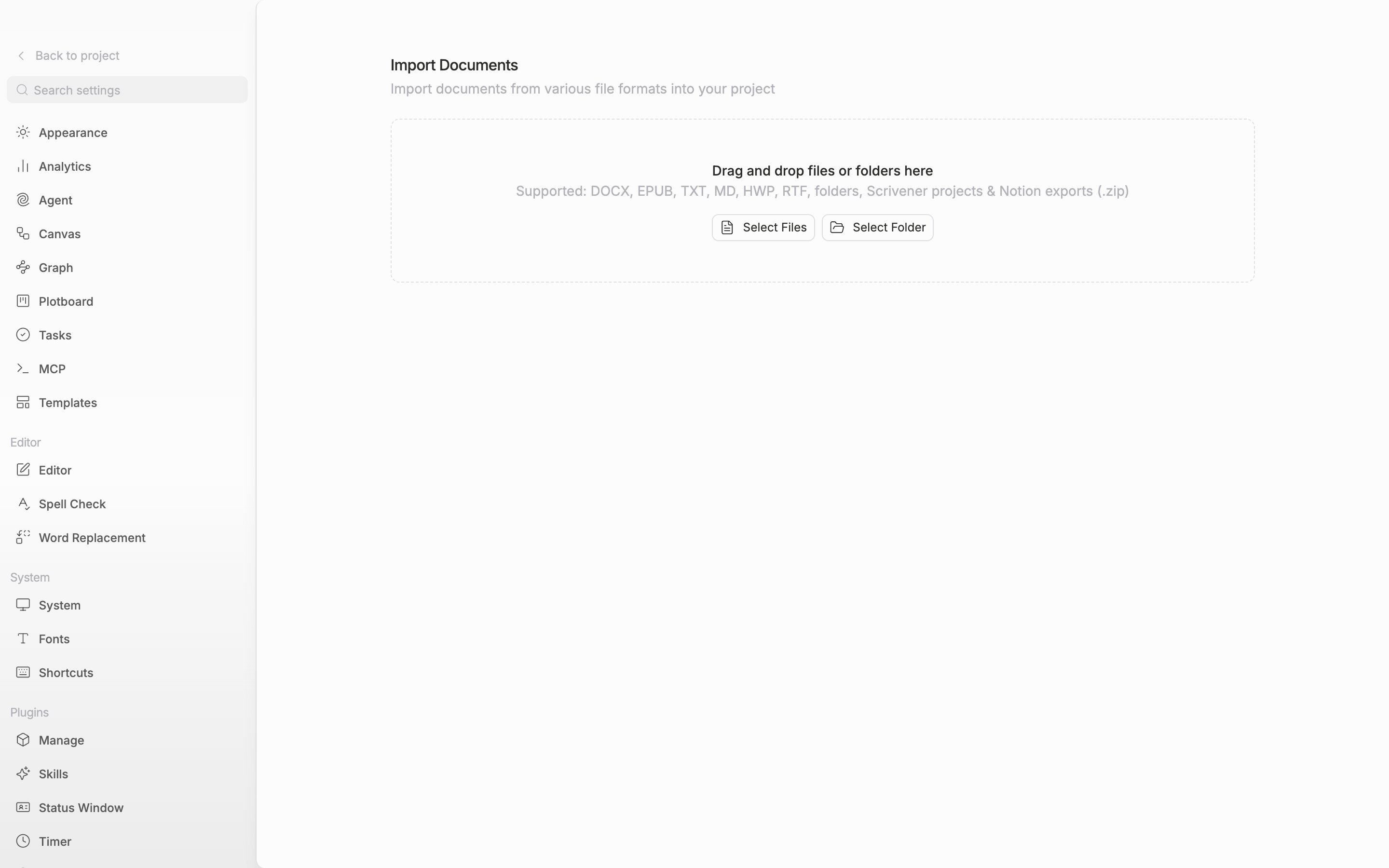
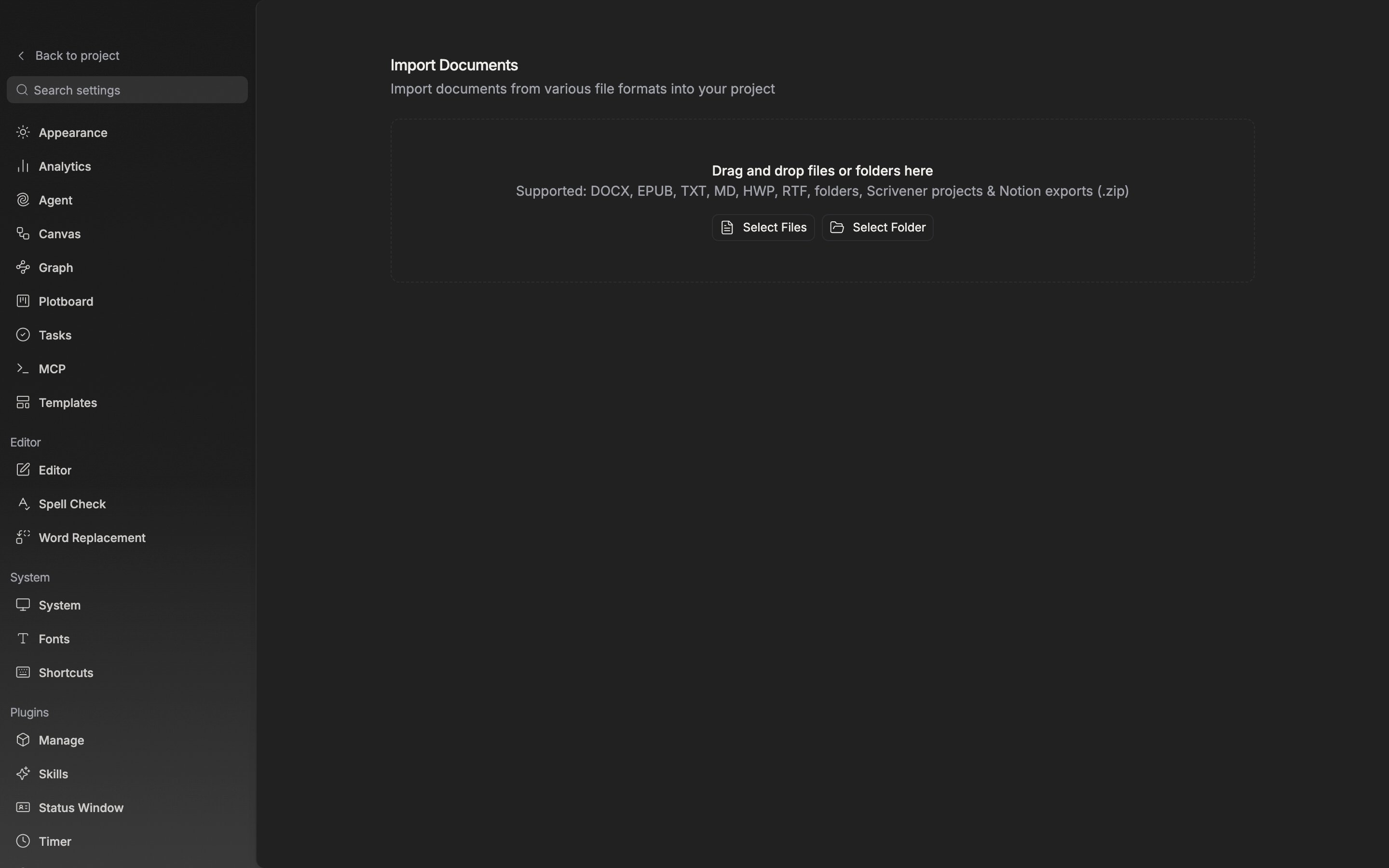
Drag files or folders onto Settings → **Import**.
> Supported: DOCX, EPUB, TXT, MD, HWP, RTF, folders, Scrivener projects & Notion exports (.zip)
By extension that is `.docx`, `.epub`, `.txt`, `.md`, `.markdown`, `.hwp`, and `.rtf`. **Select Files** also takes `.scriv` and `.zip`, and **Select Folder** takes a whole folder, carrying the structure and order inside it over unchanged. For Scrivener, hand over the whole `.scriv` folder rather than the `.scrivx` file; for Notion, put in the `.zip` you downloaded without unpacking it.
The formats it accepts are written out inside the import area.
## Export
The **Export** menu in the document and sheet headers holds six entries: **Export as PDF**, **MS Word (.docx)**, **EPUB (.epub)**, **Markdown (.md)**, **Text (.txt)**, and **Hangul Office (.hwp)**.
`.docx`, `.epub`, and `.hwp` carry the pictures in the body along with the text, while `.md` and `.txt` come out as letters only. In every format a mention turns into plain text spelling out the item's title.
## Several at once
**Export documents** in the folder header, or picking several documents and exporting them, opens a window. **Export Format** has five entries — HWP, DOCX, EPUB, TXT, Markdown — and no PDF. **Export Mode** is **Combine**, which joins them into one file, and **Separate**, which packages them into a ZIP. The **Include file titles** and **Include folder titles** switches appear only when you combine.
The `.pnsv` backup that holds a whole project is a separate thing. See [Exporting all project data](/en/settings/data-export).