> ## Documentation Index
> Fetch the complete documentation index at: https://docs.pensiv.so/llms.txt
> Use this file to discover all available pages before exploring further.
# Search syntax
> The field conditions, exclusion, quotes, and OR you use in the search box. The thicker the manuscript, the faster it is to cut the range down in one line first.
Open the search box with Cmd(Ctrl)+K. Mixing in the syntax cuts down the ground it has to cover before it starts.
## Filtering by field
Write it as `field:value`, joined up. A space on either side of the colon and it is not read as a condition.
| Field | What it does | Example |
| ----------------- | ------------------------------ | -------------------- |
| `type:` `entity:` | Keeps one kind only | `type:sheet` |
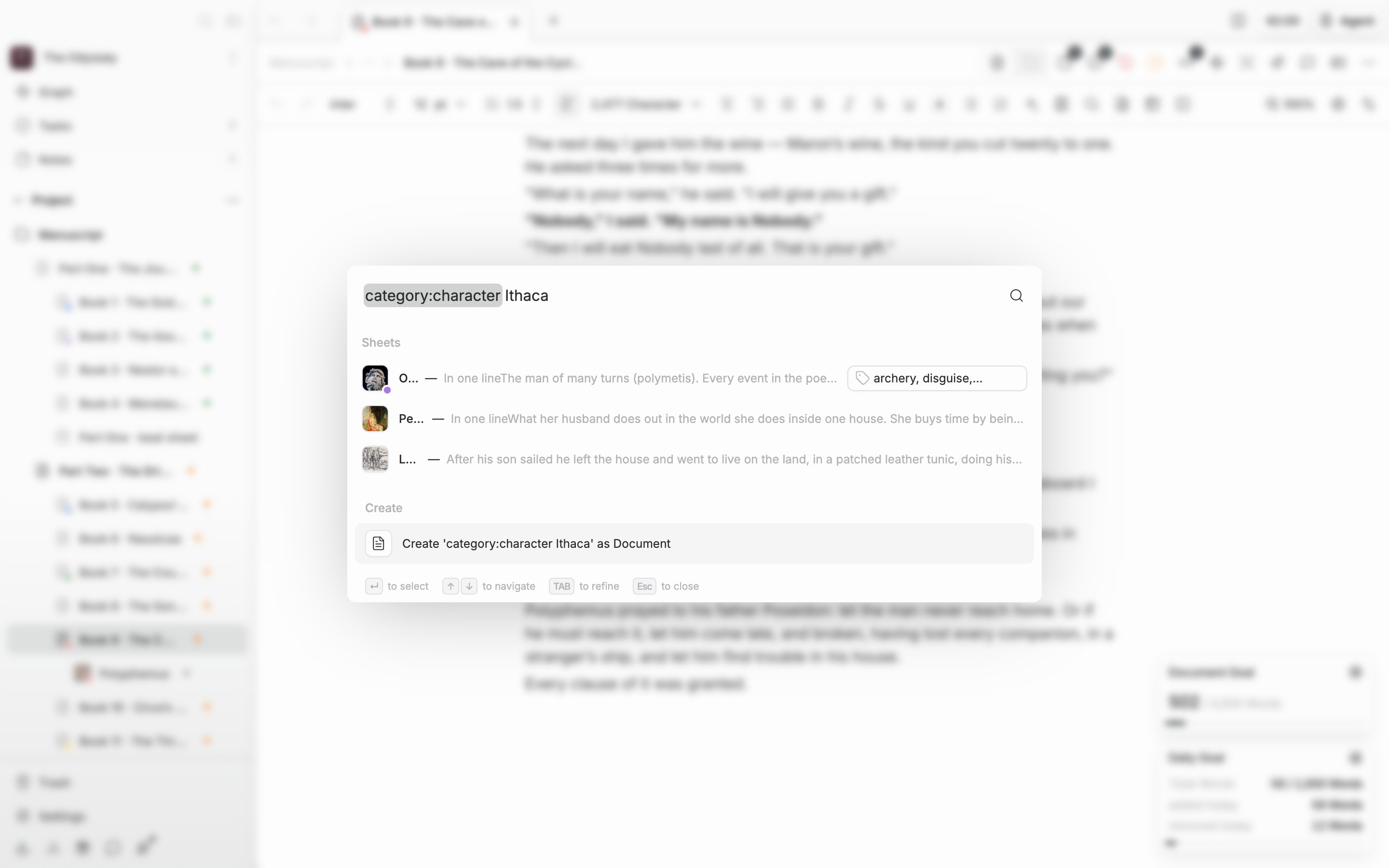
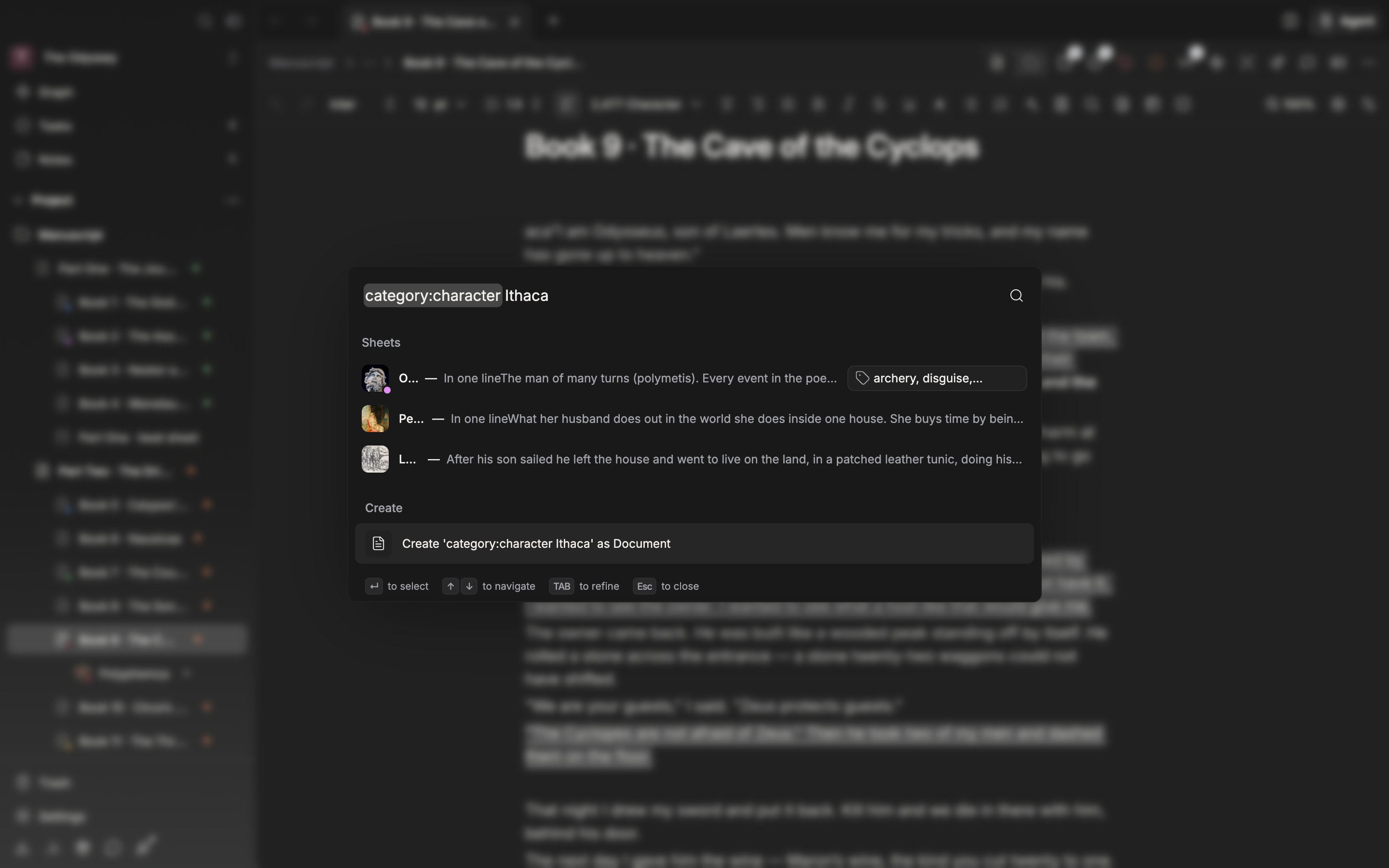
| `category:` | Filters by sheet category | `category:character` |
| `tag:` | Filters by tag | `tag:foreshadowing` |
| `title:` `name:` | Filters by a word in the title | `title:prologue` |
The `type:` values are document, sheet, folder, plotboard, canvas, plotcard, partcard, note, memo, task, label, and status. `category:` takes character, event, organization, item, location, worldbuilding, and other. These match Character, Event, Organization, Item, Location, Worldbuilding, and Other on screen.
A category is attached to sheets only, so applying `category:` drops documents and folders. Tags live on sheet properties, notes, and plot part cards. A value with a space in it cannot be used as a field condition.
## Excluding
A `-` in front of a condition strips those items out. `-category:organization` removes organization sheets, and `-tag:draft` removes anything carrying that tag. It works on `category`, `tag`, `title`, and `name` only.
## Quotes
Wrapping it up like `"the girl with the sword"` finds only the places where the words sit together in that order. Without the wrapping, the words match wherever they are scattered.
## OR
Putting it in between, as in `wolf OR hound`, keeps anything that matches either one. `or` works too. OR splits the search terms only; a field condition applies to both sides. `category:character wolf OR hound` looks for the two words inside character sheets only. Joining filter-only fields such as `category`, `tag`, and `type` with OR leaves nothing. For `title` and `name` the value is itself a search term, so `title:prologue OR title:epilogue` searches down two branches.
Apply a field condition and only that kind remains.
A field name that is not supported is ignored. If the results come back unusually broad, check the spelling first.