> ## Documentation Index
> Fetch the complete documentation index at: https://docs.pensiv.so/llms.txt
> Use this file to discover all available pages before exploring further.

# Editor settings

> Where you set body text size and line height, how lines wrap, and the three switches for Markdown, slash, and mentions to suit your manuscript.

Change a value under **Editor** in settings and it reaches the manuscript on the spot. There is nothing to save separately.

## Font size and line height

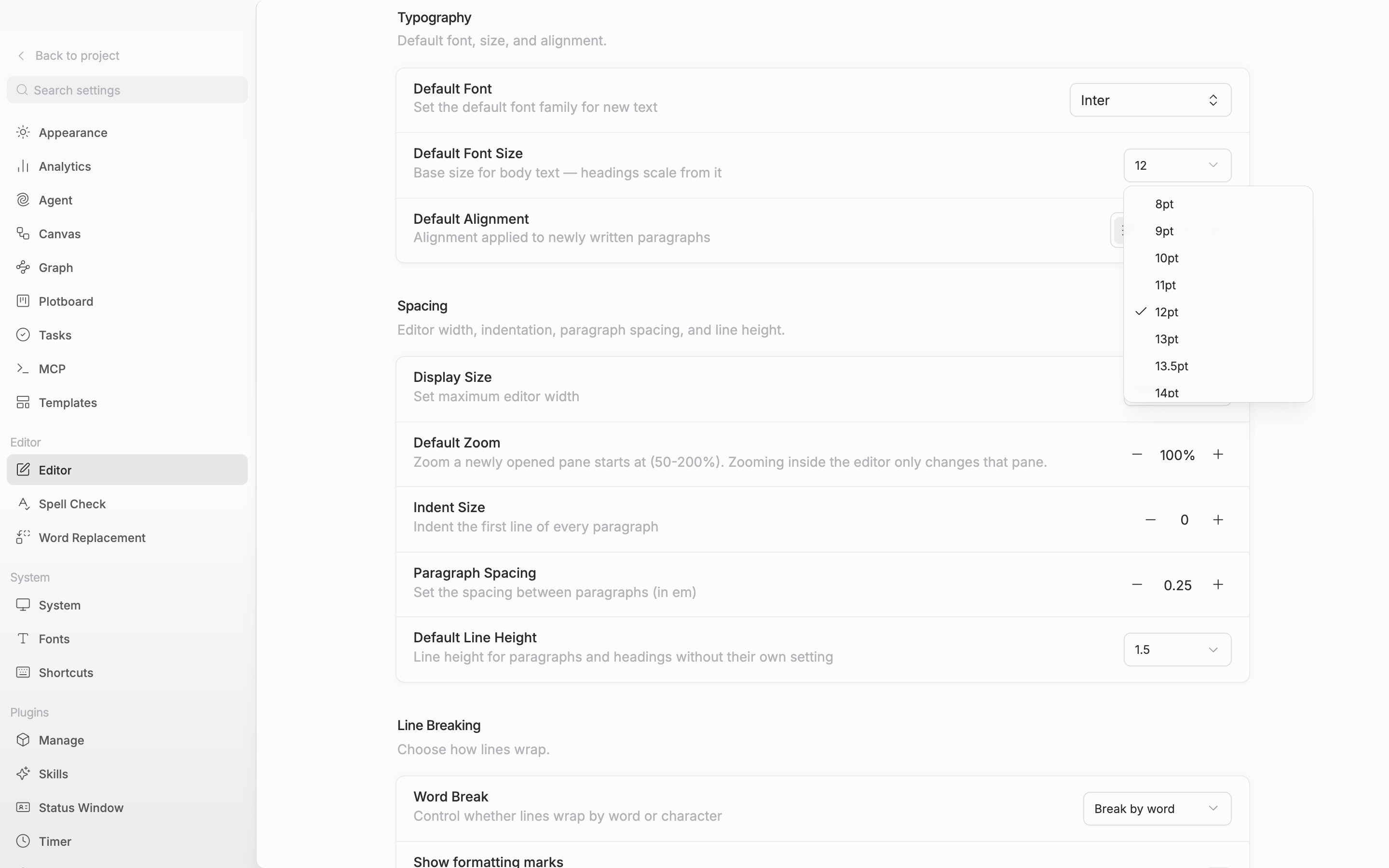
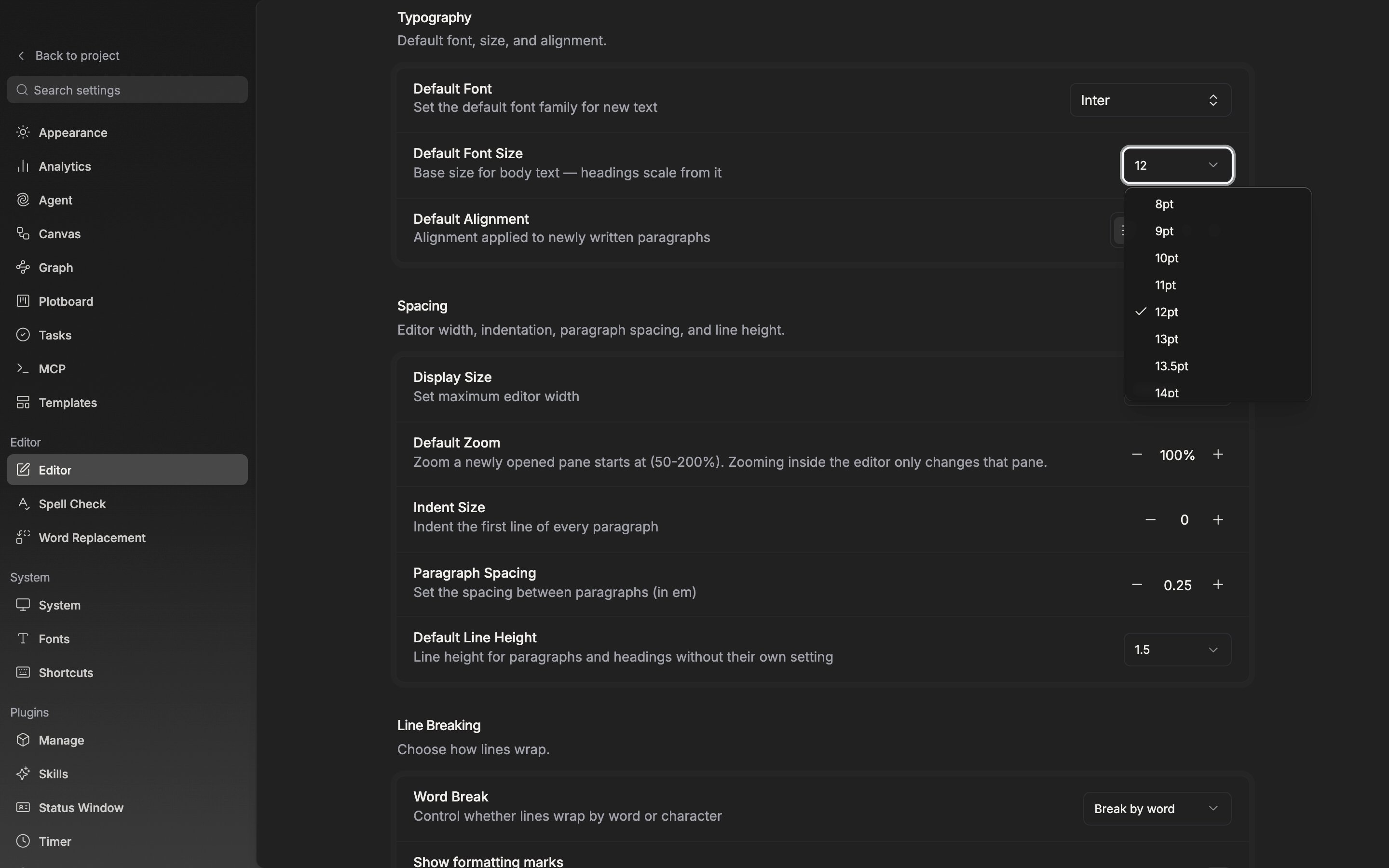
**Default Font Size** under **Typography** is the size of one body paragraph. The default is 12pt and the list runs from 8pt to 72pt, but you can also type a number straight into the field. Decimals like 13.5 are accepted, and pt is appended for you. Headings follow it by a multiple. With the body at 12pt, a level 1 heading is 24pt and level 2 is 18pt.

Line height is **Default Line Height** under **Spacing**. Nine steps from 1.0 to 3.0, with 1.5 as the default. It leaves paragraphs you gave a line height of their own alone, and reaches only paragraphs and headings with no setting of their own.

<div className="app-window block dark:hidden">
  <img src="https://mintcdn.com/raumlabsinc/GnwEix8Pn4ktt2lZ/images/en/writing/editor-settings--01.png?fit=max&auto=format&n=GnwEix8Pn4ktt2lZ&q=85&s=8987e7ecbae8d4398ad822a18109bc60" alt="The Editor screen in settings. The Default Font Size dropdown in the Typography section is open, showing the 8pt–72pt list, with the Default Line Height row of the Spacing section visible below." width="2880" height="1800" data-path="images/en/writing/editor-settings--01.png" />
</div>

<div className="app-window hidden dark:block">
  <img src="https://mintcdn.com/raumlabsinc/GnwEix8Pn4ktt2lZ/images/en/writing/editor-settings--01-dark.png?fit=max&auto=format&n=GnwEix8Pn4ktt2lZ&q=85&s=97c9bf6f03f76d22bcd89f3d7ff6cf5f" alt="The Editor screen in settings. The Default Font Size dropdown in the Typography section is open, showing the 8pt–72pt list, with the Default Line Height row of the Spacing section visible below." width="2880" height="1800" data-path="images/en/writing/editor-settings--01-dark.png" />
</div>

<p className="app-caption">Set the body size and heading sizes follow it by a multiple.</p>

## Word break

**Word Break** under **Line Breaking** decides how a line wraps at the right edge. **Break by word** does not split a word; it drops the whole word to the next line. **Break by character** breaks per character, keeping the right edge straight. The default is by word.

## Markdown, slash, and mentions

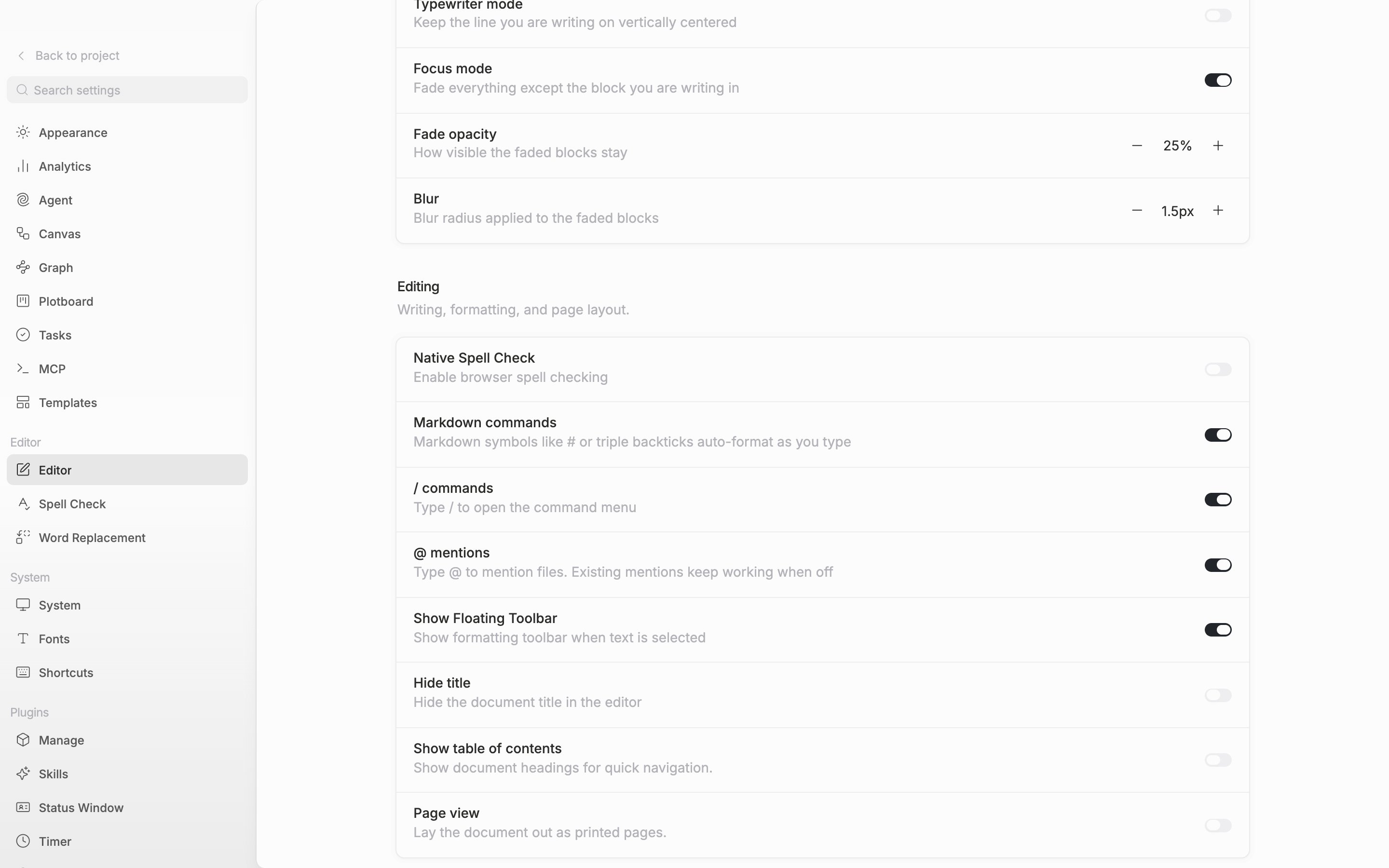
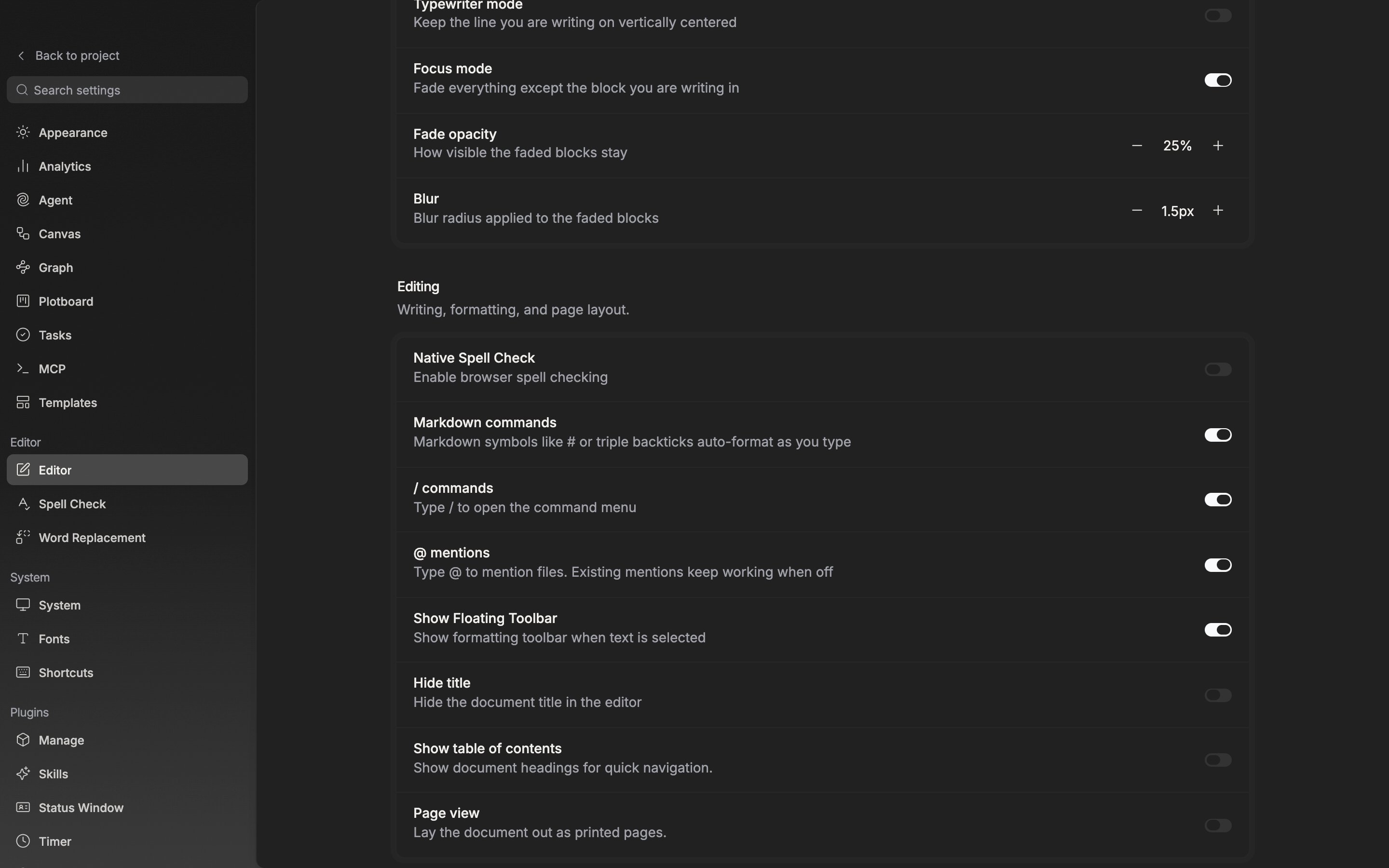
The three switches under **Editing** all start on.

**Markdown commands** turns symbols at the head of a line — `#` and a space, `-` and a space, `---` — into formatting. Turn it off to keep symbols as symbols. `*  *  *`, used for a scene break, does not become a list even with it on. **/ commands** brings up the formatting and insert menu, and **@ mentions** links documents, sheets, folders, plotboards, and canvases from the same project into the body. Turn mentions off and the mentions already placed can still be clicked through.
<div className="app-window block dark:hidden">
  <img src="https://mintcdn.com/raumlabsinc/GnwEix8Pn4ktt2lZ/images/en/writing/editor-settings--02.png?fit=max&auto=format&n=GnwEix8Pn4ktt2lZ&q=85&s=c48246cd7e562fd61c328a8838146283" alt="The Editing section in view. The Markdown commands, / commands, and @ mentions rows sit one after another and all switches are on." width="2880" height="1800" data-path="images/en/writing/editor-settings--02.png" />
</div>

<div className="app-window hidden dark:block">
  <img src="https://mintcdn.com/raumlabsinc/GnwEix8Pn4ktt2lZ/images/en/writing/editor-settings--02-dark.png?fit=max&auto=format&n=GnwEix8Pn4ktt2lZ&q=85&s=a83101351418c6fedd87a7829021402e" alt="The Editing section in view. The Markdown commands, / commands, and @ mentions rows sit one after another and all switches are on." width="2880" height="1800" data-path="images/en/writing/editor-settings--02-dark.png" />
</div>

<p className="app-caption">The three input methods are turned off one by one.</p>

## How far each one follows

Font size, line height, and word break attach to the document, so people working with you see the same shape. The three switches are settings that reach your hands alone, so other people's screens stay as they were. The values here are defaults; where a particular document has a value changed on its own, that one wins in that document.
