Open Settings and pick Billing in the Workspace group on the left.
The Current Plan card at the top carries the name of the plan you are on and a status badge. The badge takes the status as it is — Active, Free trial, Canceling, Payment failed — and on a free plan it holds only Current plan. On the right sits the Current period end date, or, if you have scheduled a cancellation, the date it cancels.
Changing your plan
Above the card, the paid plans higher than your current one are laid out one card each. Click the upgrade button on the card you want and a checkout window opens in your default browser. When you finish paying, you are returned to the app and the plan information refreshes on its own.
If you are already on a paid subscription, the same button leads to the billing portal. It is not a new purchase but the place where you swap the current subscription, so it is prorated for the remaining period. Manage plan at the right of the card goes to the same page.
To set the limits side by side and choose, click Compare plans. You can move between Monthly and Annual to check the figures, and go straight through with the button on each column, such as Choose Pro.
If a cancellation is scheduled, the button changes to Keep subscription. Click it to undo the schedule and renewal continues after the period ends.
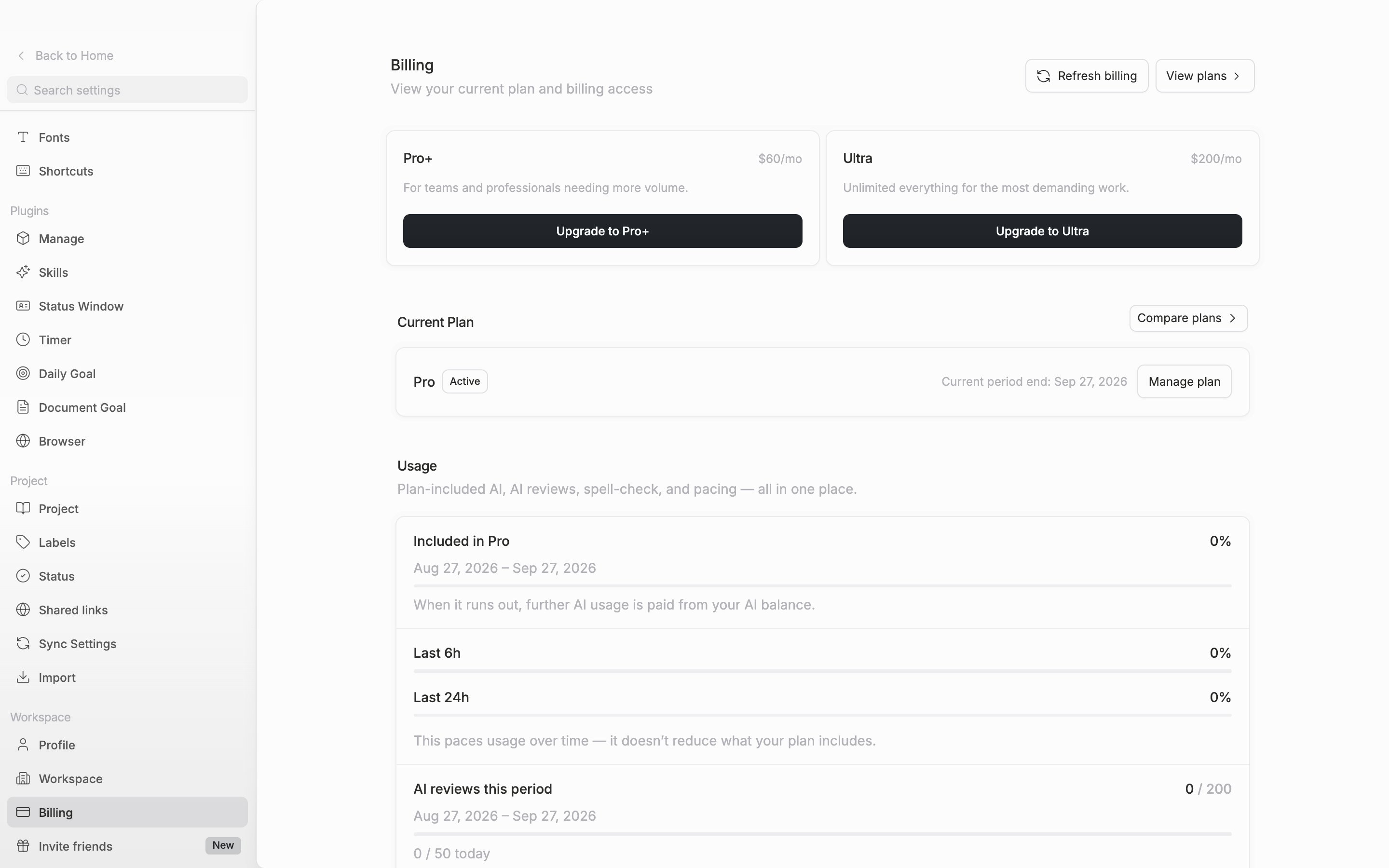
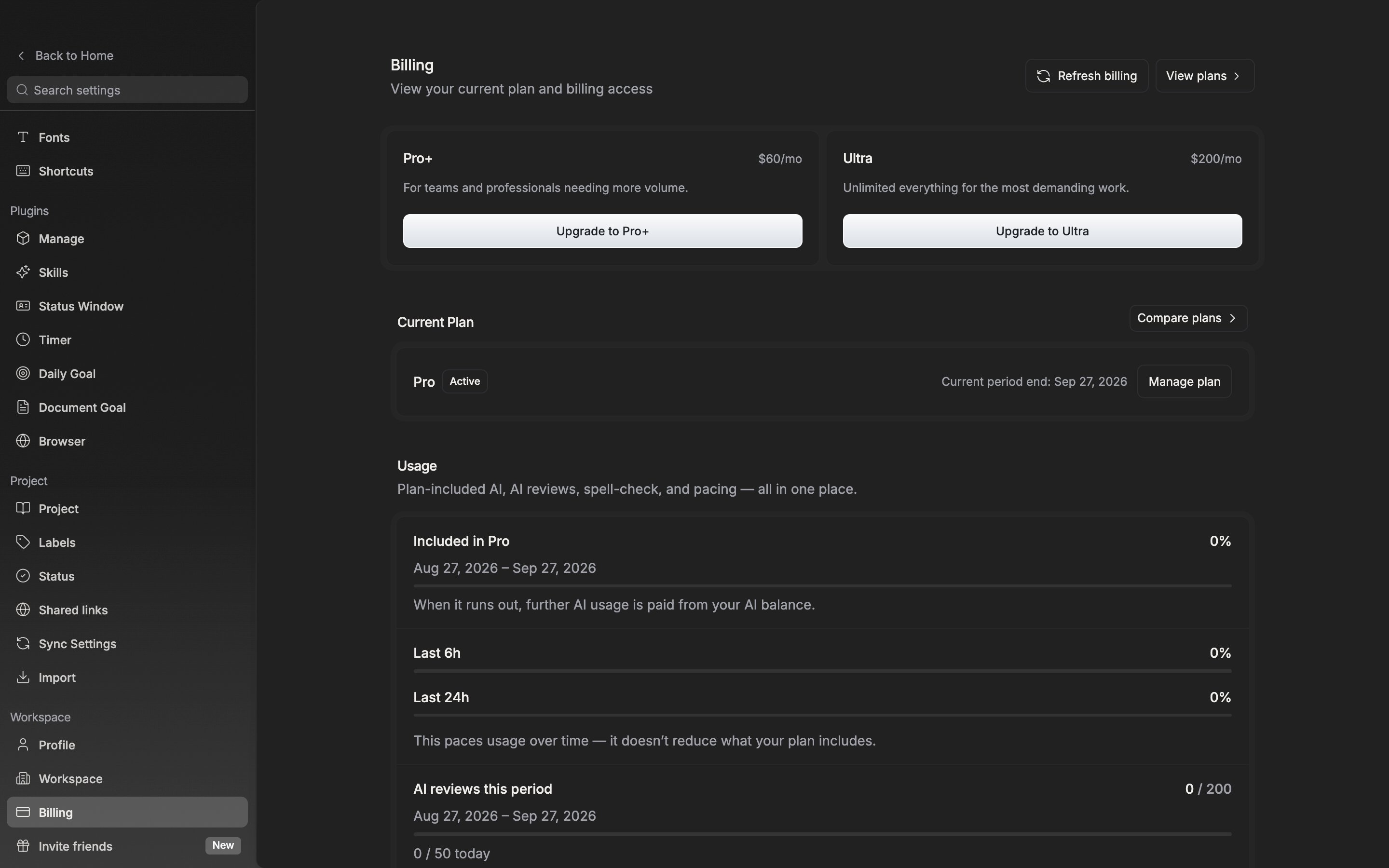
The plan name, the status, and the next renewal date are gathered on one card.
Payment method
Card details and past invoices are handled on the billing page, not inside the app. Click Manage plan and a browser opens where you can change the card or view your payment history.
When a payment fails
If the card charge does not go through, a Payment failed notice attaches below the current plan card. Features still work as usual at that point, because the subscription stays alive while the retry runs. So apart from this notice there is no visible signal. If the retry fails in the end, the subscription is cut off.
Click Update payment and the billing portal opens. The outstanding invoice and the card replacement are both there.
If you finished paying in the browser and the screen has not moved, click Refresh billing at the top right.