

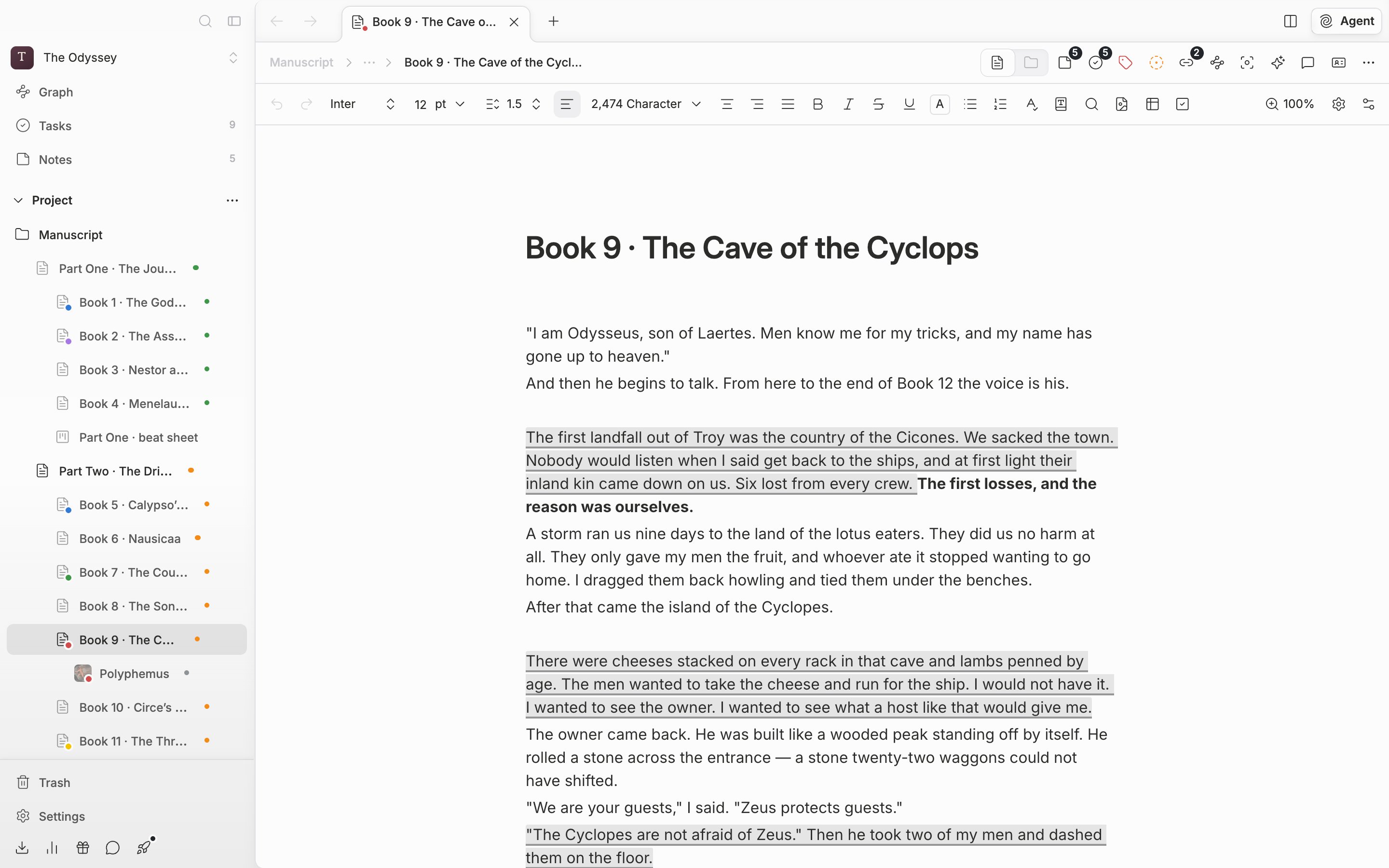
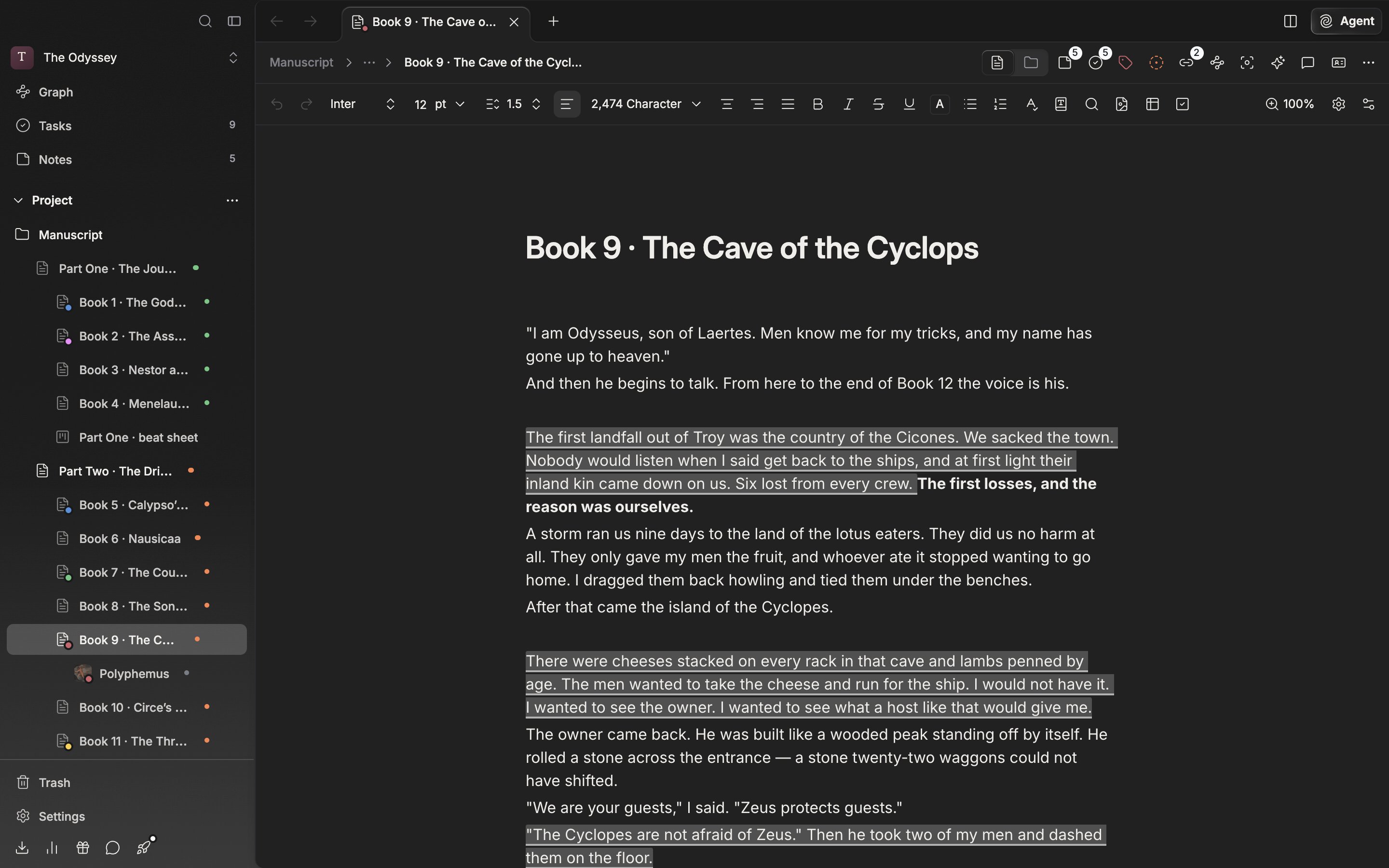
The formatting toolbar above the document. Font, font size, and line spacing are gathered on the left.
- Font, font size, line spacing. What you pick here reaches the body straight away.
- Zoom. It enlarges the screen without changing the font size — covered separately in Zooming in and out.
- Customize Toolbar. Choose which buttons sit on the toolbar — see Customizing the toolbar.
First, how far formatting reaches
The reach of font and font size depends on what you had selected when you picked them.- With only the cursor placed, it reaches the whole paragraph. It is stored as a property of the paragraph itself, so the next paragraph you make with Enter inherits the same value. This is the convenient way to write a whole chapter in one serif face.
- With the whole paragraph selected, it likewise becomes a paragraph property. Fonts set on parts inside it are wiped. Use this to tidy up mixed formatting.
- With only part of a sentence selected, it reaches that range alone and leaves the rest of the paragraph untouched.
Font and font size
The font list starts with the default font at the top, with the rest below a divider. Korean faces worth using on a manuscript are in there — Nanum Myeongjo, Gowun Batang, HCRBatang, RIDIBatang. Fonts you brought in yourself are grouped separately at the bottom. You bring them in with Import Font on the Fonts tab in settings. A manuscript that arrives carrying a font not on the list shows Unknown.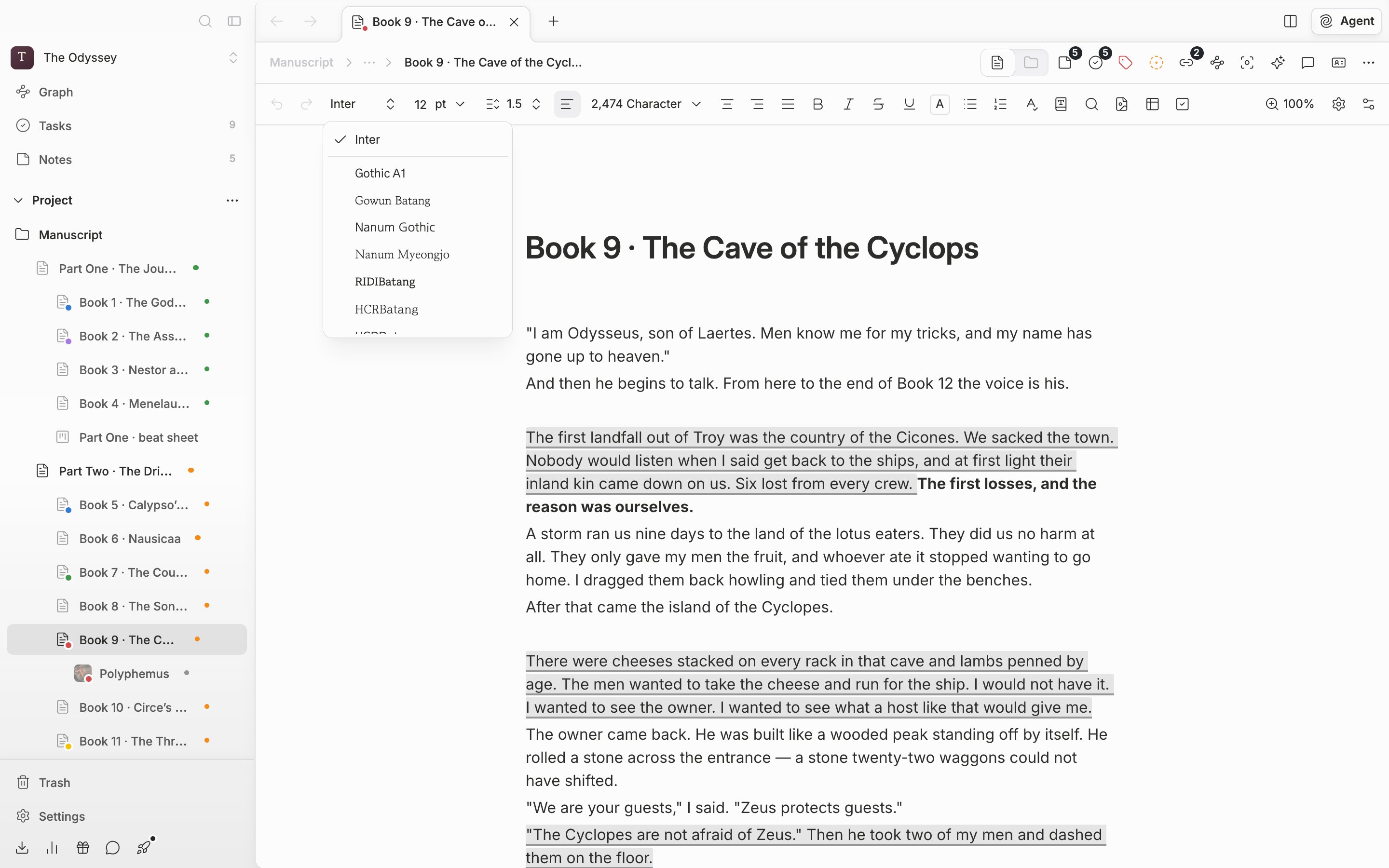
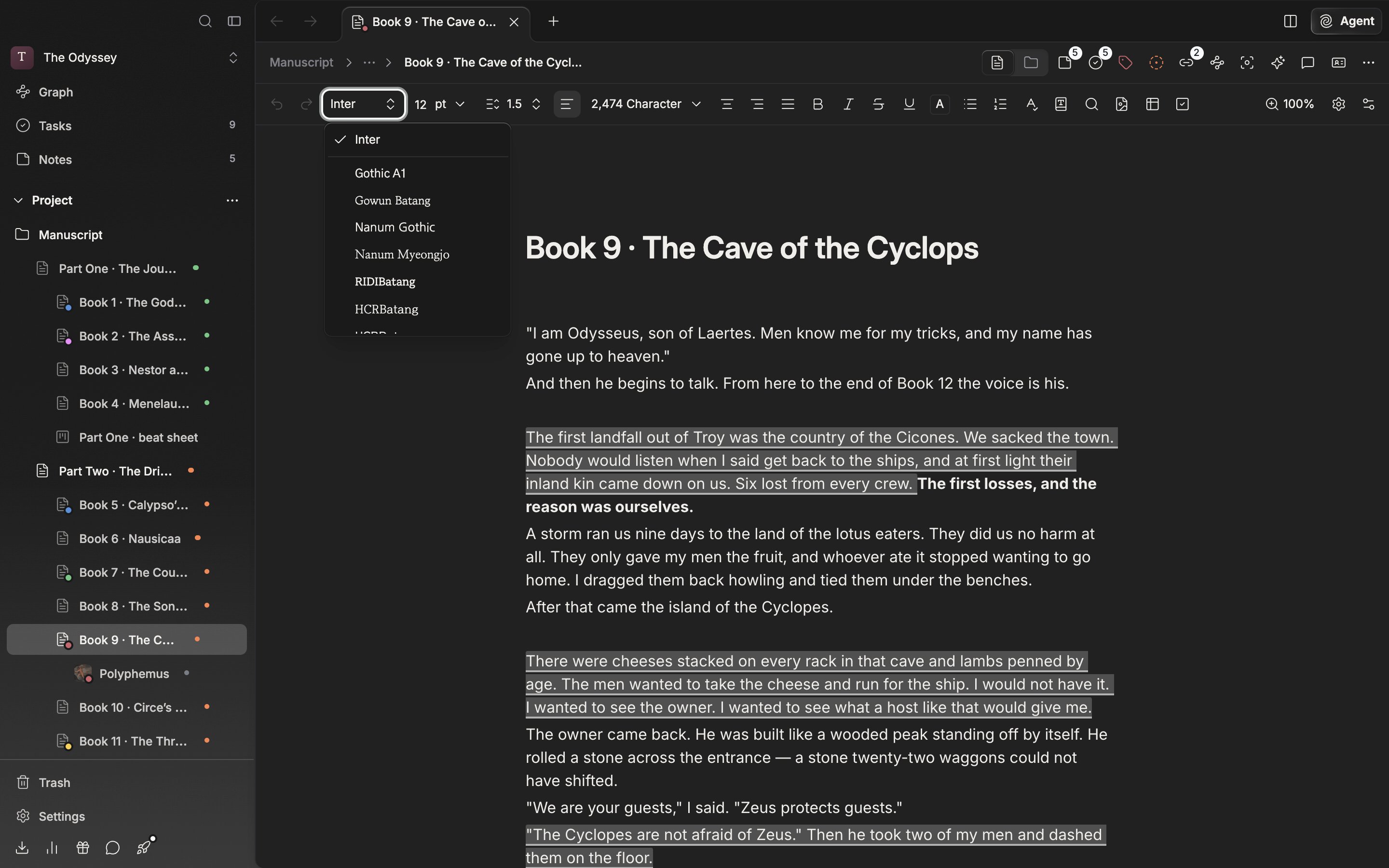
The font list. The default font at the top, the rest below the divider.
For font size, type a number in and press Enter, or press the arrow beside it and pick from the values prepared between 8pt and 72pt. The unit is pt, clipped to between 1 and 999.