

Where the window opens
On the home screen, click “Send Feedback” at the very bottom of the left sidebar. Inside a project, the speech-bubble icon near the bottom of the sidebar is the same spot. From any screen you can also open it with Cmd(Ctrl)+G+F. The Shortcuts tab in settings lists it under the name “Feedback”.Writing it
When the window opens, a category dropdown sits under the line “Please leave feedback.” There are five — Bugs & Issues, Feature Requests, UI/UX, Performance, Documentation — and Bugs & Issues is picked at first. Write what you have to say in the wide box below it. The cursor lands in this box the moment the window opens, so you can start typing right away. It takes up to 1,000 characters. With not a single character in it, the “Send Feedback” button at the bottom right will not press. The app version, the screen you were looking at, and the project you had open are sent along with it. There is no need to look up the version number and write it down.One image
Click “Attach Images (JPEG, PNG, WebP)” next to the clip icon at the bottom left and a file picker opens. One image of 5MB or less. A file that breaks the rule stays in the list with a warning mark next to its name. Leave it there and you only get “Remove invalid files and try again” with nothing sent, so click the X to remove it. Once it goes, “Feedback sent successfully” appears and the window closes. When only the image upload fails, “File upload failed” appears, but the text you wrote is sent as it is.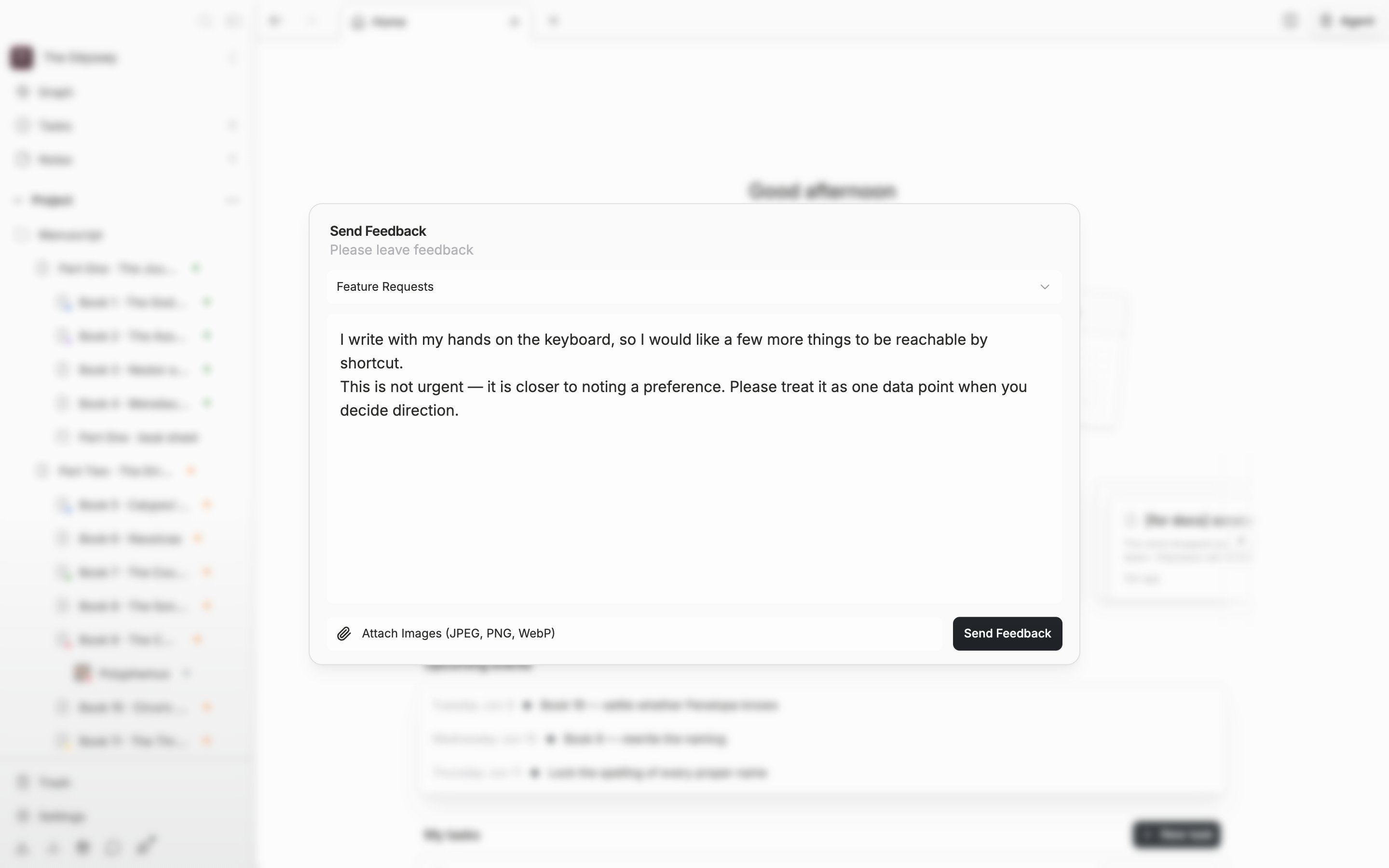
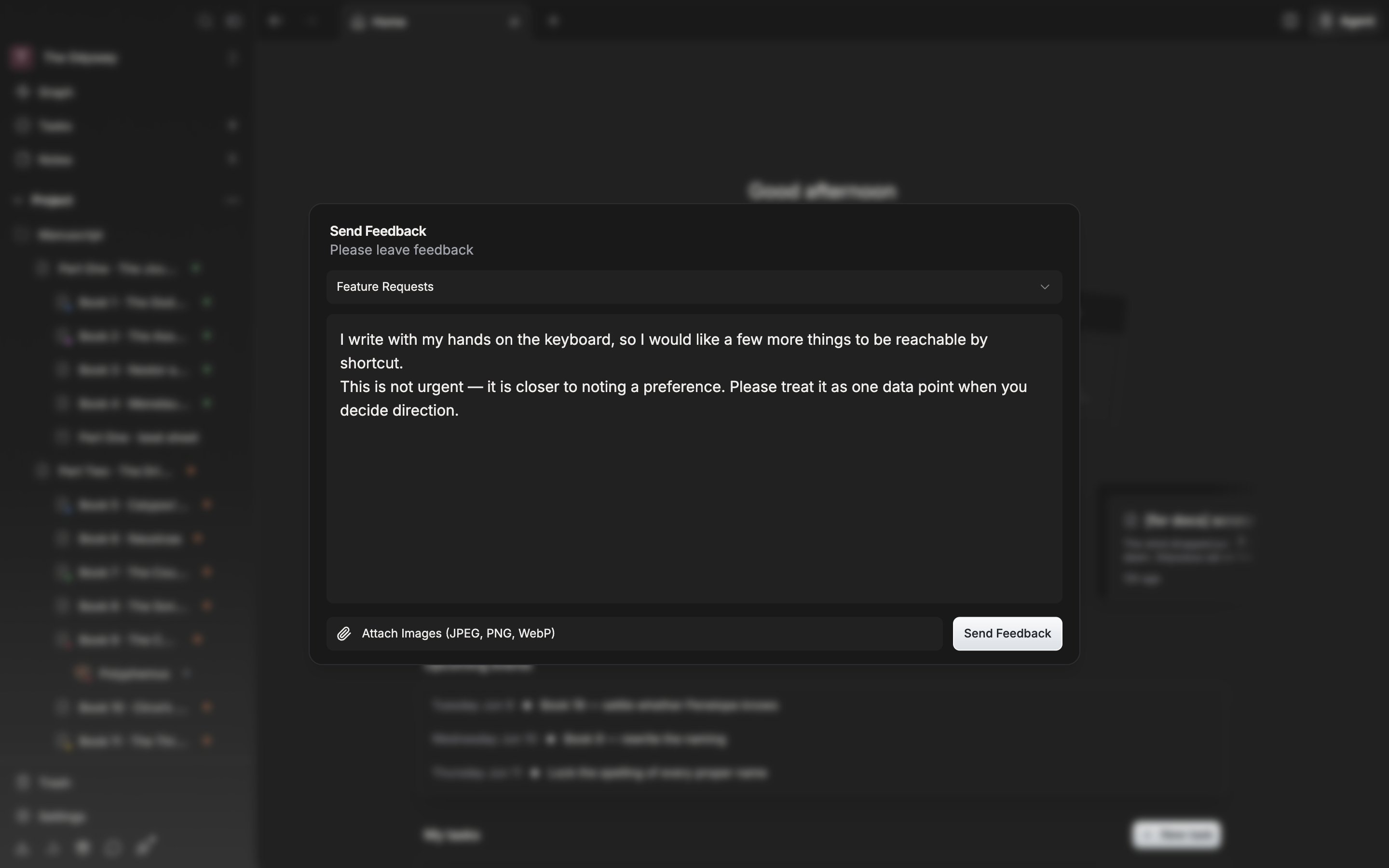
Pick a category, write what you have to say, then send it with the button at the bottom right.