

Attaching a comment to a passage
Select a sentence and press Add comment on the inline toolbar that appears. In a document it is in the right-click menu as well. Run it without a selection and all you get is “Select text to comment on”. The Comments panel opens on the right, with the chosen passage quoted above an input box. Write and press Comment, and a mark stays on the passage.Ctrl + Enter (Cmd + Enter on Mac) posts it too, and Esc is Cancel.
Click a marked passage and the panel moves to that comment; click a card and the view goes to that spot in the body.
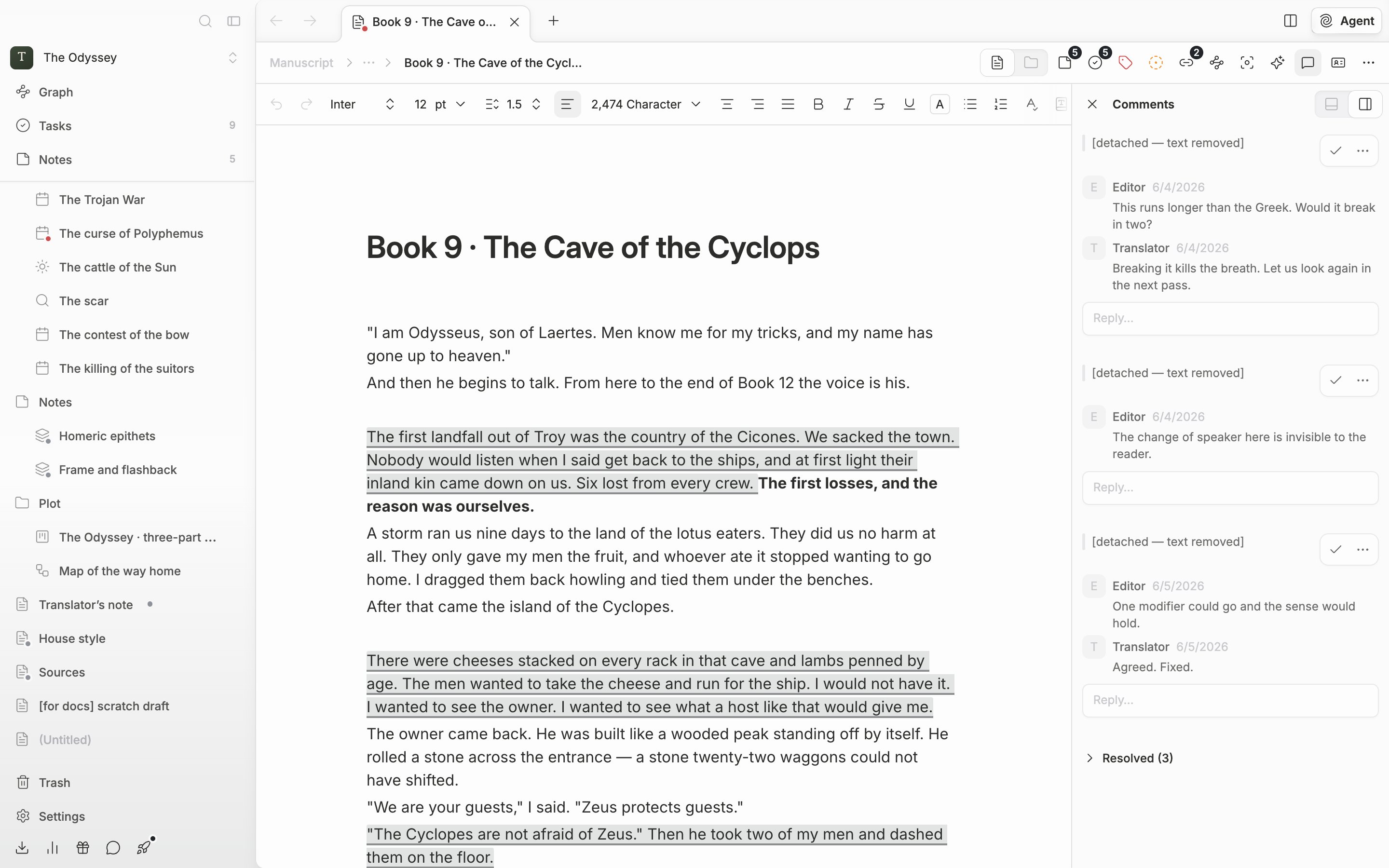
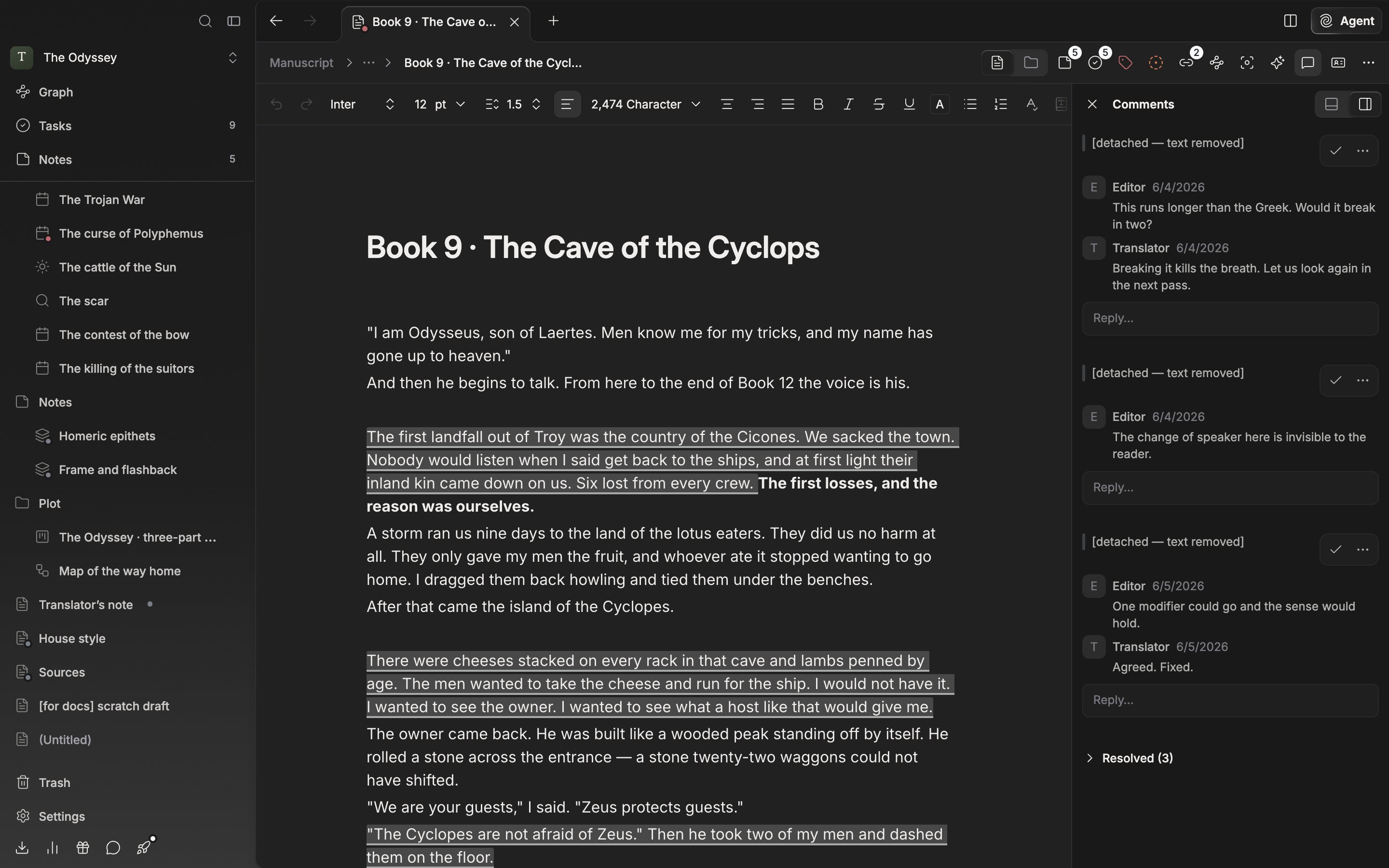
The mark in the body on the left and the card on the right make a pair.
Carrying it on with replies
Write in the Reply… field below the card and press Reply, and the conversation stacks up on the same passage. Edit and Delete show only on comments you wrote. Once you edit one, edited appears beside the name. Delete down to the last one and the whole thread goes.Resolving and reopening
Once the change is in, press Resolve. The mark in the body disappears and the card folds into the Resolved (3) group at the bottom of the list. Expand it and press Reopen to bring the mark back. To keep a record, resolve rather than Delete comment.Detached comments
Delete or undo a passage that carries a comment and the card turns into a Detached comment, marked [detached — text removed], and drops to the bottom of the open comment list, above the resolved group. The content stays, so you can read it and then delete it.![The lower part of the Comments panel. A card marked [detached — text removed] sits at the bottom of the open list, with the collapsed “Resolved (3)” group below it.](https://mintcdn.com/raumlabsinc/JcYuBBCW81V1OYpG/images/en/writing/comments--02.png?fit=max&auto=format&n=JcYuBBCW81V1OYpG&q=85&s=c028417c8b56f840bd3c7c9ec8fbcbab)
![The lower part of the Comments panel. A card marked [detached — text removed] sits at the bottom of the open list, with the collapsed “Resolved (3)” group below it.](https://mintcdn.com/raumlabsinc/JcYuBBCW81V1OYpG/images/en/writing/comments--02-dark.png?fit=max&auto=format&n=JcYuBBCW81V1OYpG&q=85&s=9af7fa296bf6859e79f8b0db843926b3)
Resolved comments and detached comments gather at the bottom of the list.
Sheets work the same way, and the comment button in the header also opens and closes the panel. It cannot be used in folder view. Duplicate a file and its comments, replies, and resolved state all go along to the copy. When you save it as a template, comments are left out.