

Your invite link
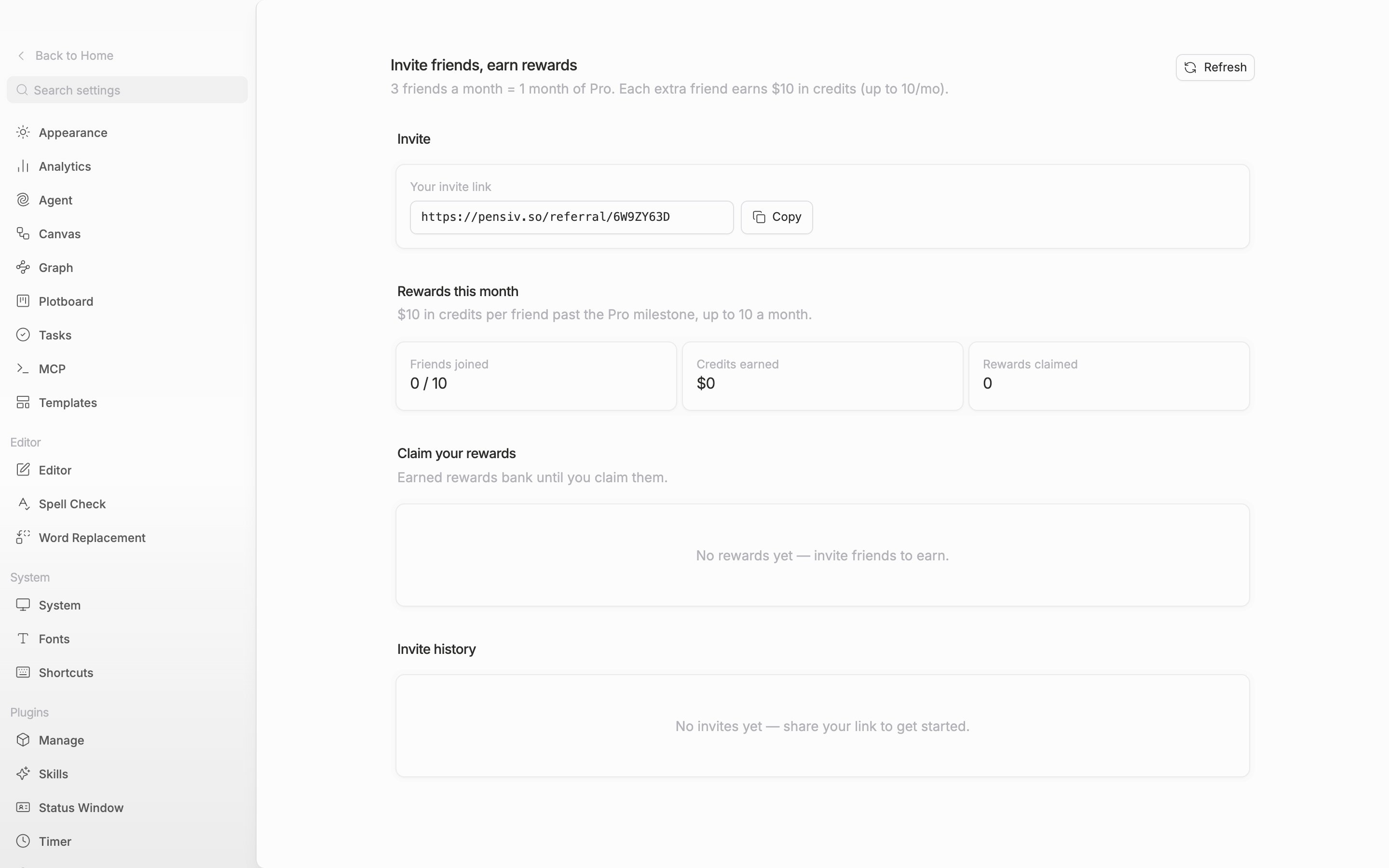
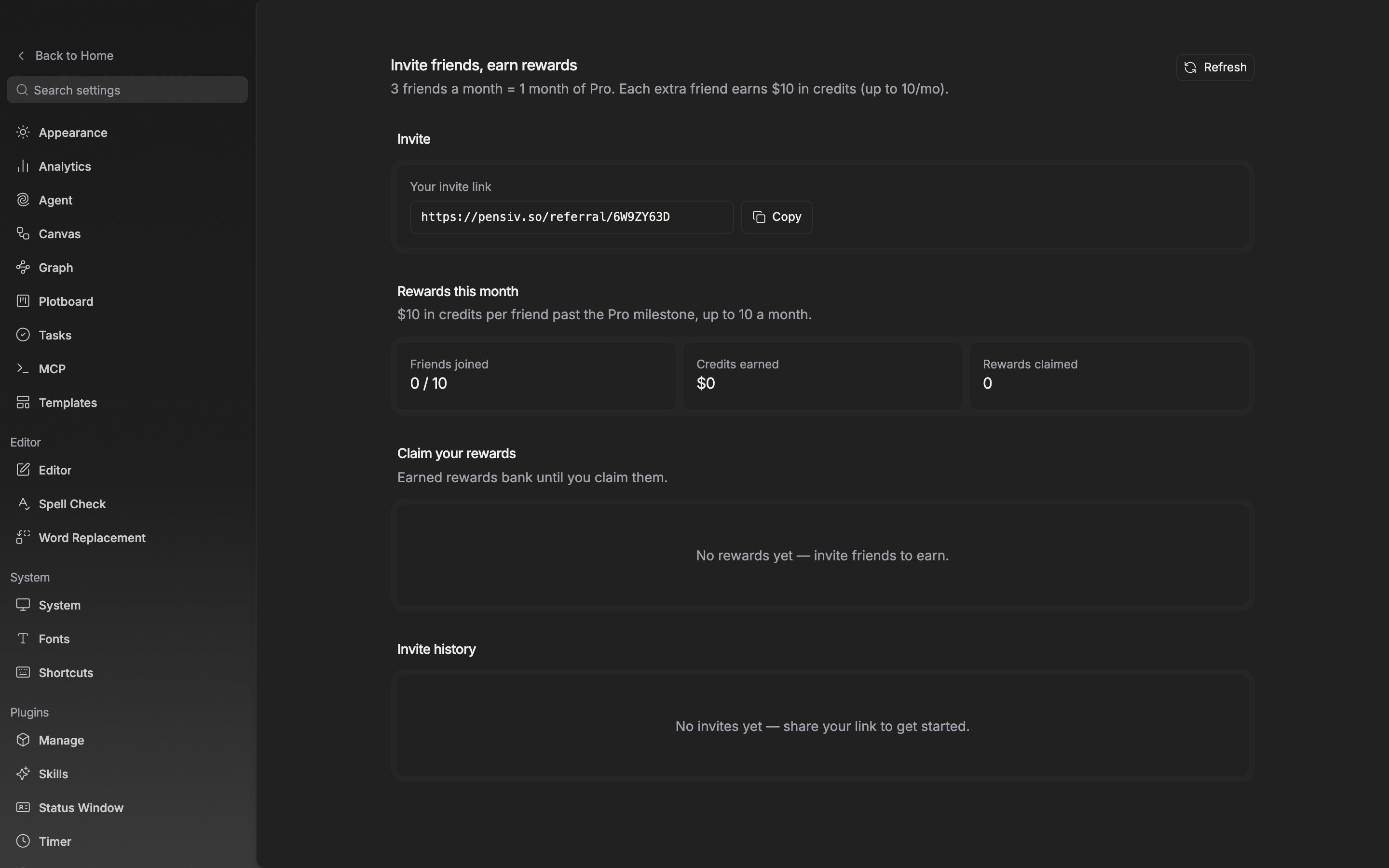
The top of the Invite card reads “Your friend gets 50% off their first month of Pro when they join with your link.” Below it, the Your invite link field holds an address starting withpensiv.so/referral/. The string on the end is the referral code, issued one per account. Click Copy and it changes to Link copied for a moment. Before it is issued, Preparing your link… is shown.
There is no way to send an invitation by email yet. The onboarding screens you go through when you first sign up also have one step for copying the same link. Even if you pressed Skip there, you can copy it again from this tab at any time.
One invite link is issued per account, and this field is the only route for inviting.
Rewards this month
Friends joined counts qualified friends in the form3 / 10, and if any invite has not qualified yet, N waiting to qualify is attached beneath it. Credits earned is the amount built up at $10 per friend past the third, and Rewards claimed is the number of times you pressed claim.
A friend has to sign up and then finish email verification before they cross over to qualified. The counting unit is a calendar month, so it starts over each month.