

How the two lock together
A plot card has a title and a description, and part cards stack vertically below them. A part card always belongs to some plot card. It cannot sit on the board on its own. Beyond the title and description, a part card also carries Tags and Mentions. Documents, sheets, plotboards, and canvases go in the mentions field. Click an attached name and you go straight to that file. The two fields open only when they hold a value or the cursor is on the card. When empty they stay folded, and the card stays short.Creating
Add New Card (Cmd/Ctrl + Shift + A) at the end of the board creates a plot card, and New Part Card (Cmd/Ctrl + Shift + M) at the bottom of a plot card creates a part card. The ··· menu at the top right of a plot card also holds New Part Card.
The buttons always append at the end, but the shortcuts differ. They insert right after the card the cursor is on, which helps when you are extending the story in the middle of an order you already worked out. A new card comes up selected, with its title filled in as New Card or New Part Card. Type over it and it is replaced.
Press Cmd/Ctrl + Shift + M on a board with no plot cards and it tells you there is no card to hold a part card, and asks you to create a card first.
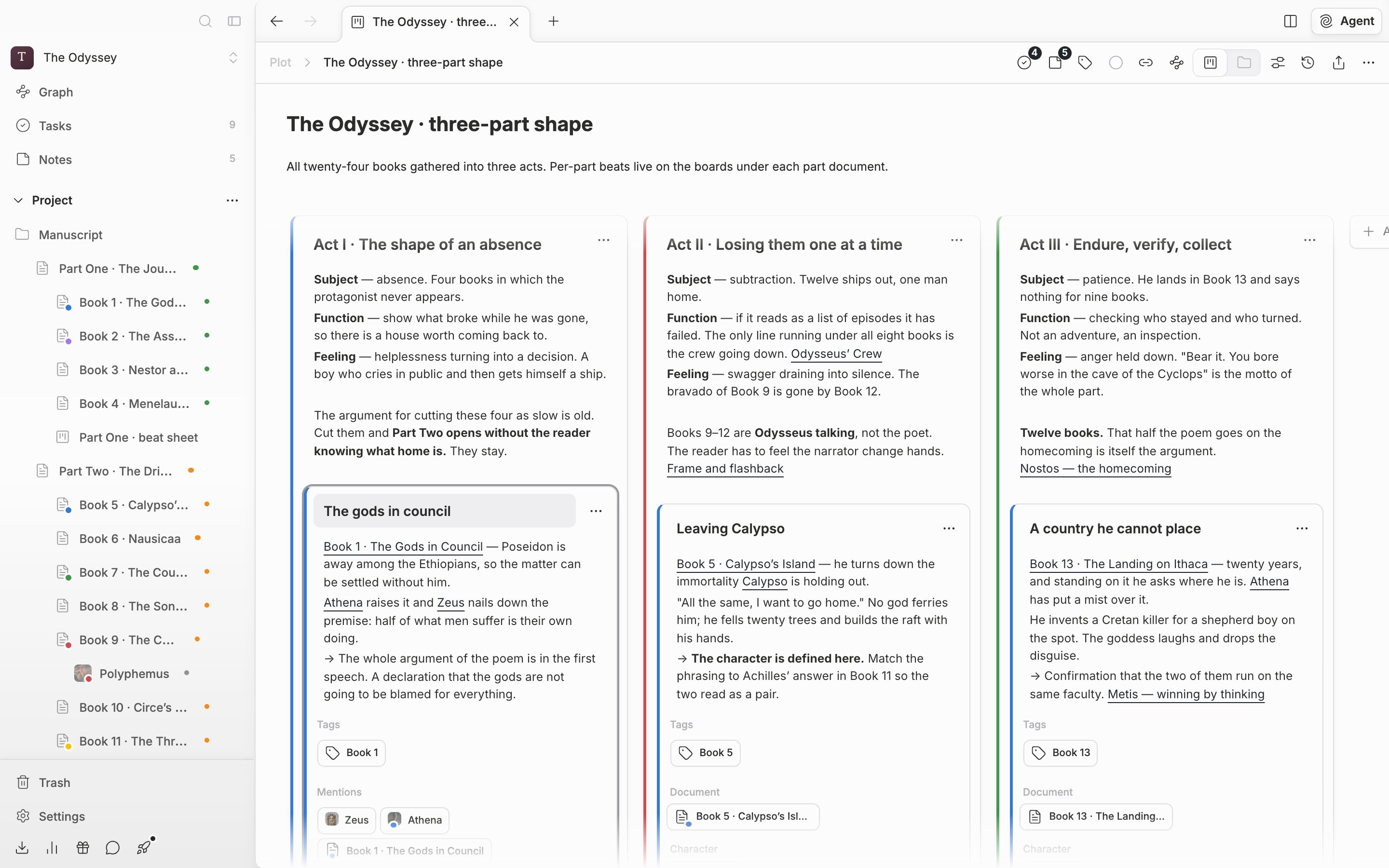
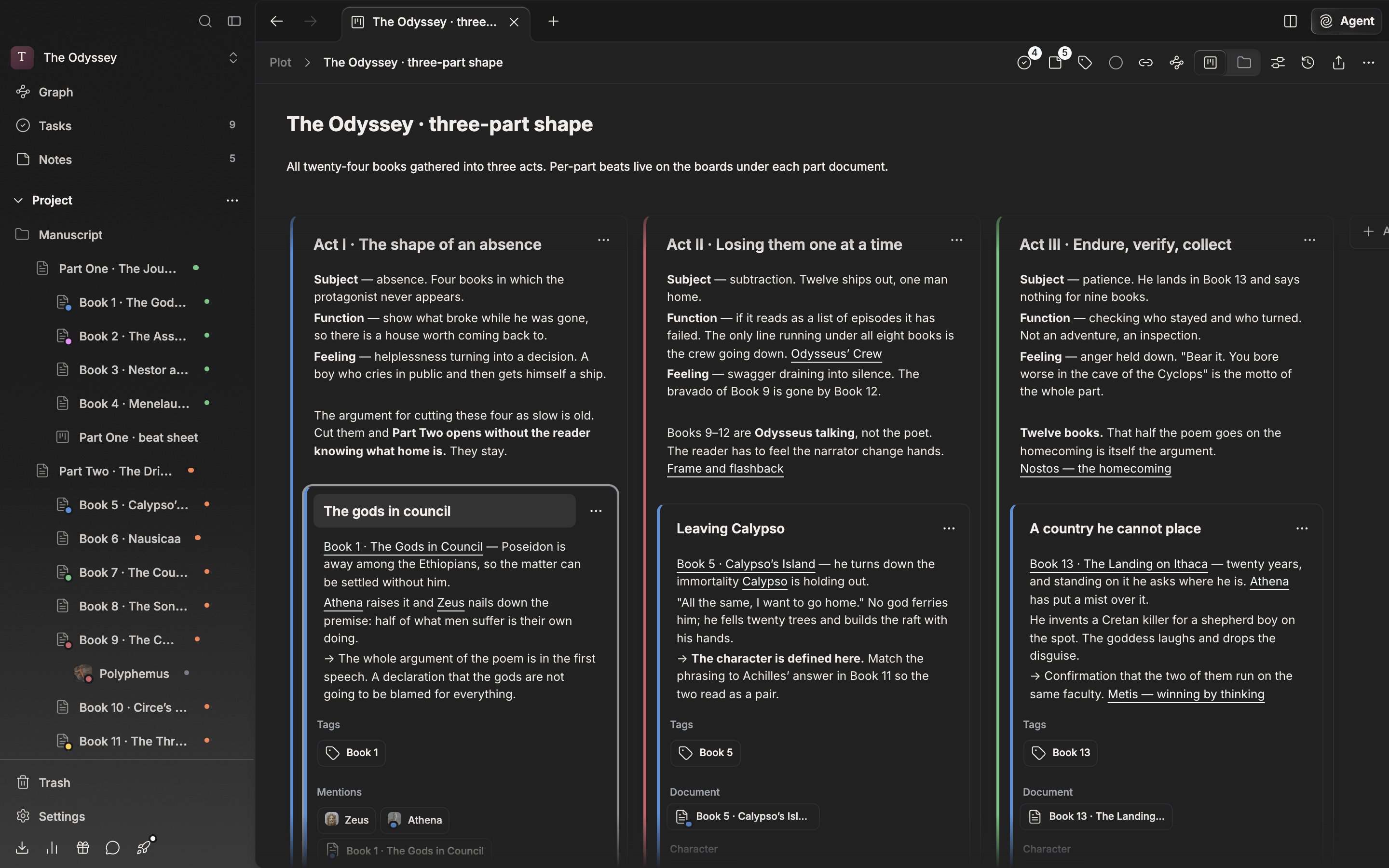
Put the cursor on a part card and the Tags and Mentions fields open.