

A look around the screen
There is a search field at the top of the sidebar, and below it All Projects and the list of collections. At the top right sit the Grid view and List view icons, the filter, and the sort control, and next to them the New collection and New Project buttons. Type in the search field and it scans project names, descriptions, and tags together. While you are searching, results spread out in one row with no collection divisions. If no project matches, it tells you “No projects match your filter or search.”Sorting and filtering
Recently updated is the default sort, and the others are Least recently updated, Newest first, Oldest first, Name (A–Z), and Name (Z–A). The filter has three settings: All projects, Cloud sync on, and Cloud sync off. What you pick is remembered, so you do not have to set it again every time you come to this screen.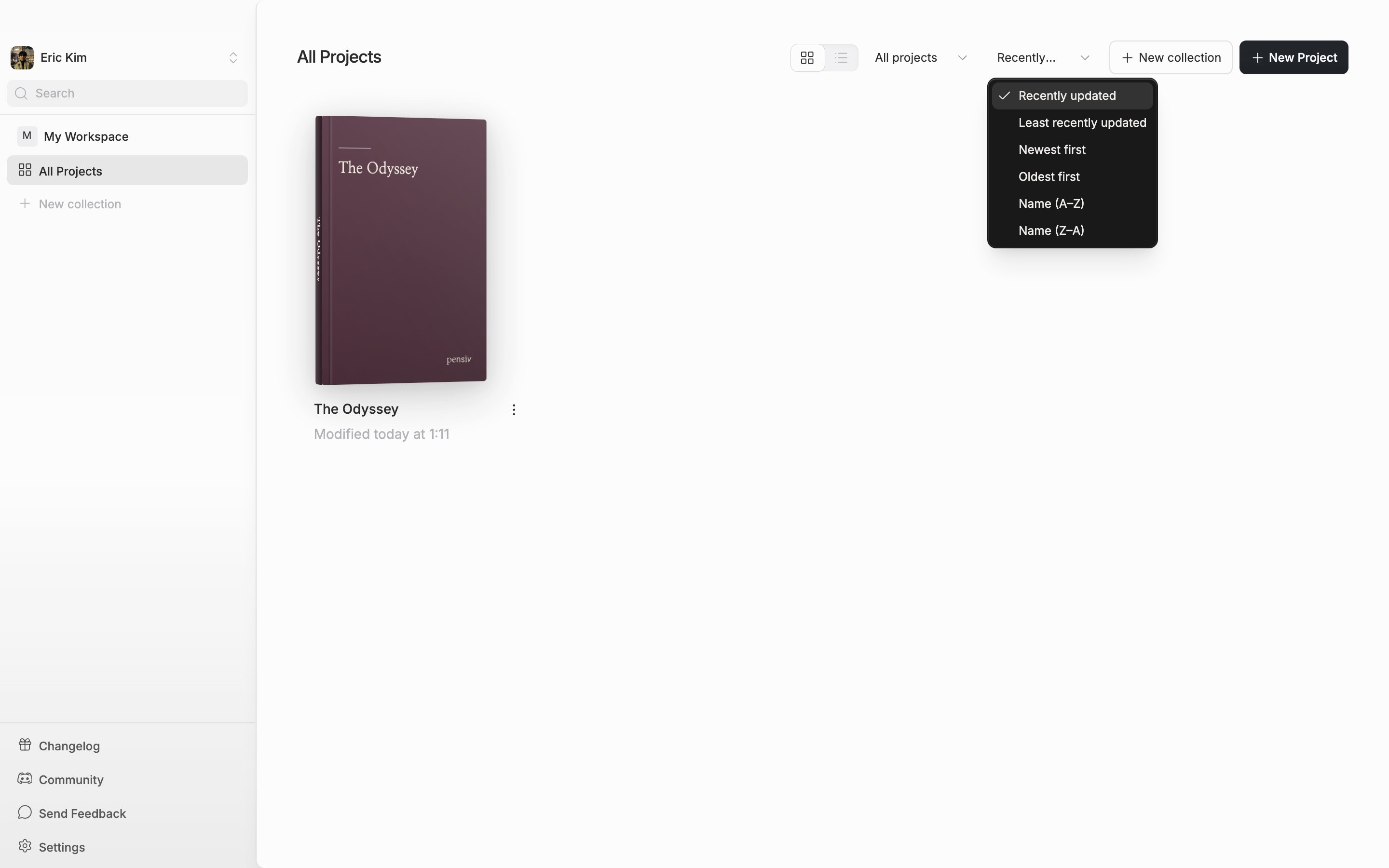
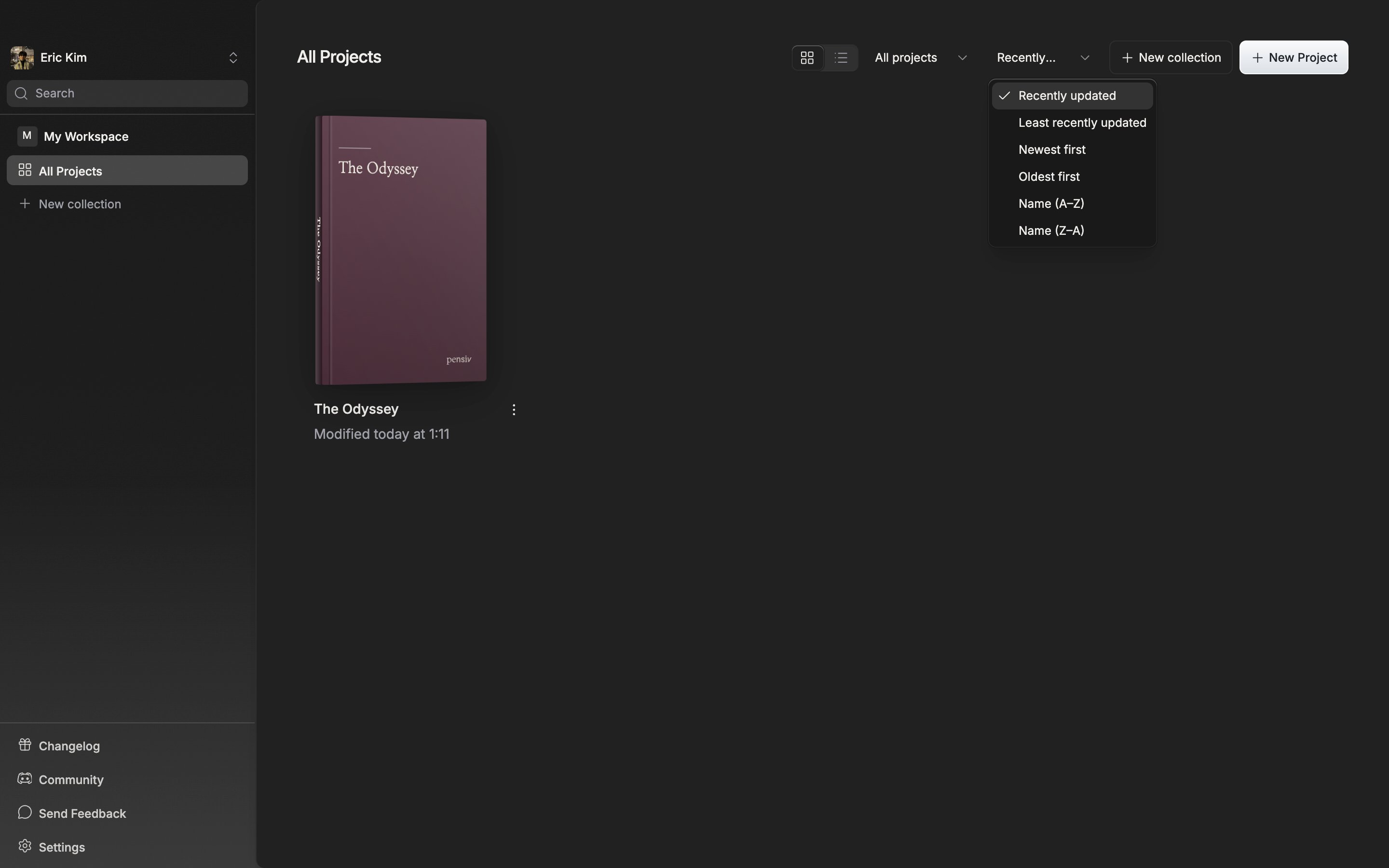
The sort menu. It reorders by modified time, created time, or name.
Grouping with collections
Press New collection and a collection appears, ready to be named on the spot. Drag a project card onto a collection in the sidebar and it goes in; drop it on All Projects and it comes back out. The three-dot button at the right edge of a card opens a settings dialog. You can pick a collection there instead. Projects you have not put in any collection gather under All other projects. Double-click a collection name in the sidebar to rename it in place, and drag the row to reorder it. Press a collection title in the middle area and that group collapses.Deleting a collection does not delete the projects inside it. They only go back to All other projects.