

Filtering by field
Write it asfield:value, joined up. A space on either side of the colon and it is not read as a condition.
The
type: values are document, sheet, folder, plotboard, canvas, plotcard, partcard, note, memo, task, label, and status. category: takes character, event, organization, item, location, worldbuilding, and other. These match Character, Event, Organization, Item, Location, Worldbuilding, and Other on screen.
A category is attached to sheets only, so applying category: drops documents and folders. Tags live on sheet properties, notes, and plot part cards. A value with a space in it cannot be used as a field condition.
Excluding
A- in front of a condition strips those items out. -category:organization removes organization sheets, and -tag:draft removes anything carrying that tag. It works on category, tag, title, and name only.
Quotes
Wrapping it up like"the girl with the sword" finds only the places where the words sit together in that order. Without the wrapping, the words match wherever they are scattered.
OR
Putting it in between, as inwolf OR hound, keeps anything that matches either one. or works too. OR splits the search terms only; a field condition applies to both sides. category:character wolf OR hound looks for the two words inside character sheets only. Joining filter-only fields such as category, tag, and type with OR leaves nothing. For title and name the value is itself a search term, so title:prologue OR title:epilogue searches down two branches.
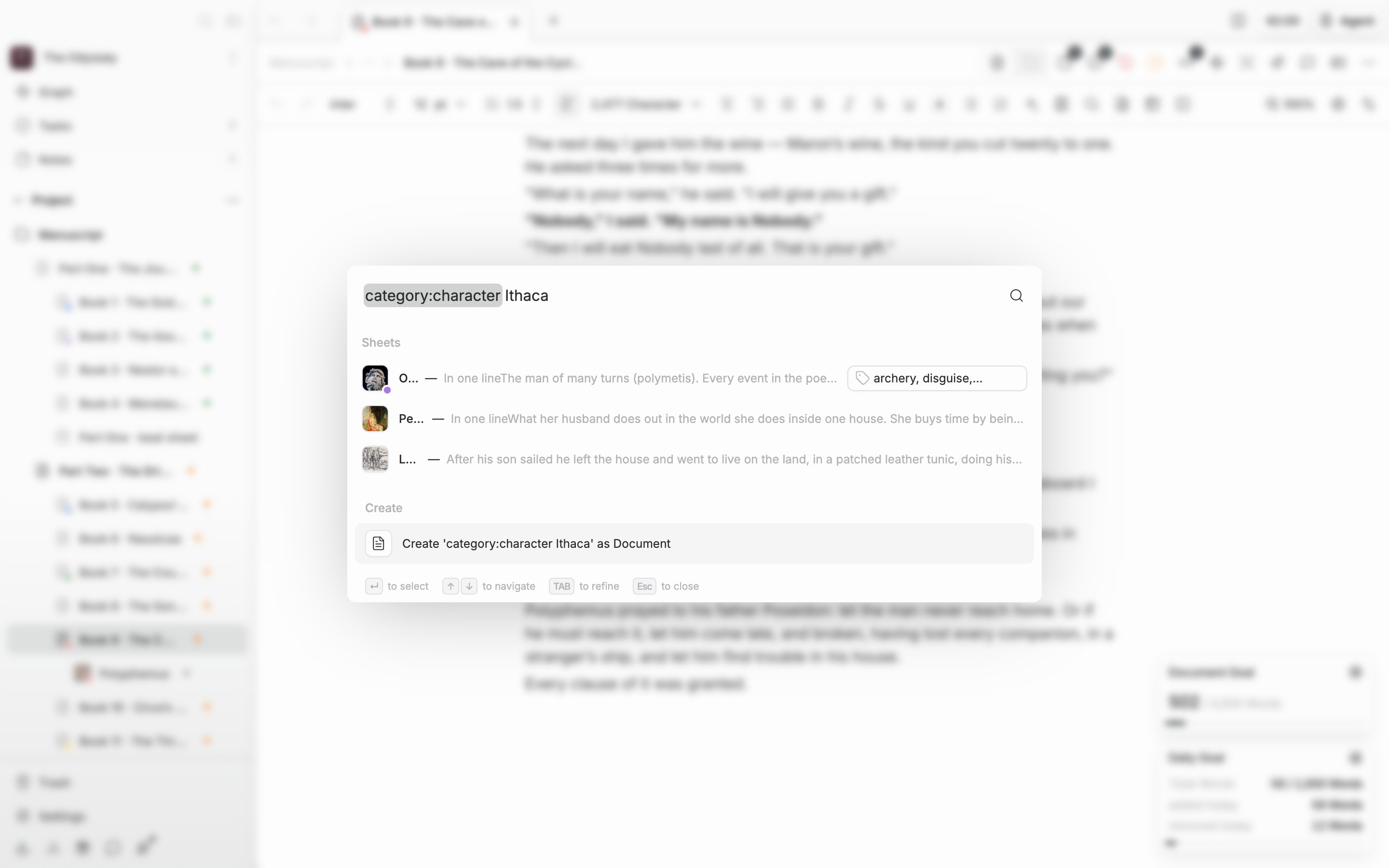
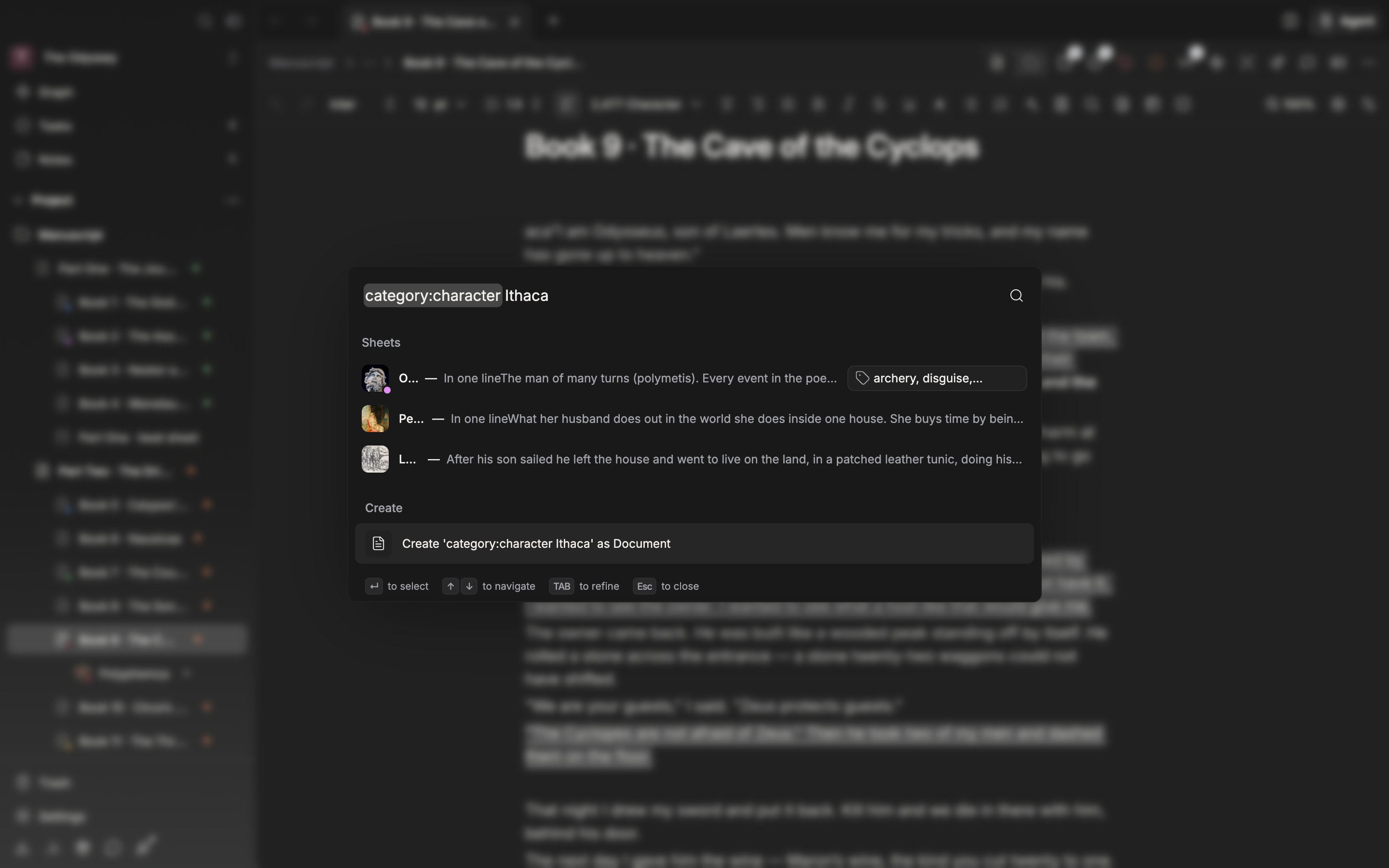
Apply a field condition and only that kind remains.
A field name that is not supported is ignored. If the results come back unusually broad, check the spelling first.