

Esc or Back to project at the top left. If you came in from Home, that same spot reads Back to Home.
There are two doors
Settings at the bottom of the project sidebar takes you into that project’s settings, andCtrl/Cmd + , goes to the same place. Settings at the bottom of the Home sidebar opens the app settings only, without a project. Choosing Settings from the command palette opens the same screen.
The only difference between the two doors is the Project group. Come in without a project open and this group is missing entirely; go straight to its address and you are sent back to the Appearance tab.
The groups in the sidebar
The top group starts without a label, and the ones below it are named.
The Plugins group gains one more row for each plugin you have turned on. Turn one off and its row disappears too, so you have to go through Manage to turn it back on. The built-in browser is also a plugin, so its settings sit in this group.
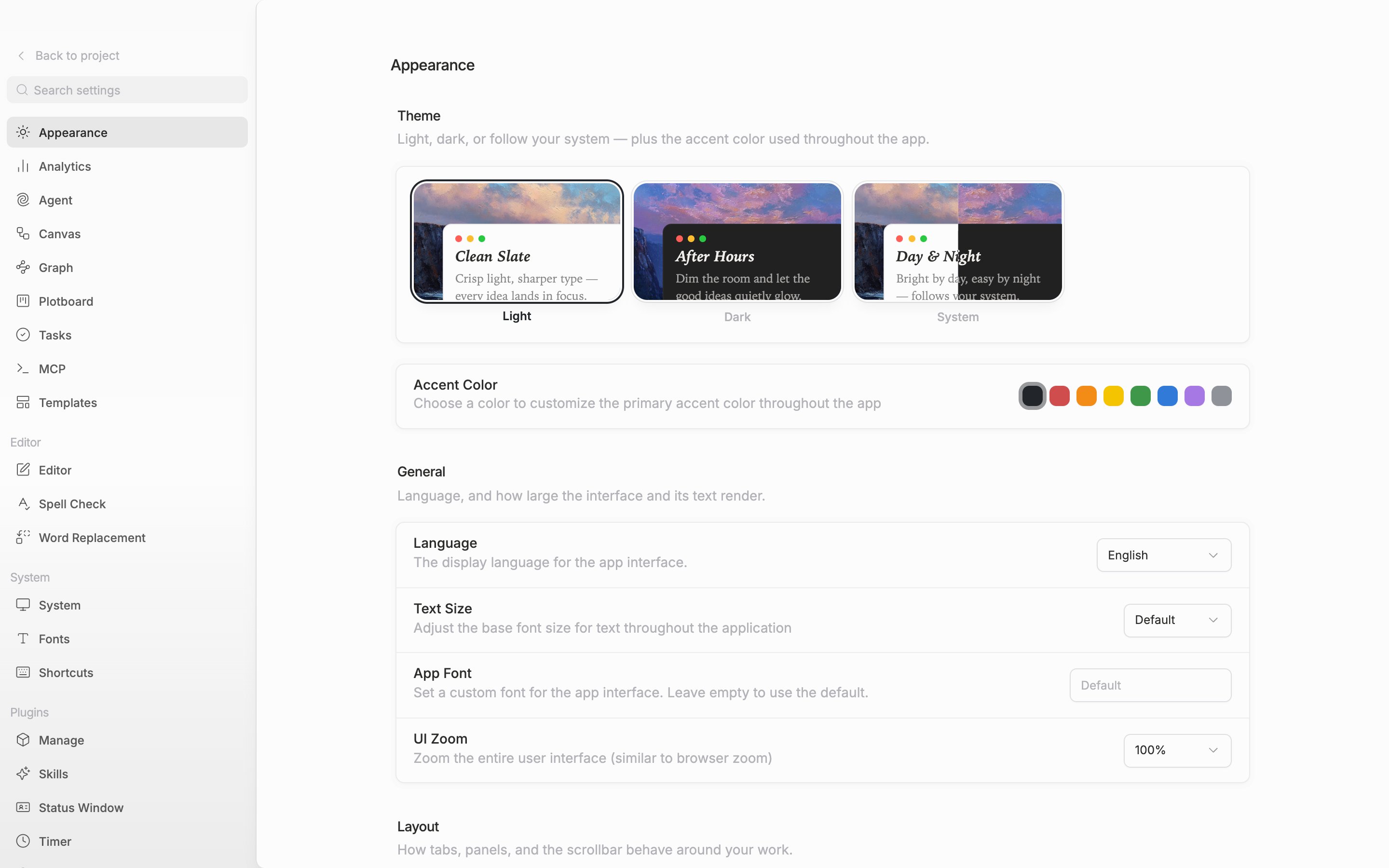
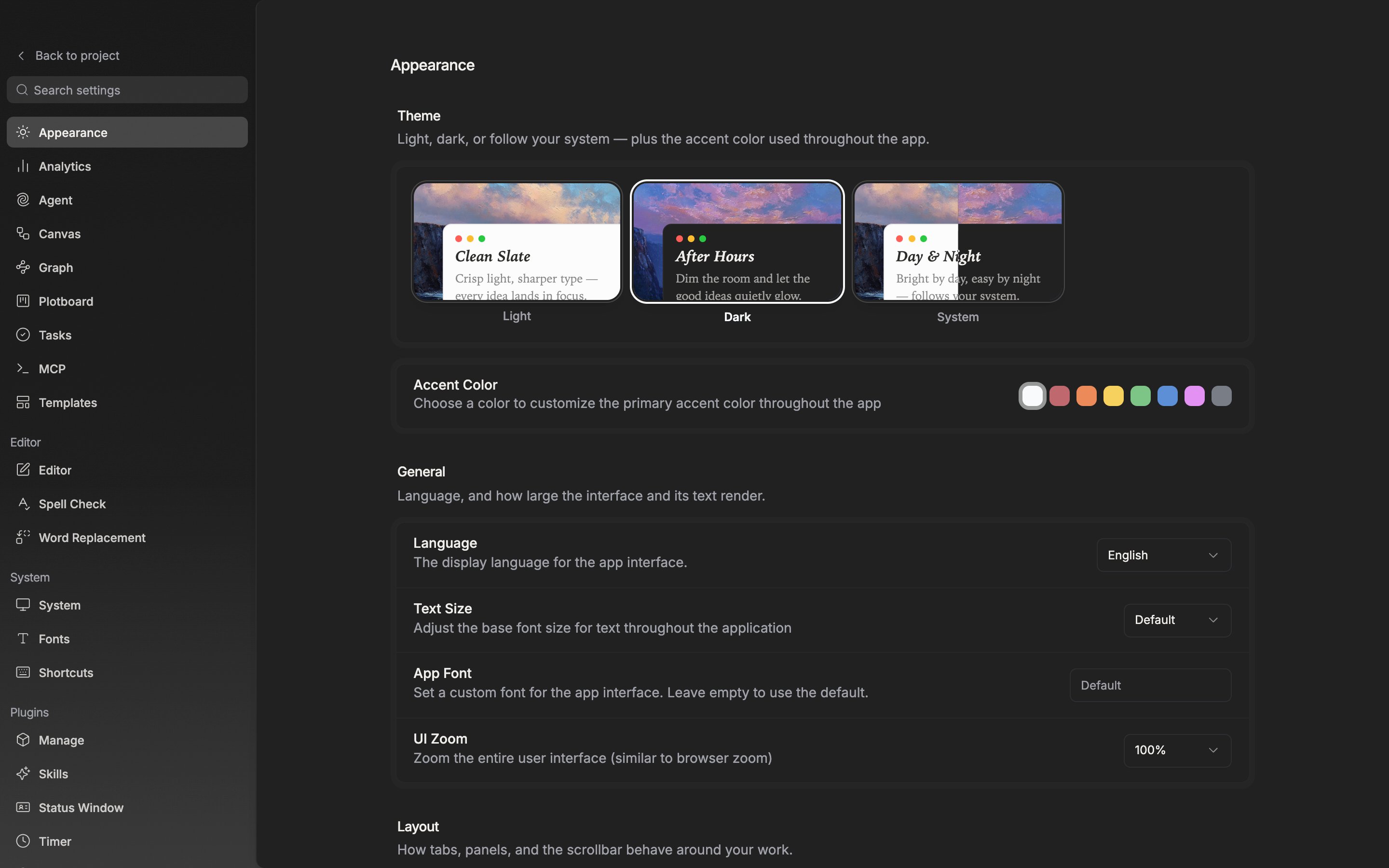
The settings sidebar. The Project group comes along only when you entered with a project open.