

Where templates gather
The Templates tab in the General group of settings. Templates saved to your account stack up one row at a time. At first there is only the line Save a file as a template or import one to get started. No default templates are installed in advance. Press the arrow at the left of a row and the files inside that template unfold as a tree. If you saved the child files with it, that structure shows as it is. Drag the handle on the left to change the order, and that order carries into the create menu. The ⋯ button at the right of a row has Rename template · Export to file · Publish to Community · Delete template. The list belongs to your account, not to a project. Open a different project and the same templates are still there.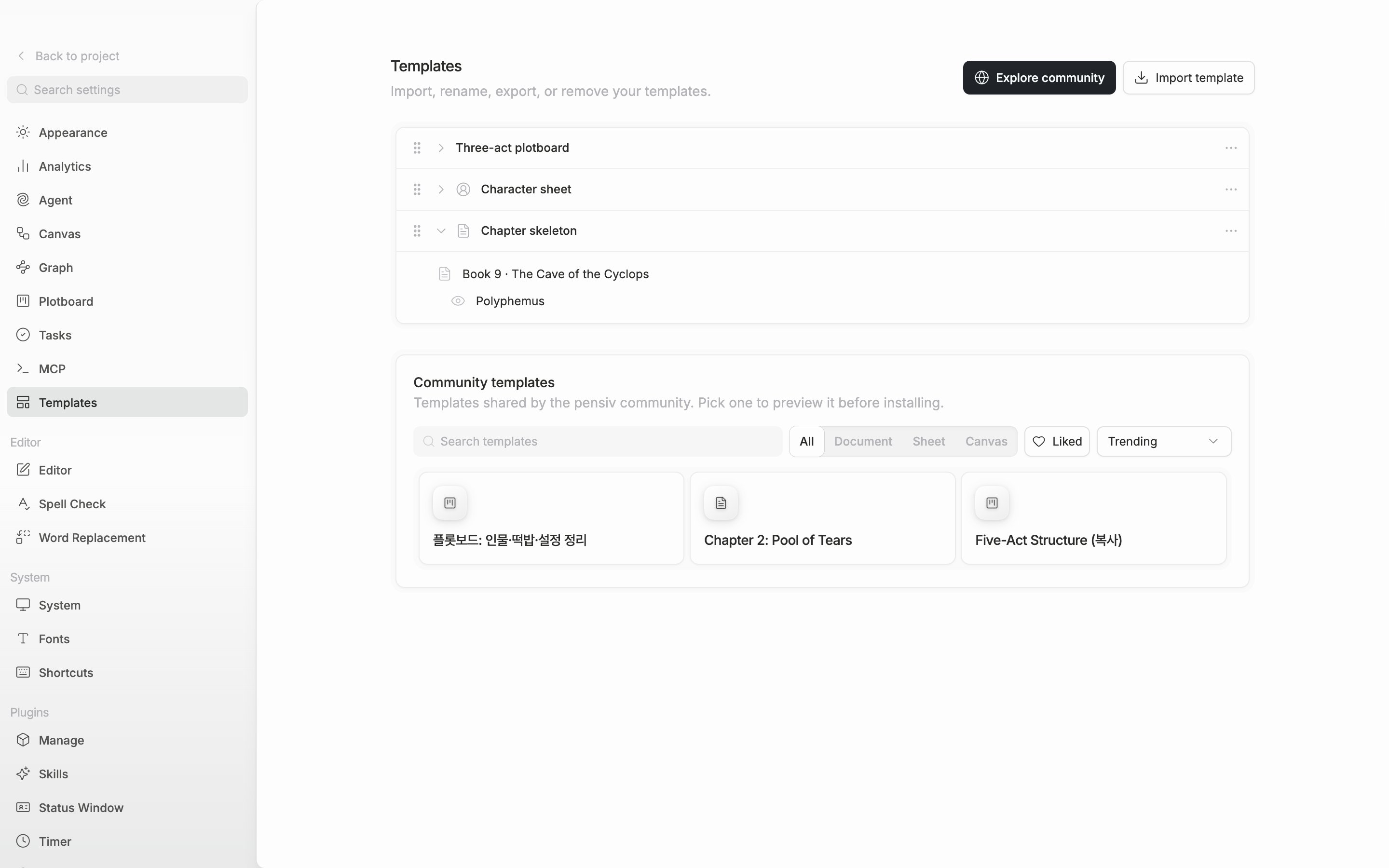
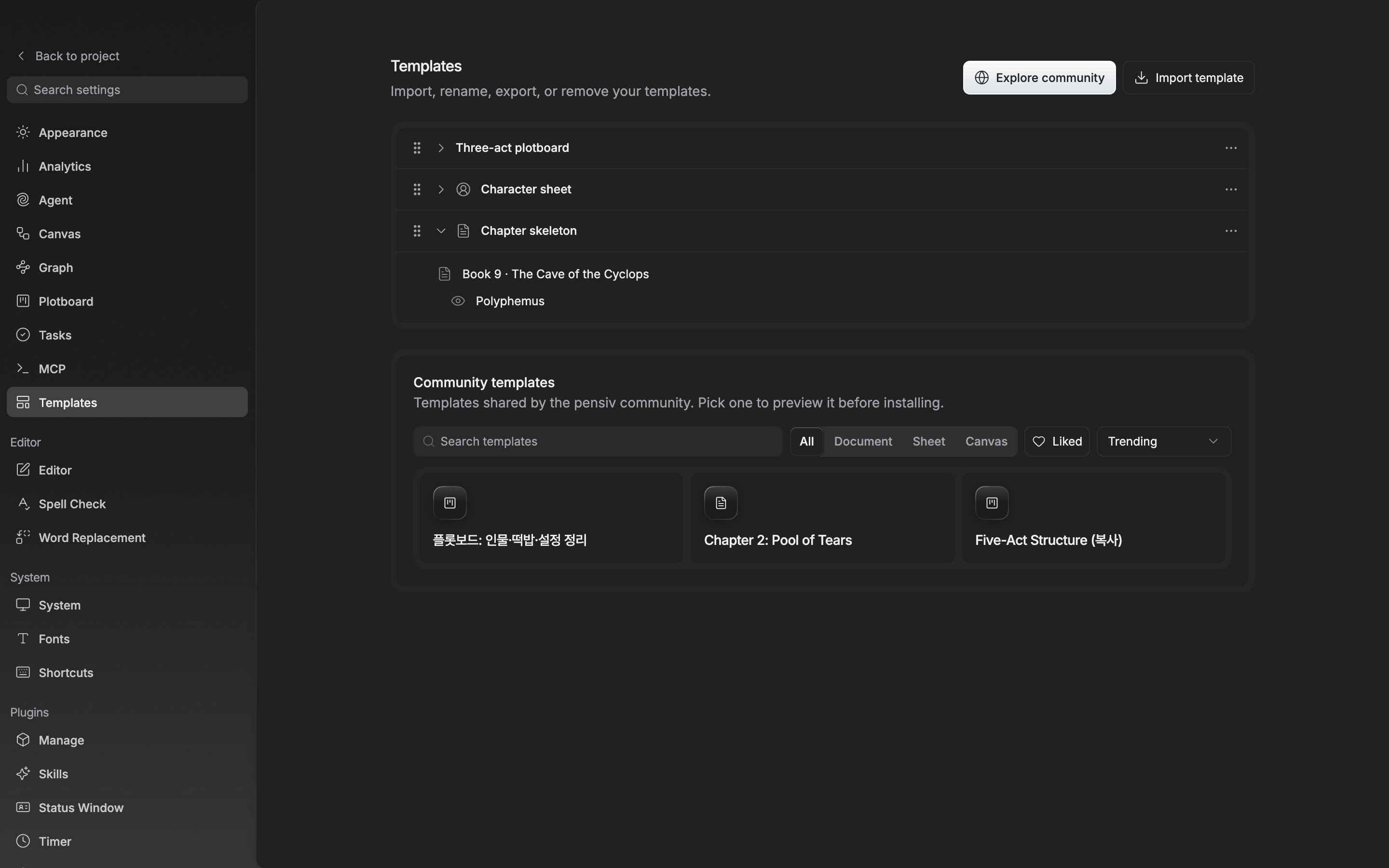
Expand a template row to see what is inside it.
Creating files from a template
Right-click a folder or a file in the sidebar, or press its ⋯ button, and under the create entries there is a Template submenu. Pick a name there and the file is created in that spot and opens right away. Pick it from the ⋯ button on a section heading or on the project name row and it goes to the top of the project instead of inside a folder. If you picked it from a section heading, it goes into that section. If you bundled several files into one template, they are created side by side. A template that carries child files brings back the contents of the folder in one go. Browse all templates at the bottom of the submenu opens the Templates tab in settings. If you opened the menu from a folder or a file, Save as template sits above it as well.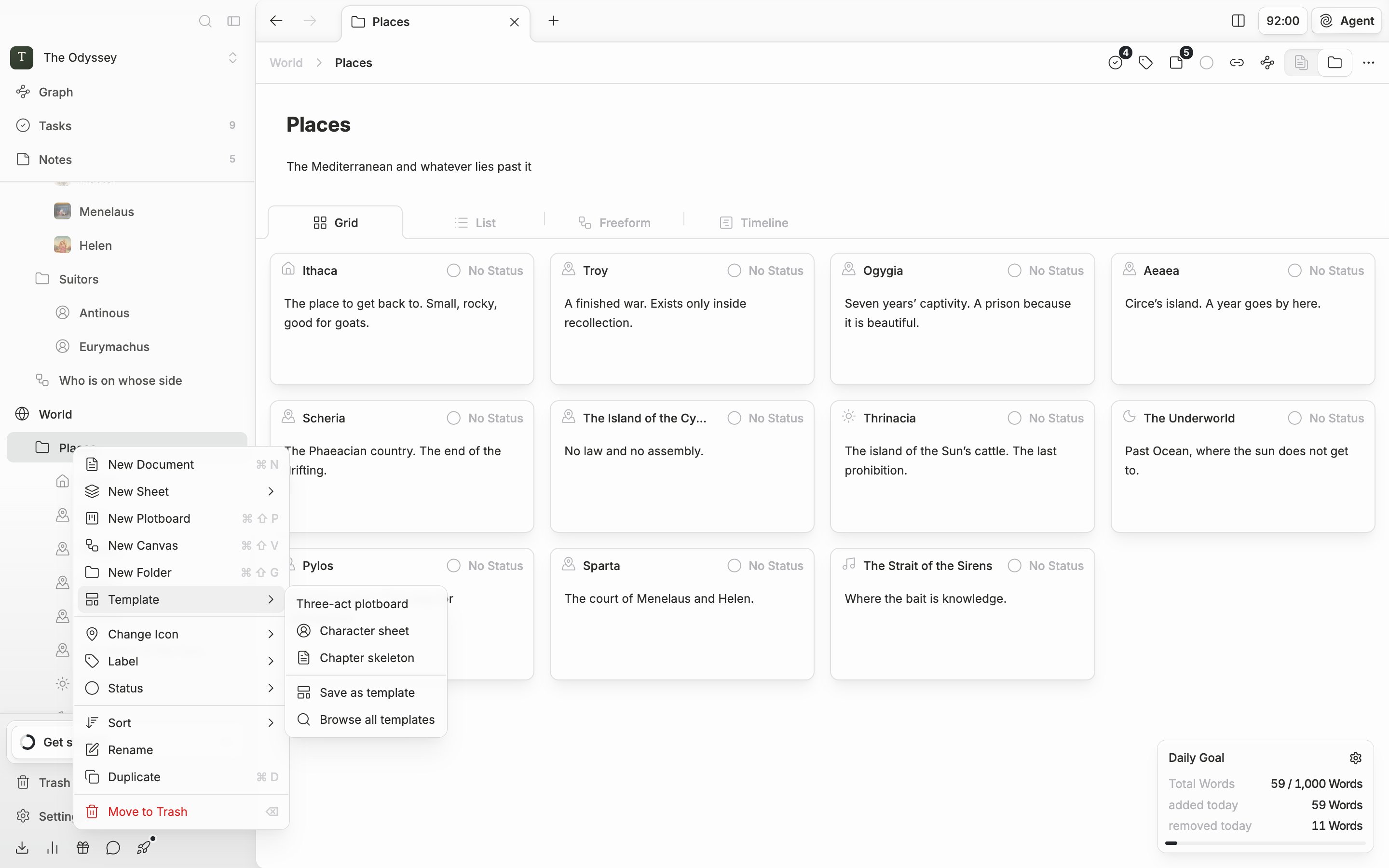
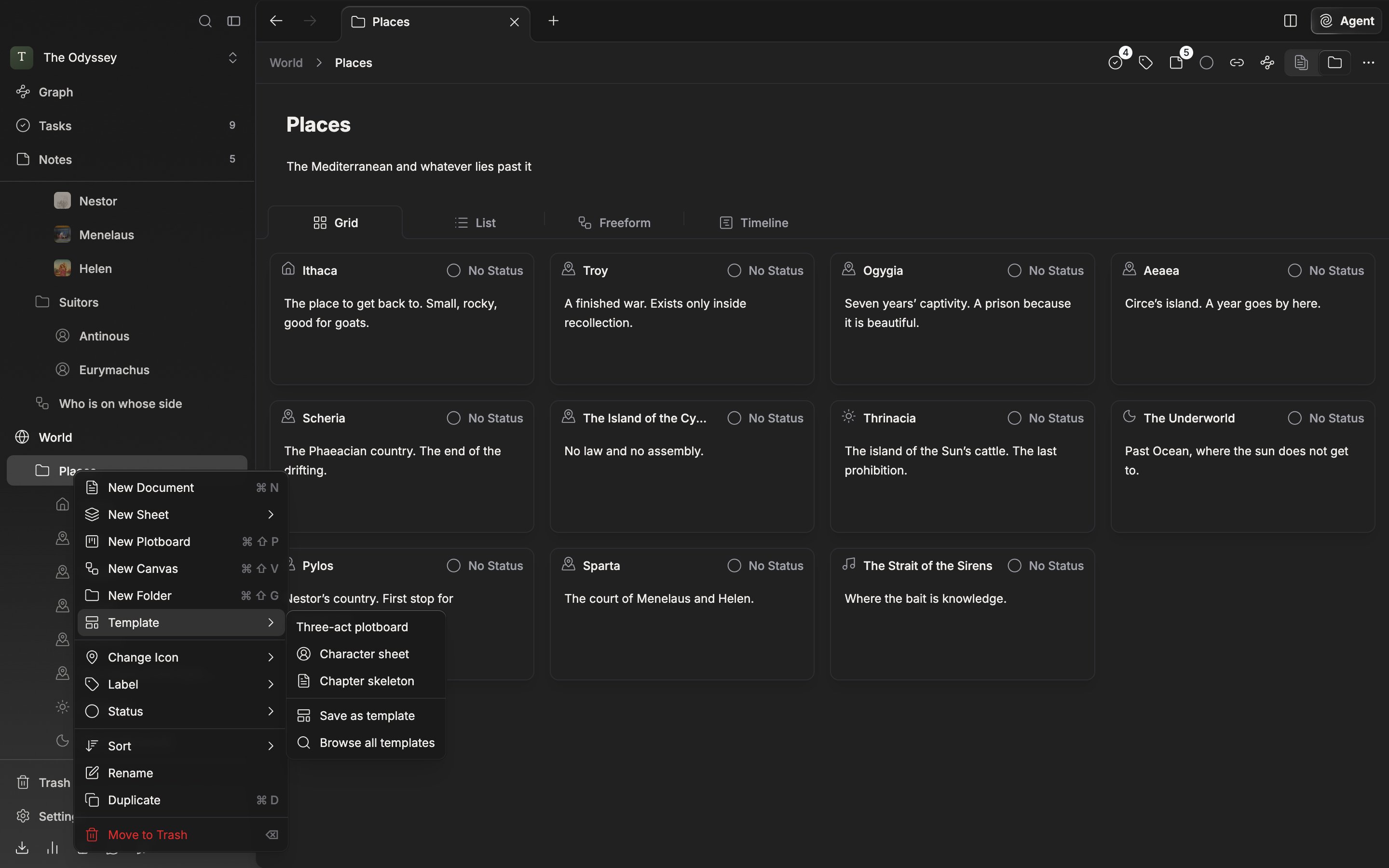
Pick the template right where the file will be created.
Importing and the community
Use Import template at the top right of the tab to pick a.pnsv-template file. It does not go straight in — a preview notification comes up first. Check the name and a line like Document · +3 files, then press Install to put it in the list.
Explore community opens the pensiv community templates page in your default browser. To stay inside the app, use Community templates further down the tab. You can narrow it with All · Document · Sheet · Canvas and search it. Press one to look at it in detail, and installing it leads to the same preview notification as importing a file.