

Making one straight from the document
Drag to select the character name in the body, right-click, and pick Character under Create sheet. The selected text becomes the sheet title as it is, and that spot in the body turns into a mention pointing at the new sheet. It reads the same, but the two files are now linked. The screen does not move to the sheet, so you can keep writing. Press Open in the notification and you go there then. You can also open New Sheet from More at the right of Project in the sidebar.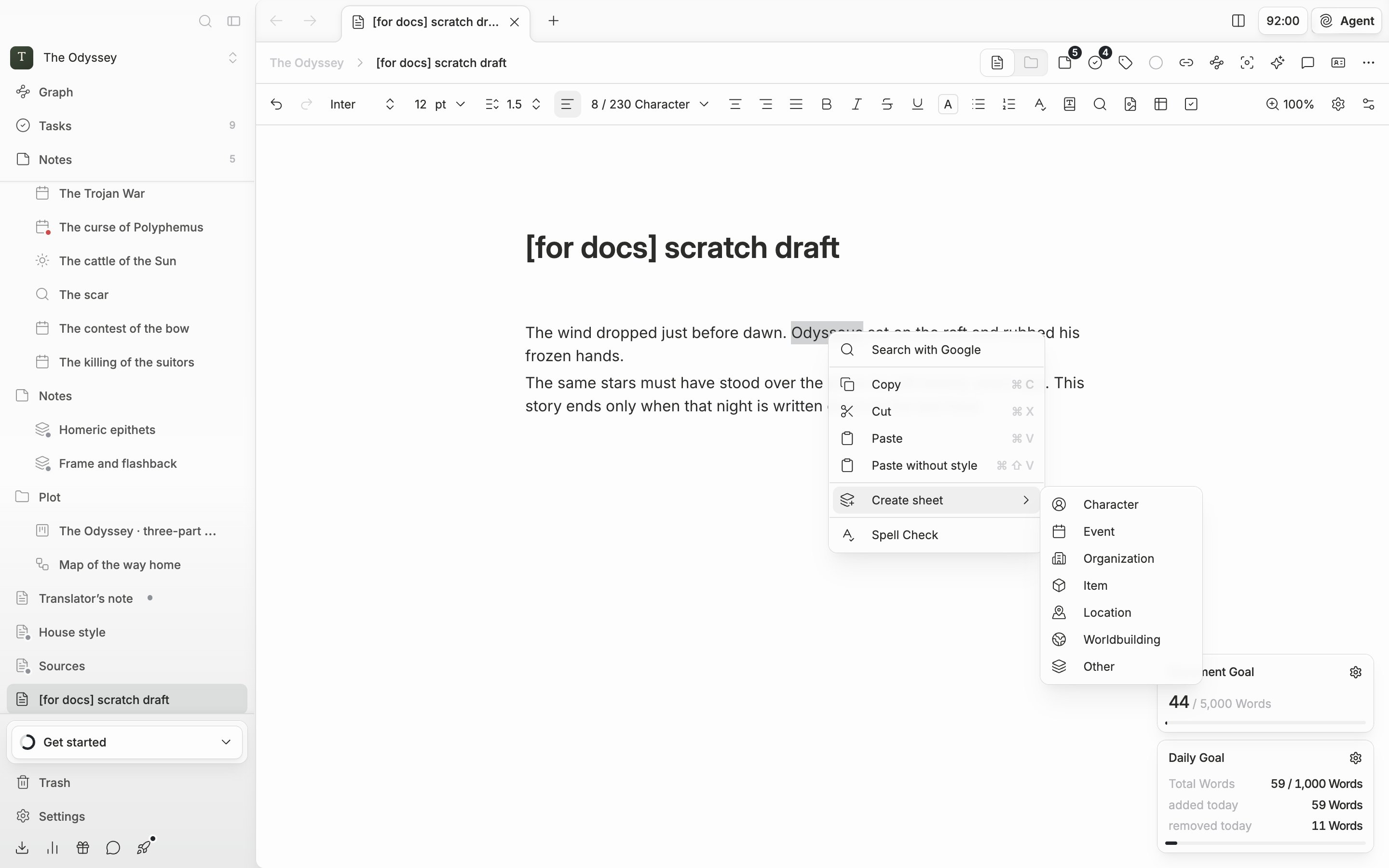
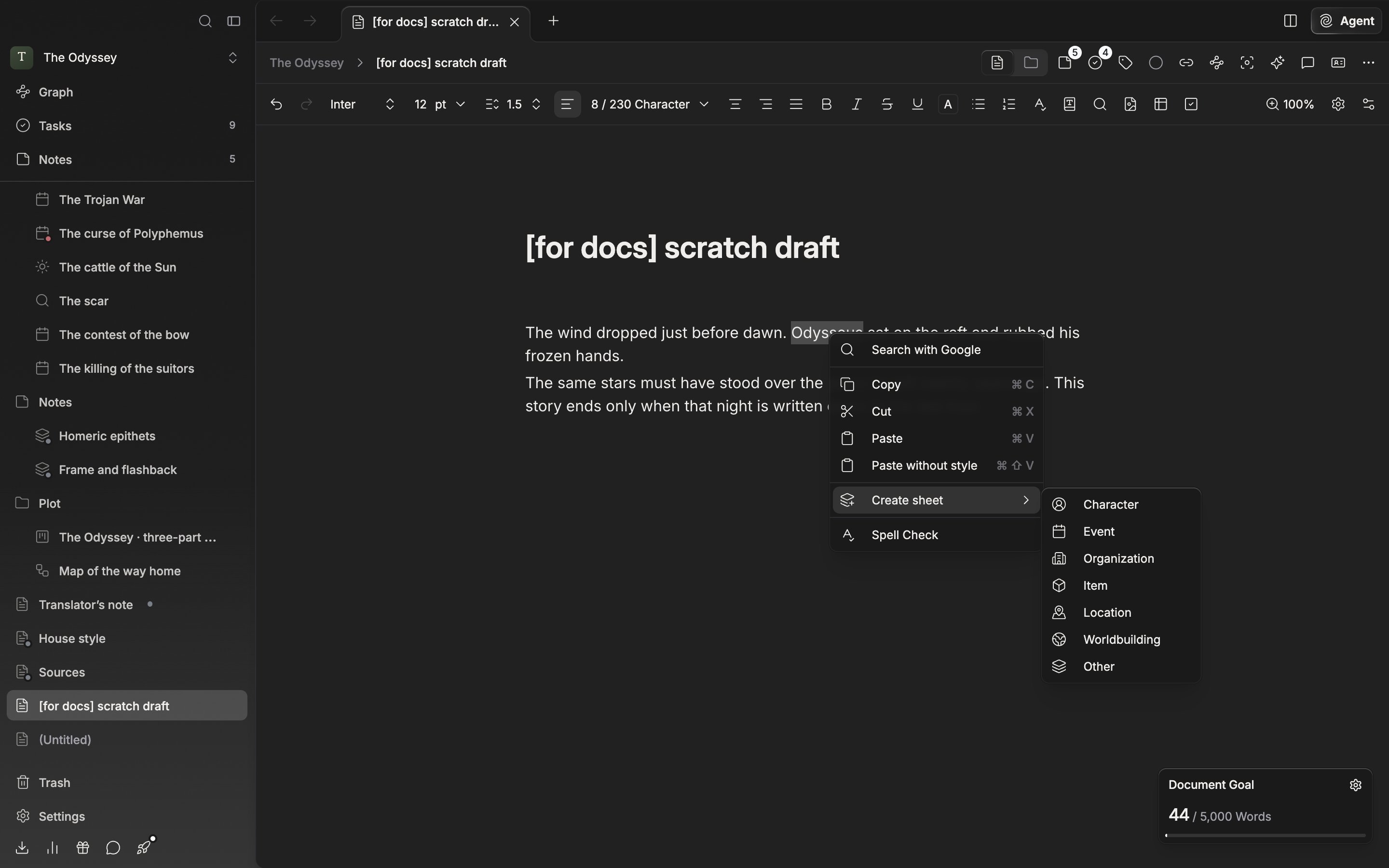
The menu that turns a name selected in the body into a character sheet.
Organizing the details with properties
Open a sheet and there are two rows under the title: Category and Description. Properties are the rows you add on to those. Make one row each for the entries you keep going back to look up about that character, like Age or Affiliation. Press Add Property and a dropdown opens. Pick a type, write a name, then press Create. The types are Text, Tags, Documents, and sheets by category. That last type takes other sheets as its value. Hang an Organization sheet on Affiliation and you jump straight there from it. If writing them out yourself is a bother, use Choose from template. It holds the entries in common use, like Name, English Name, Hanja Name, Title, Age, Affiliation, and Abilities.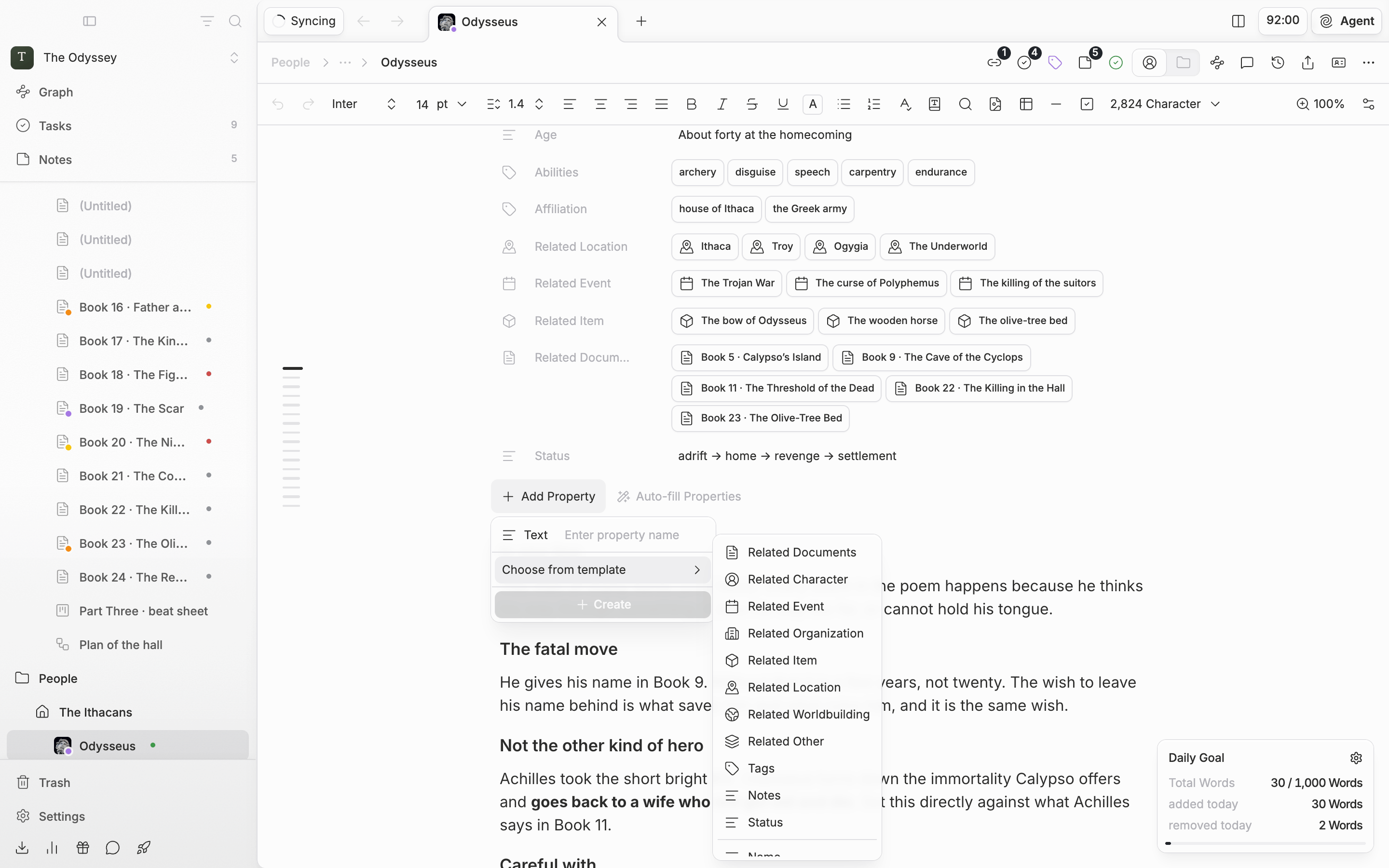
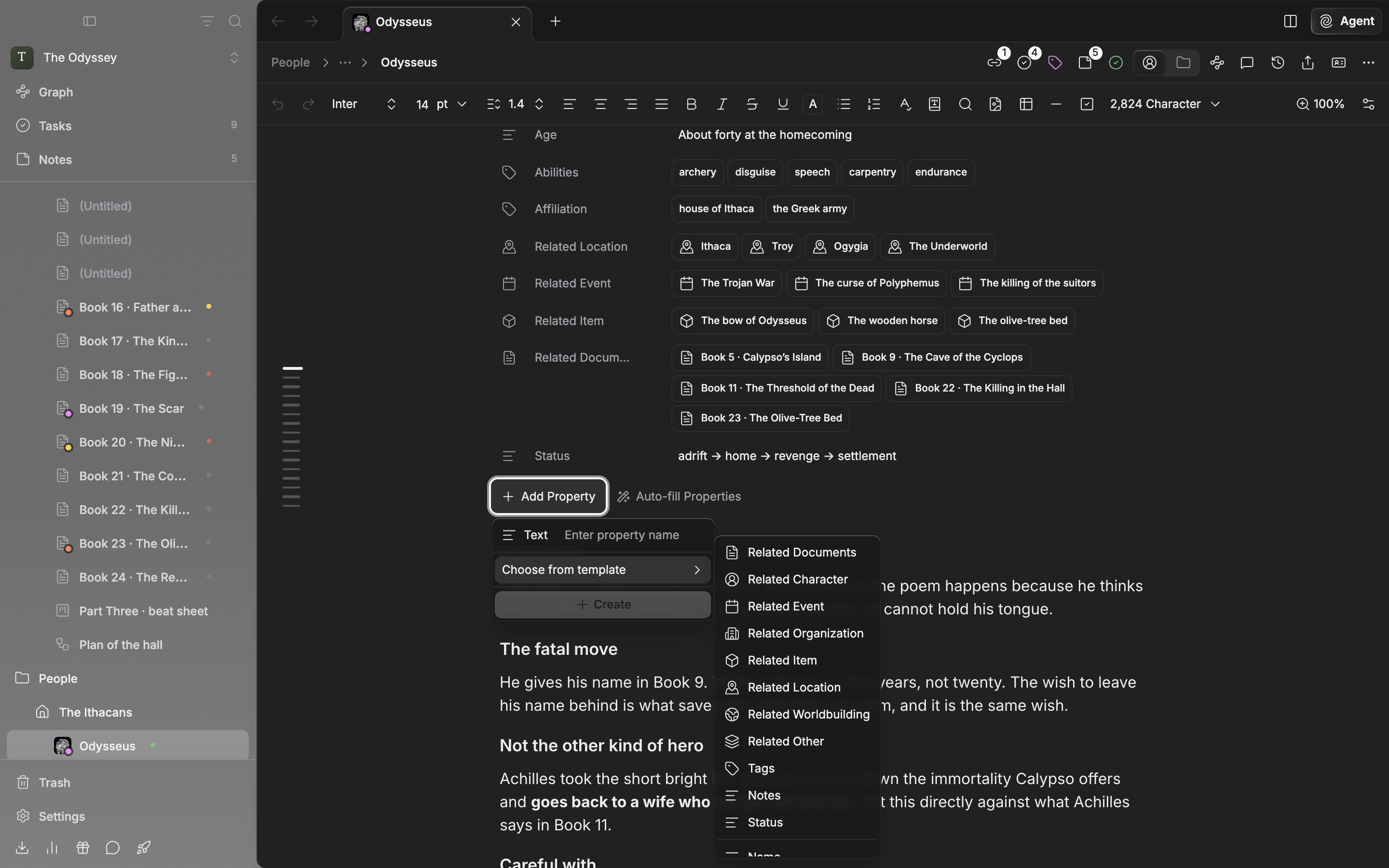
Adding a property by picking from the template.