

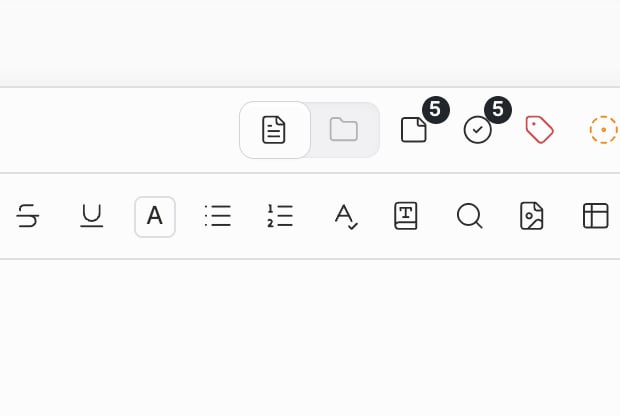
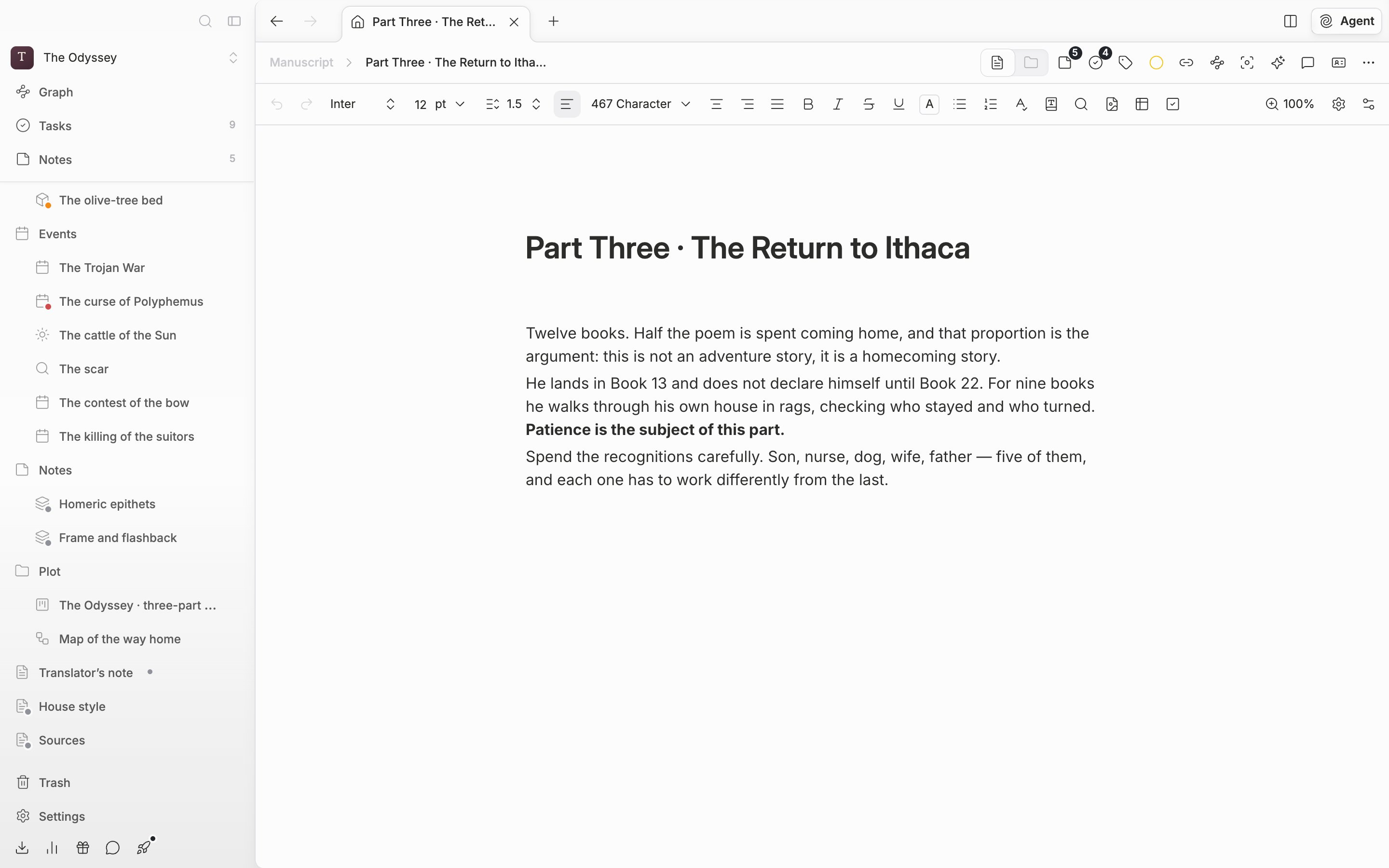
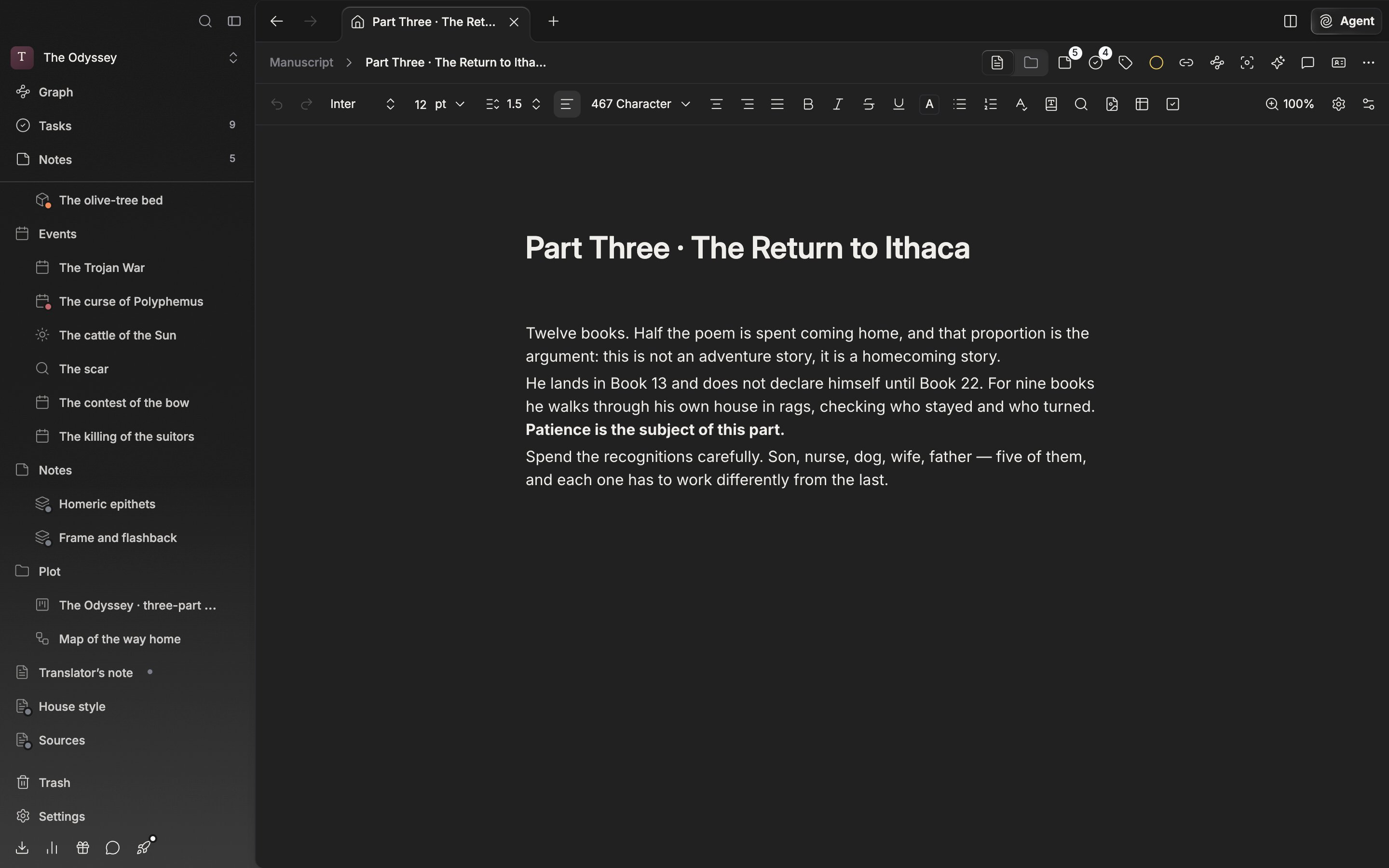
The two tabs in the header. The left is the file itself, the right the list of files under it.
What each view shows
File view is the file itself. For a document you get the manuscript, for a sheet the table, for a plotboard the card board, for a canvas the drawing surface. Folder view lays out the files hanging directly under that file. The four tabs, Grid, List, Freeform, and Timeline, are exactly the same as on the folder screen. Right-click empty space and New Document, New Sheet, New Plotboard, New Canvas, and New Folder come up, so you can make a child file on the spot.Continuous reading — scattered chapters in one scroll
With a folder it is the other way around: folder view is the default. Switch a folder to file view and the documents directly under it run on in one scroll. It is the screen for reading from beginning to end without opening chapters 1, 2, and 3 separately. Think of it as sitting in the same place as Scrivener’s Scrivenings. The difference tells most when you are revising. Whether the rhythm breaks between chapters, whether the same phrase repeats across two of them — you see that only by reading straight through. You can do it with several files you have picked, too.Cmd/Ctrl click a few documents in the tree and change the view, and only what you picked runs on. The order follows the tree order shown on screen, not the order you clicked.
At the top, the number you picked and the combined character count come up together. When you are matching the length of an instalment, there is no need to add the chapters up one by one.
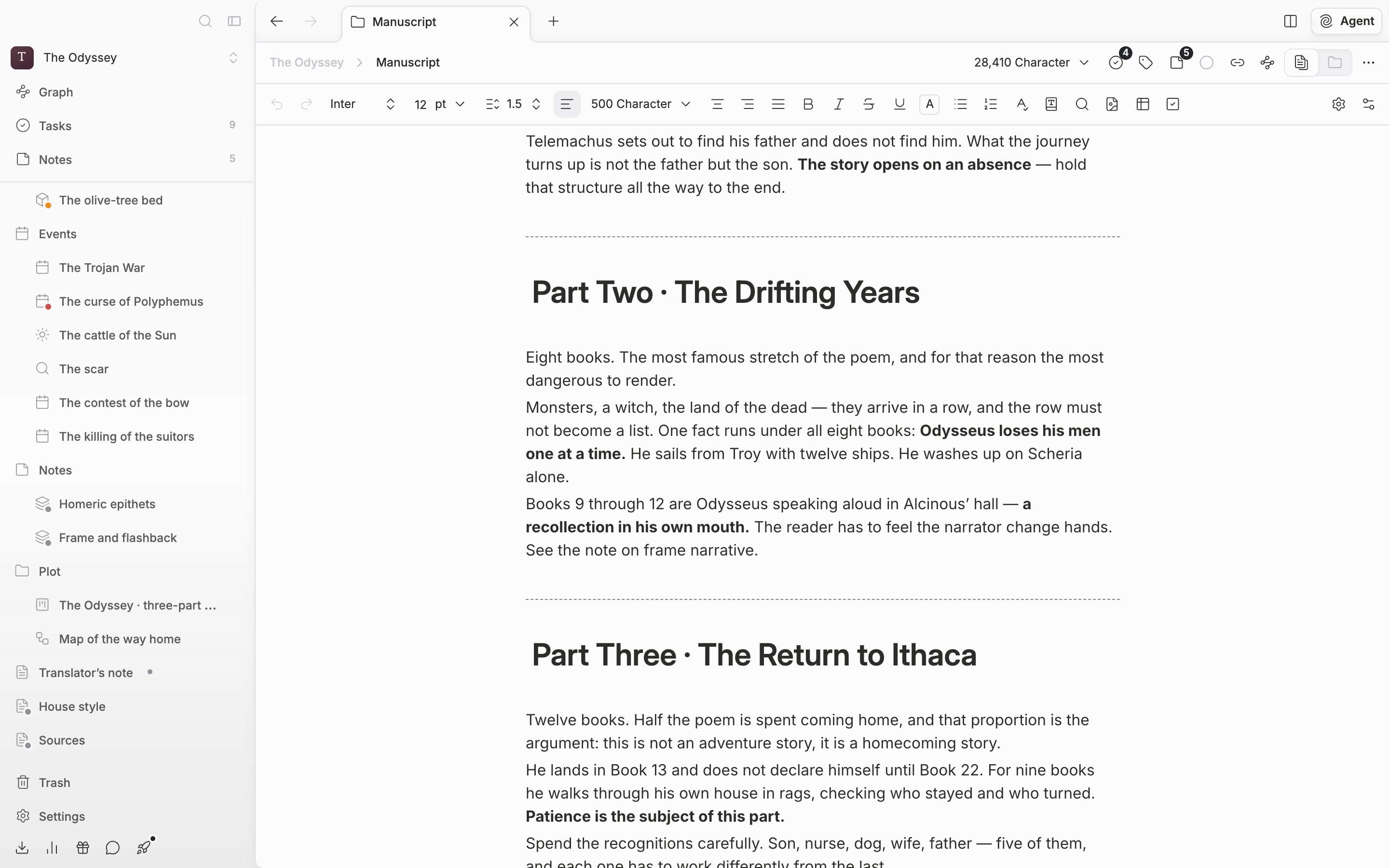
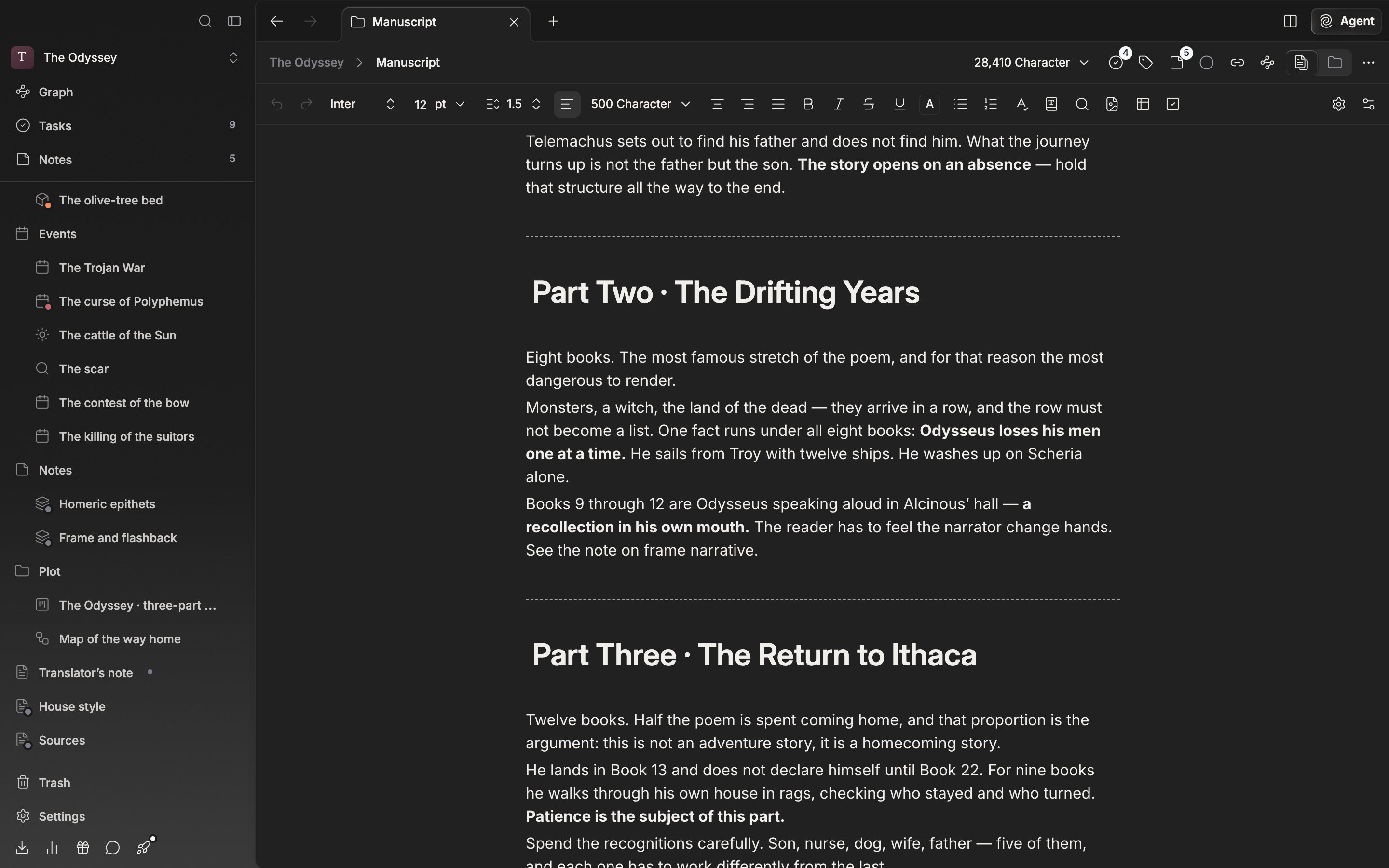
Continuous reading. The documents under a folder join into one scroll.
The same document in folder view. The files hanging under it come up as cards.