

Picking one of three paths
Start My Own begins from a template, Start with an Example from a finished sample project, and Import Existing Work from manuscripts you have already written. The steps that follow differ by the path you pick. Switching paths clears the name and description you have entered.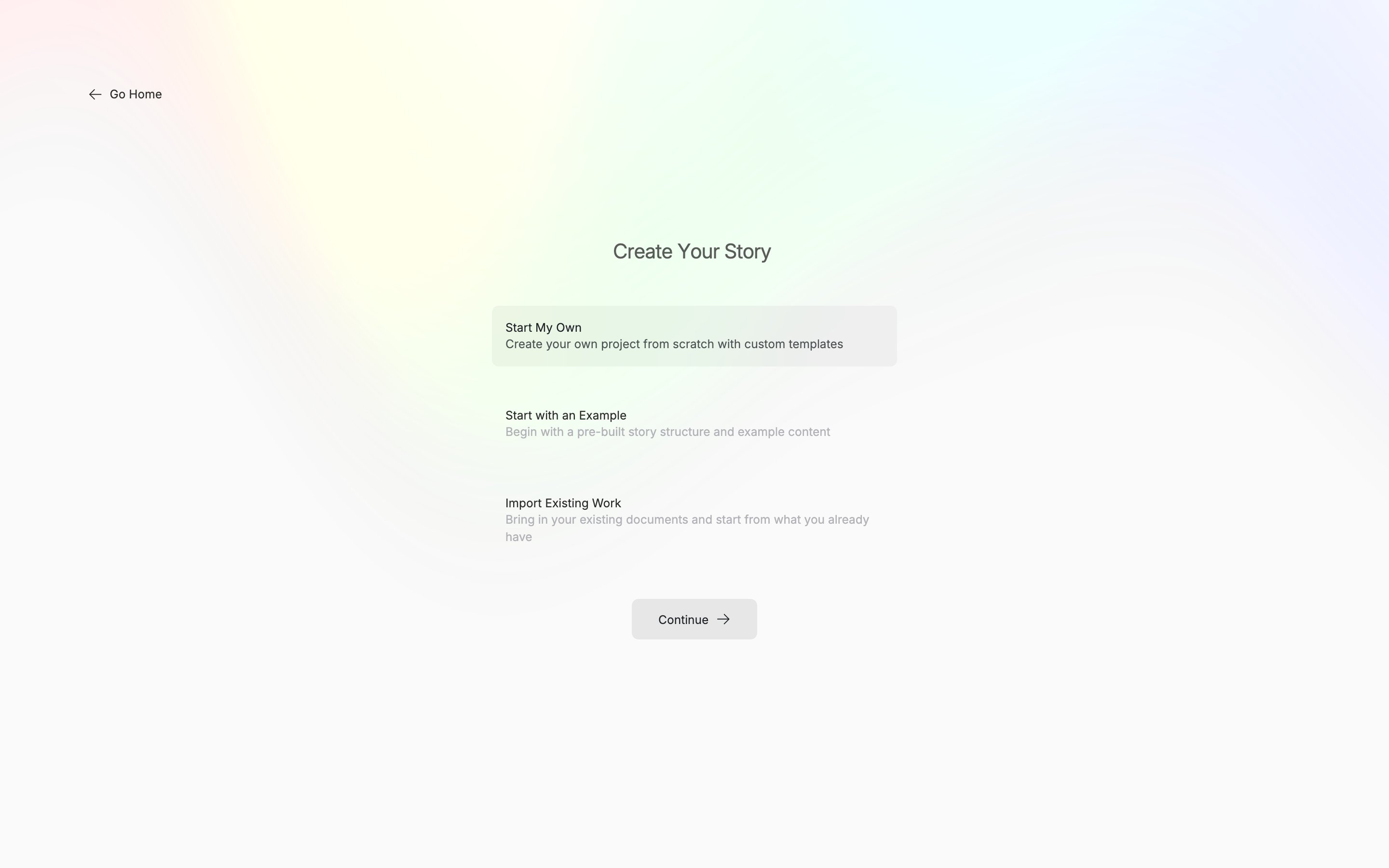
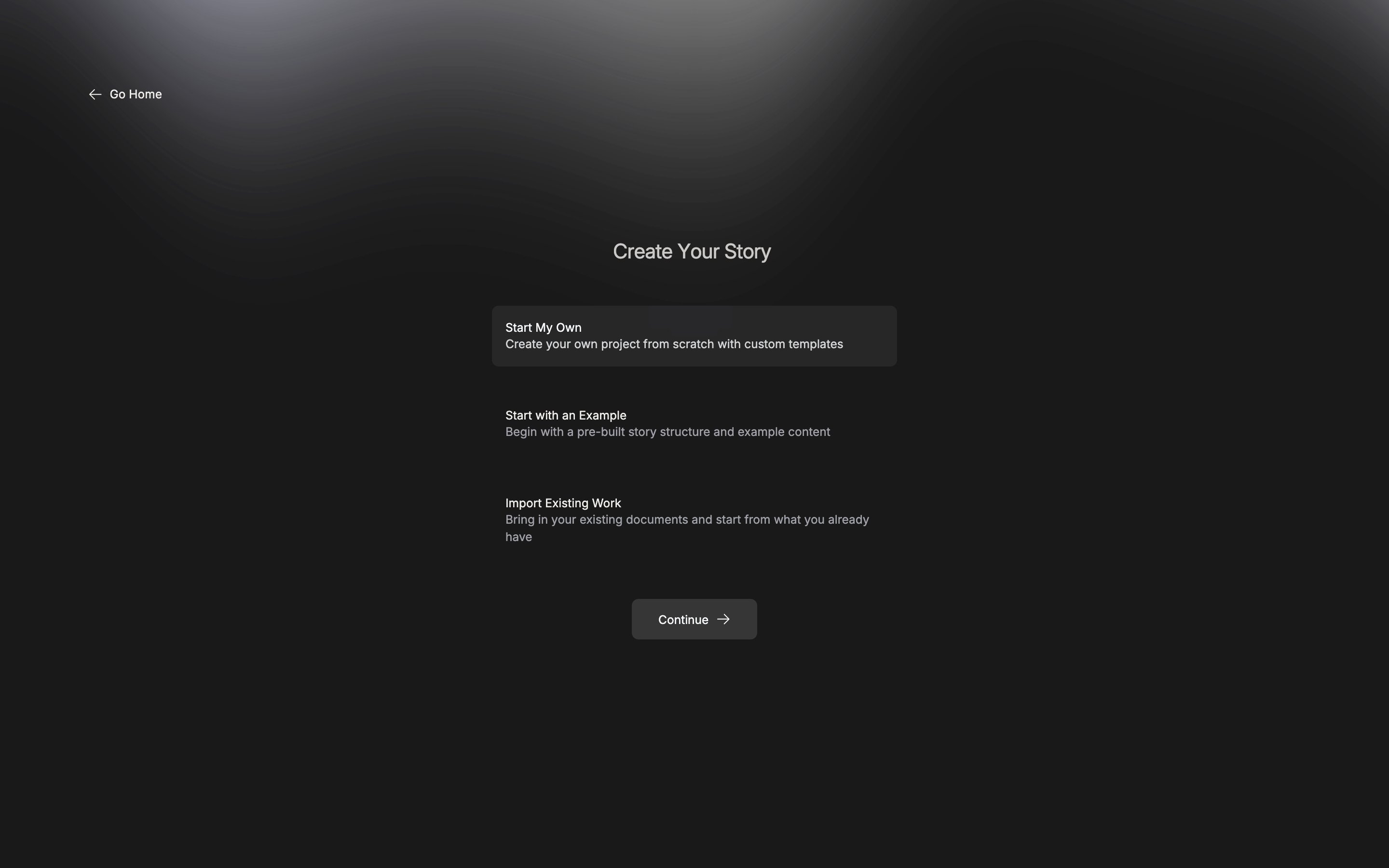
The first screen, where you pick how to start.
Start My Own
Pick a template and the file tree it will make is previewed on the right.
Screenplay Template and Short Story Template are in the list too, but you cannot pick them yet.
Next it asks for a title and a description. You can pass the description by with “Skip”. Press “Create Project” on the review screen and you are done.
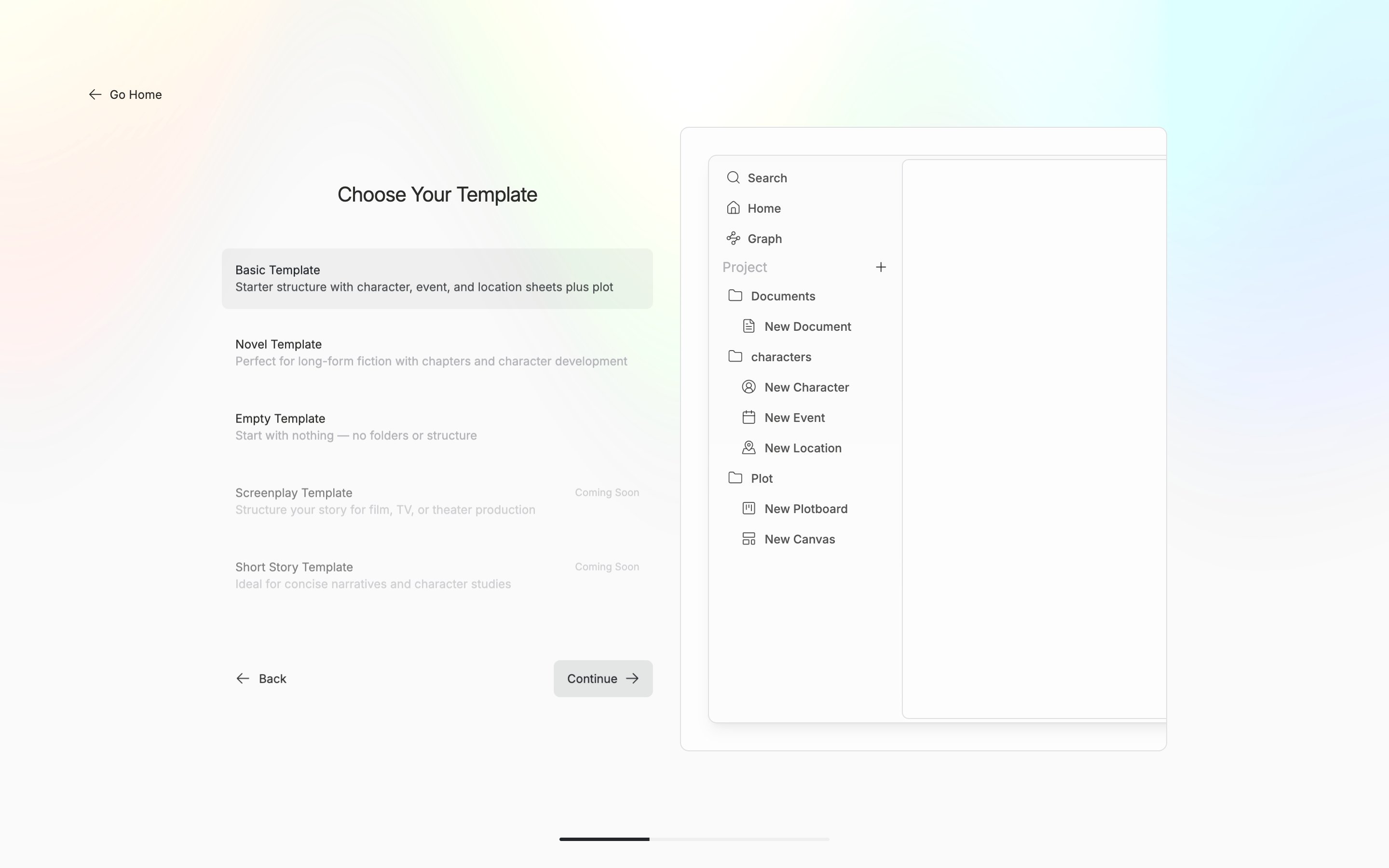
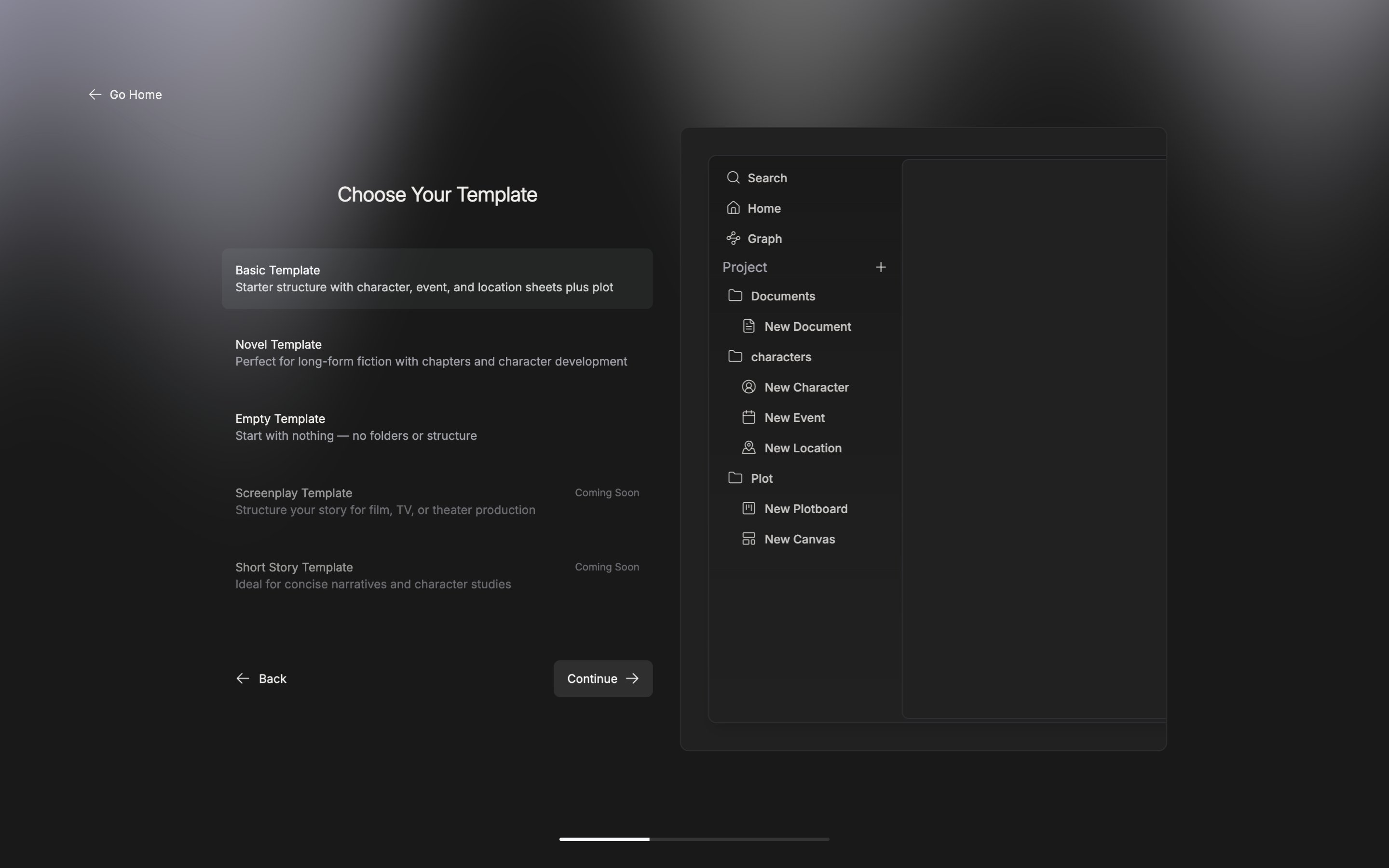
The file tree the chosen template will make, previewed on the right.
Start with an Example
If you are writing in English, you see “Alice in Wonderland”. Pick it and press “Continue” and it is made right away, without asking for a title. It is a finished project whose documents, sheets, and plotboards are already linked, so it is easier to learn from than a blank screen.Import Existing Work
You settle the project name first, then drag your manuscripts in. It takes DOCX, EPUB, TXT, MD, HWP, and RTF files and folders, Scrivener.scriv packages, Notion export zips, and pensiv .pnsv backups. “Continue” turns on once you have put in at least one. It is made as an empty project, so no default folders come with it — only the manuscripts you brought in.
Once making it is done, the new project home opens.