

Ctrl + F10 (Cmd + F10 on Mac), and it opens. Pressing it while an IME is composing does not lose the character you were typing.
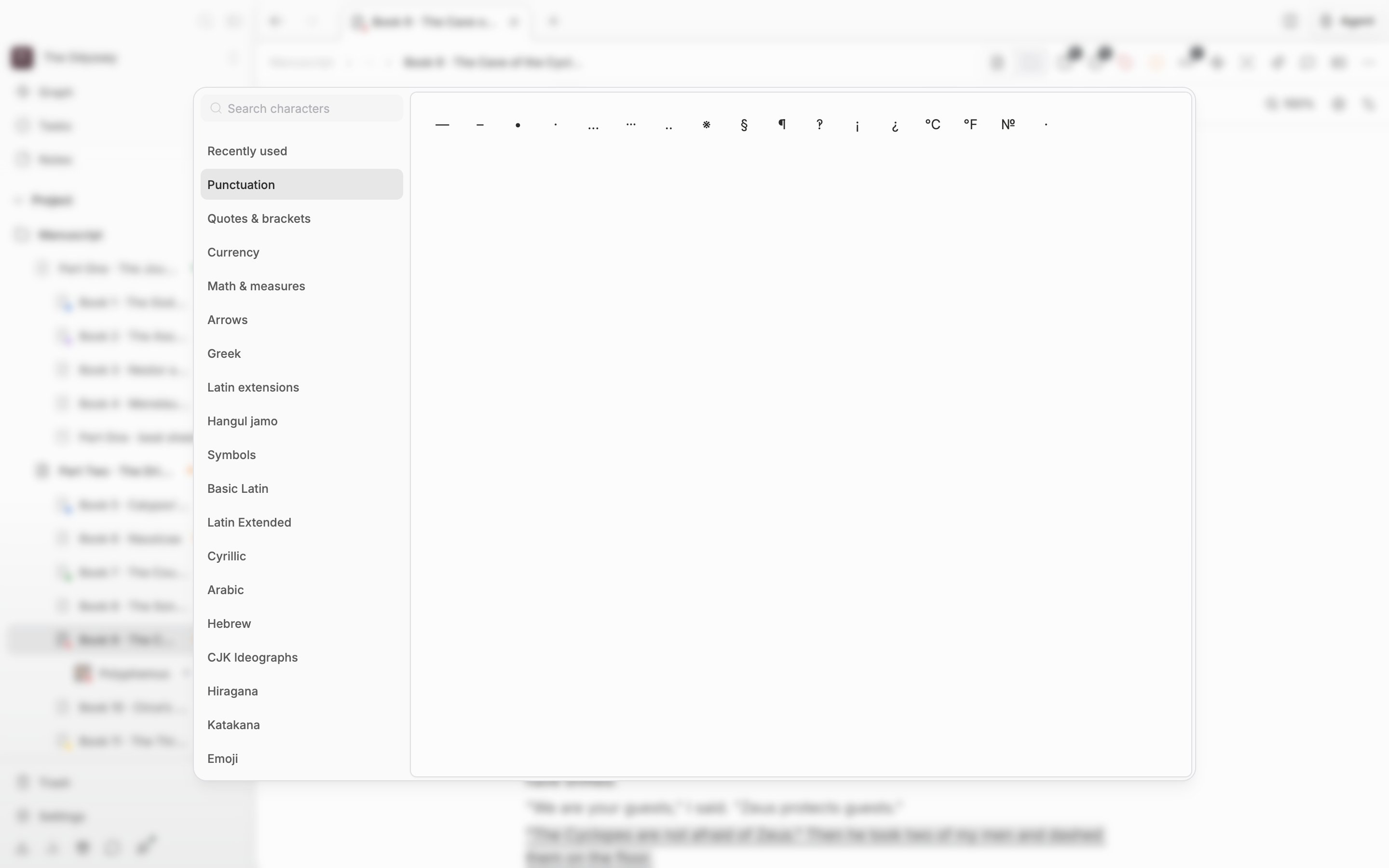
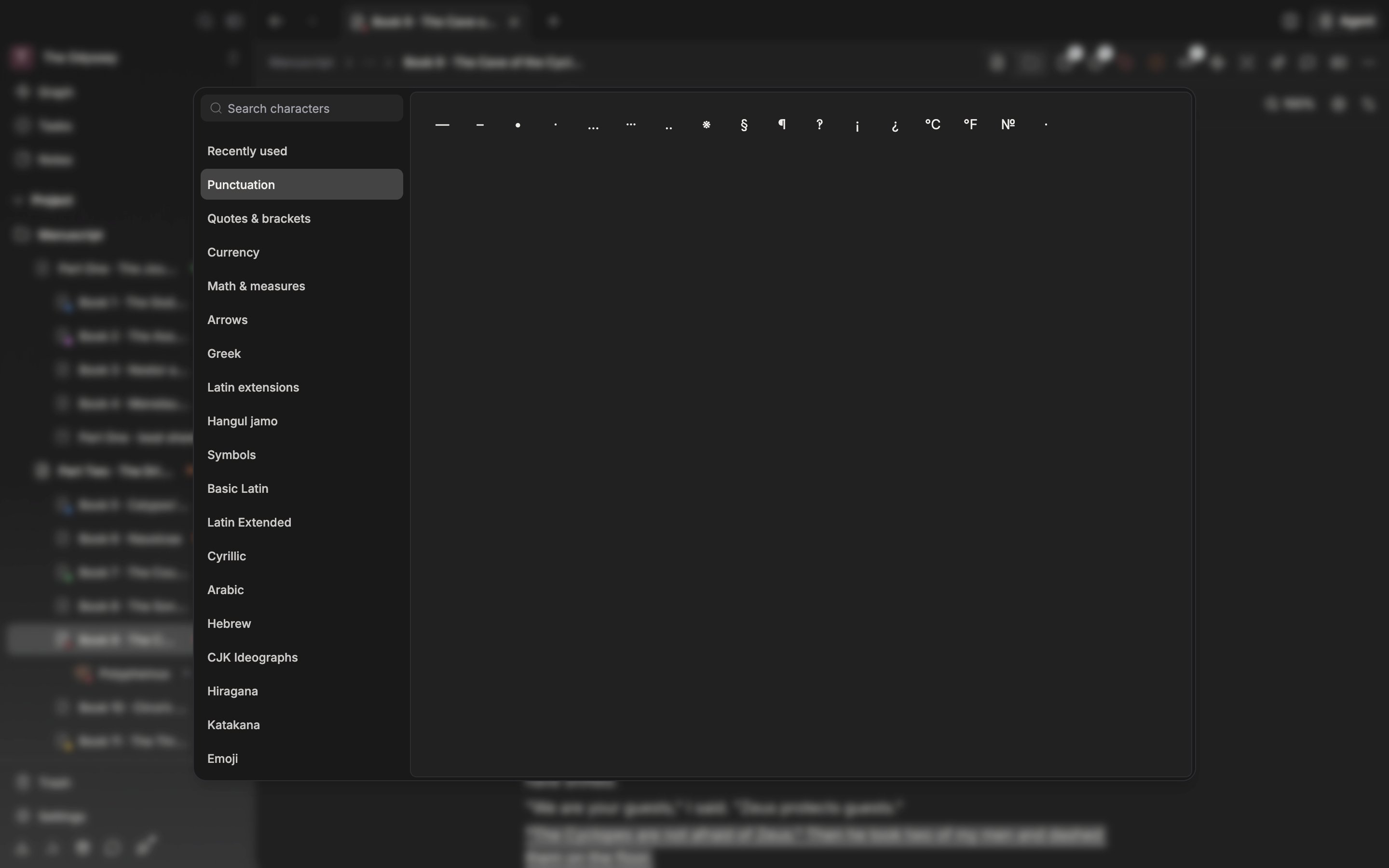
Choose a category on the left and press a character in the grid on the right.
Browsing by category
The list on the left starts with Recently used and goes on to Punctuation, Quotes & brackets, Currency, Math & measures, Arrows, Greek, Latin extensions, Hangul jamo, and Symbols. Below those come categories like CJK Ideographs, Hiragana, and Emoji. For a novel or a screenplay the first two categories cover almost everything. Punctuation holds three kinds of ellipsis (…, ⋯, ‥). … is drawn at mid-height only in CJK fonts, so ⋯, which sits in the middle everywhere, is included alongside it. The dashes (—, –), the middle dot (·), and the reference mark (※) are in this category too. Quotes & brackets gathers 「」, 『』, and 《》, so quotations and work titles are handled in one place.Searching by name
The search field reads “Search characters”. Type what a character is called — corner bracket, dash, infinity — and it comes up. You can also paste in a character you copied, or find it by a code value likeU+22EF.
Search covers named characters only. Categories built from code ranges, like the CJK ideographs and emoji, do not come up in search, so pick those from the list. When no character matches, it tells you “No characters match” along with what you typed. Press Escape once to clear the query, and once more to close the window.
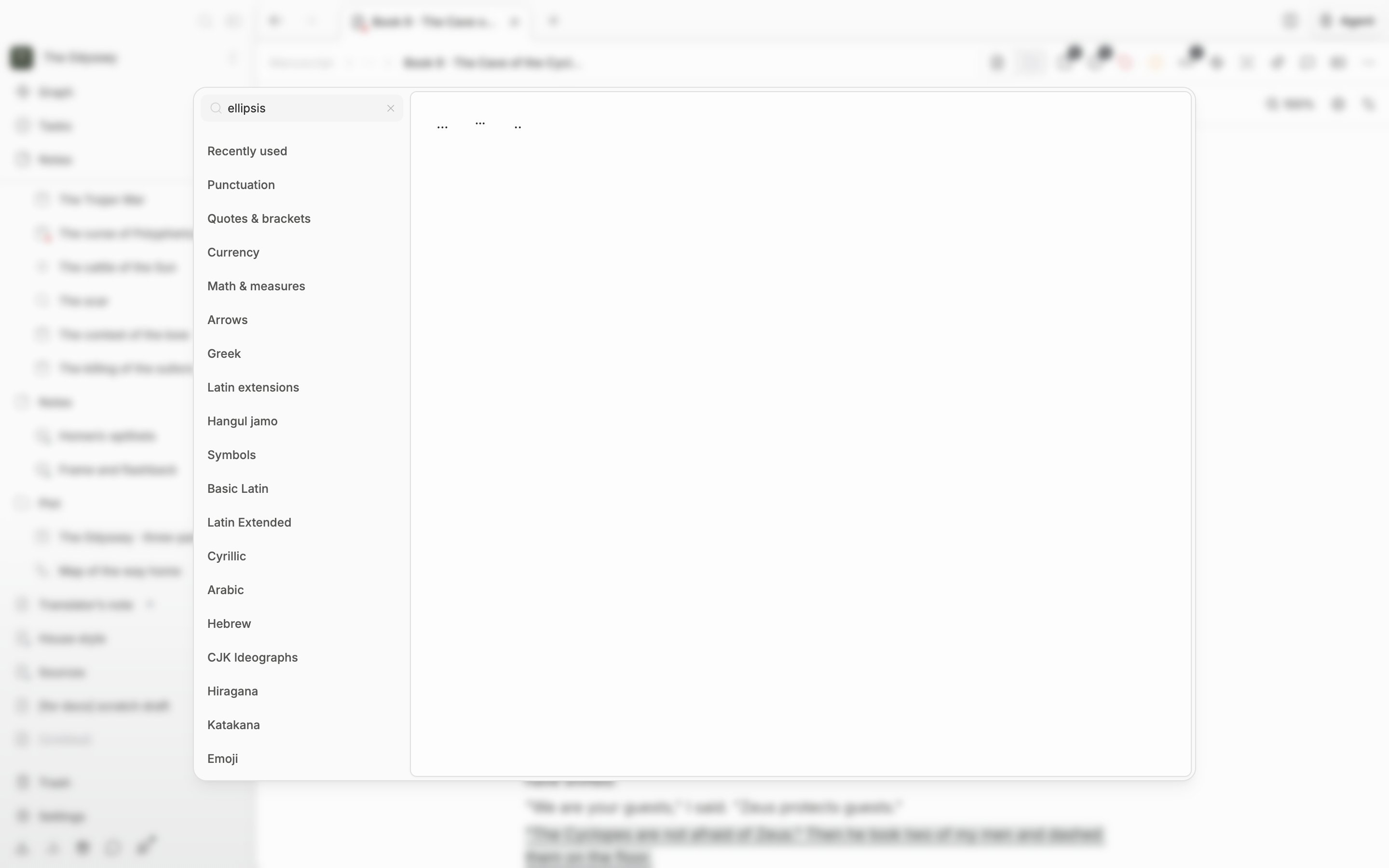
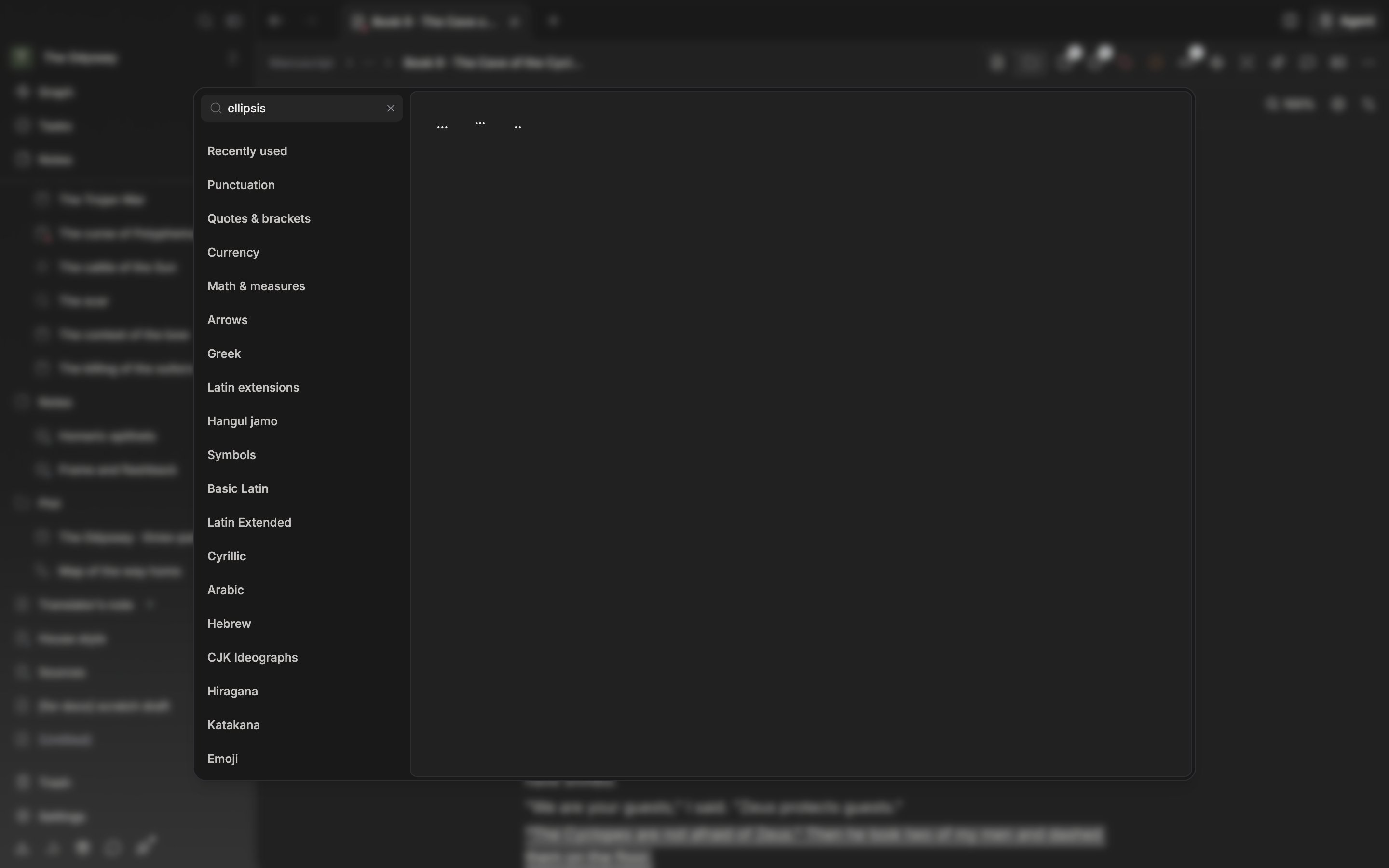
Type what a character is called and the grid narrows straight away.
Inserting, and pulling it out again
Press a character and it goes in at the cursor, with a notice reading “Inserted” and the character. Pressing with the mouse leaves the window open, so you can put several in a row. Move with the arrow keys and insert with Enter, and the window closes and you are back in the body. Characters you insert stack up in Recently used, to 60 of them. Open the window next time and it comes up in the Recently used category with the first character focused. For the ellipsis you always use, opening the window and pressing Enter is enough. When the history is empty the cursor goes to the search field. Clear a character you no longer need out of Recently used with the X that appears on hover, or with Backspace.Hanja Dictionary
For Hanja, instead of the character map, you look up whole words in the Hanja Dictionary. This feature appears only when the app language is Korean. Open it withF9, the Hanja Dictionary button in the toolbar’s Tools group, or Hanja Dictionary in the command palette. You can also go straight in through the Find Hanja for ’…’ row that appears when you type a word into the palette.
Open it with a word selected in the body and it looks that word up right away. The result list shows homonyms, each with a number, and picking one shows its definition and example usage beside it. Click it or press Enter and the Hanja goes in at the cursor and the window closes. If you had a word selected, that spot is replaced with the Hanja.
Turn on Annotate in parentheses at the bottom and, instead of the Hanja alone, it inserts the form 한글(漢字). This choice is kept the next time you open it. Up to five recently looked-up words are kept and shown while the input field is empty. The dictionary data comes from the National Institute of Korean Language.