

Only inside this project
The button at the right of the Instructions row is Add when nothing has been written and Edit when something has. Press it and the edit screen opens with the title Project instructions. Below that it reads “These instructions are added to the agent’s system prompt for every chat in this scope.” What you write here is attached to every conversation you open in this project. In return, it does not follow you to another project. If you are writing a period piece and a contemporary one side by side, you have to write each separately. The Instructions row previews the first part of what you saved as a single line, so you can tell which rules are in force without opening it.What to write
The empty editor’s guide text is “Describe how the agent should write — tone, focus, constraints, terminology…”. Put in manuscript terms, that comes to narrative point of view and tense, how characters speak, how names of people and places are written, and the clichés you want avoided. It takes up to 8,000 characters. Go over and it is cut off along with a Character limit exceeded notice. It saves on its own when you stop typing. Leaving by way of Back at the top of the screen keeps what you were writing.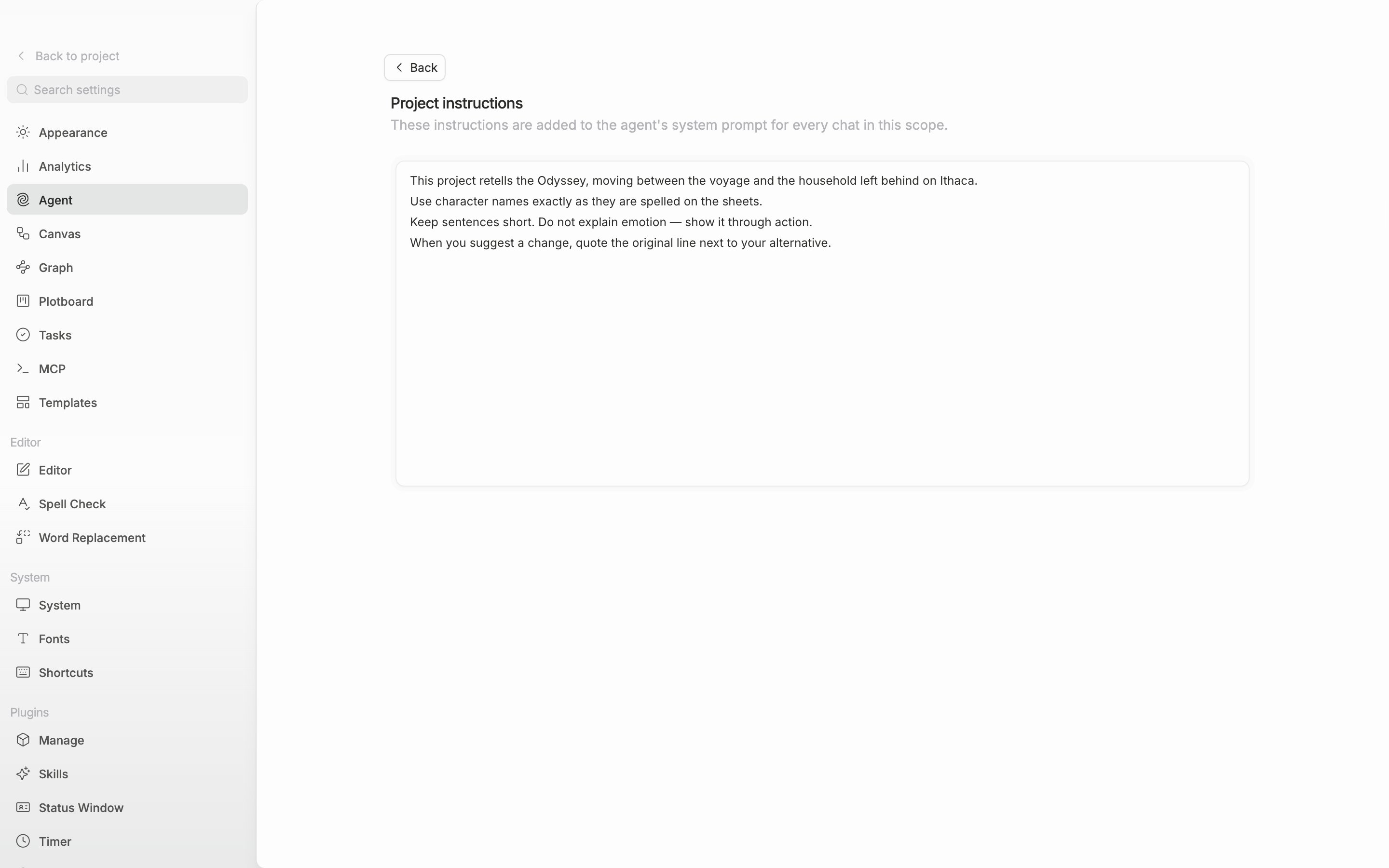
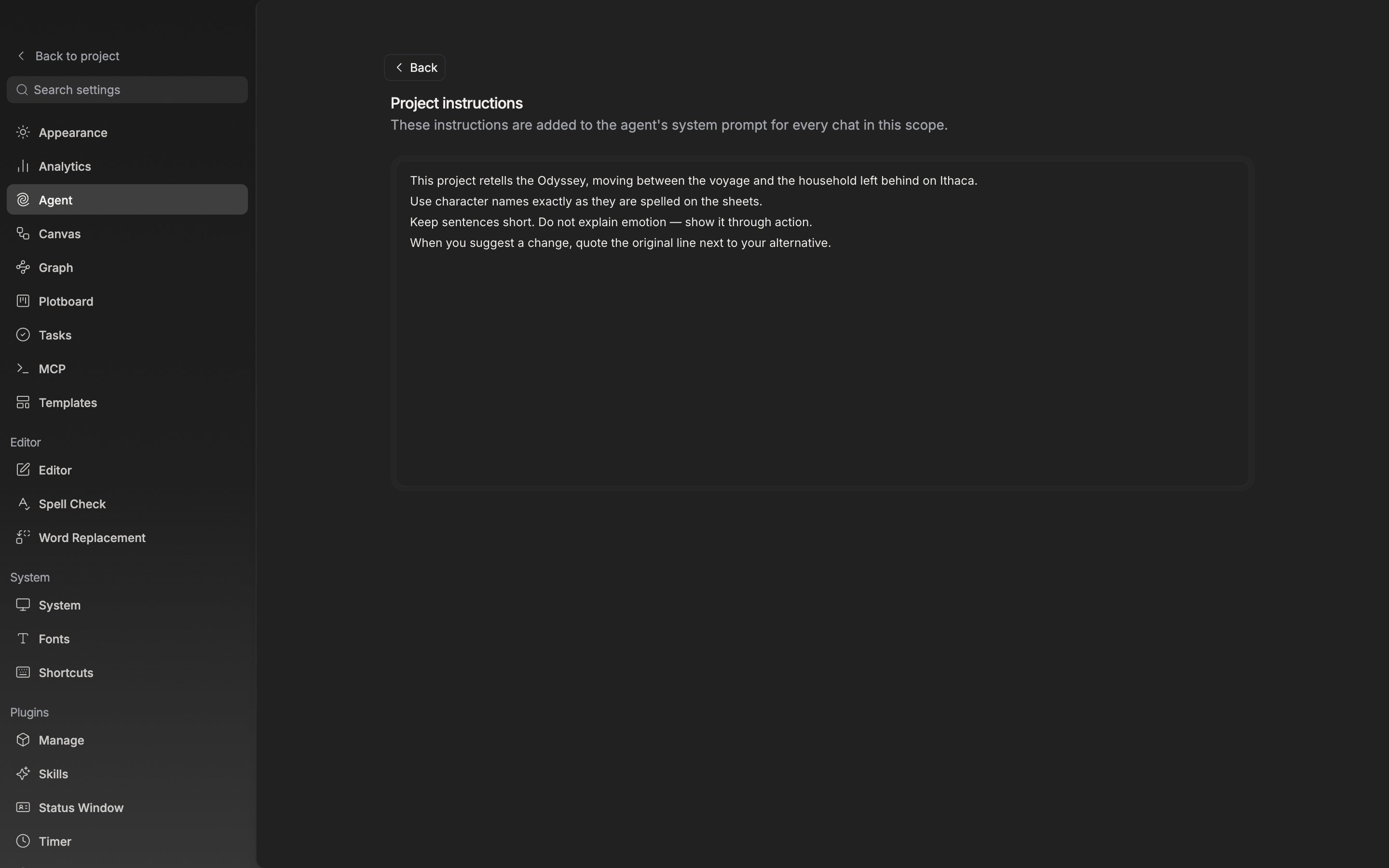
The project instructions edit screen. What you write here is attached to every conversation in this project.
Who can change it
Only project owners and admins can change it. Without the permission, the button turns into View and “Only project owners and admins can change these.” is attached below the card. Reading the contents is still allowed.The workspace instructions mentioned in the section description cannot be edited separately in the current settings screen. The one scope you can write for yourself is the project.