In pensiv, changes travel in real time through Cloud Sync. You turn it on and off per project. Leave it on and the manuscript you were writing on a laptop carries on from a desktop.
Turning it on and off
With a project open, go into settings and pick Sync Settings from the Project group on the left. Outside a project this tab is not there.
There is one switch, Cloud Sync. As its description puts it, “Sync this project to the server so you can pick it up on your other devices. Turn it off to keep the data on this device only.”
When you try to turn it off, a Turn Off Cloud Sync warning appears. It says changes will not travel to your other devices, and that data may be lost if the app is uninstalled or device storage is cleared. It appears once per device, so read it then.
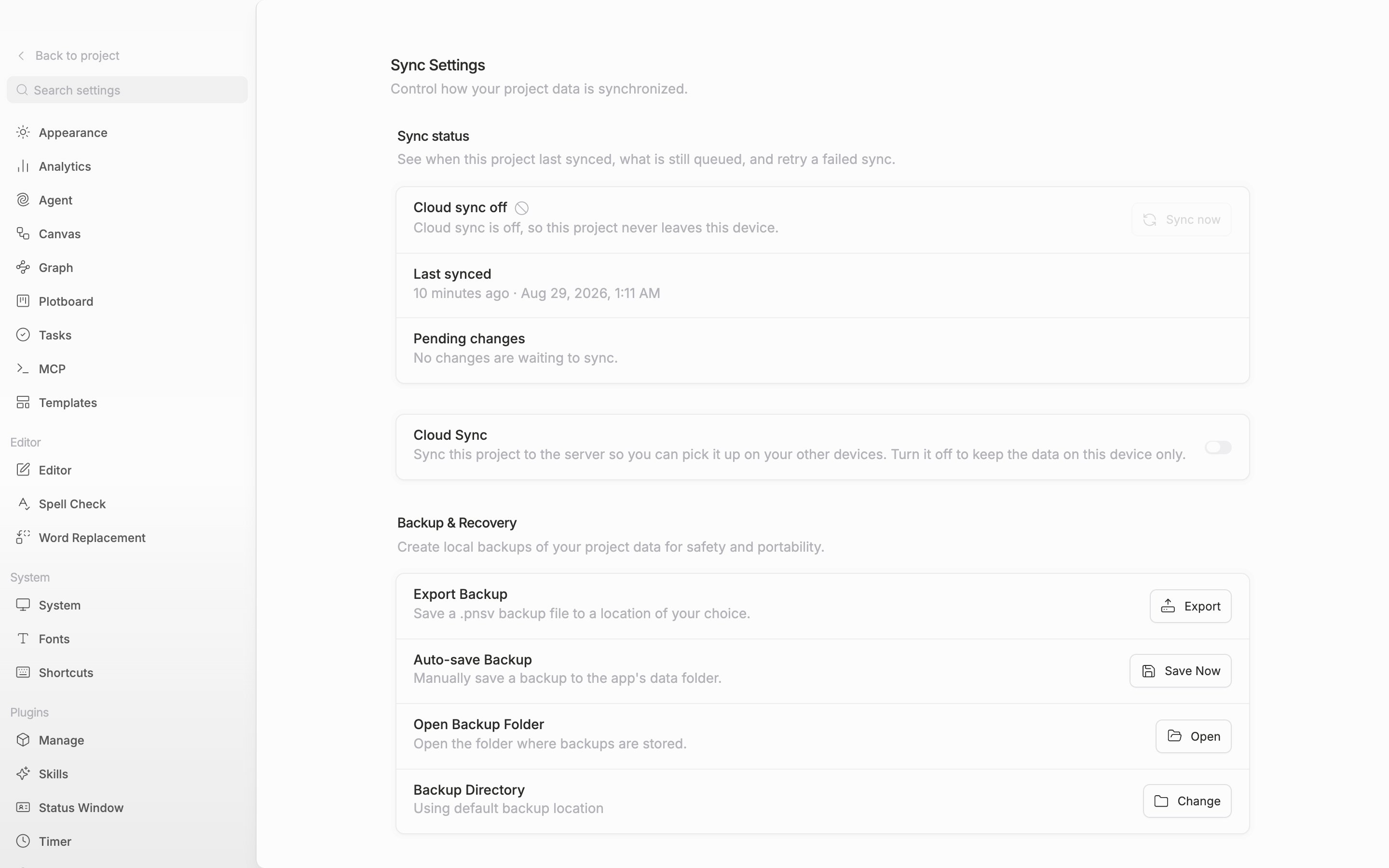
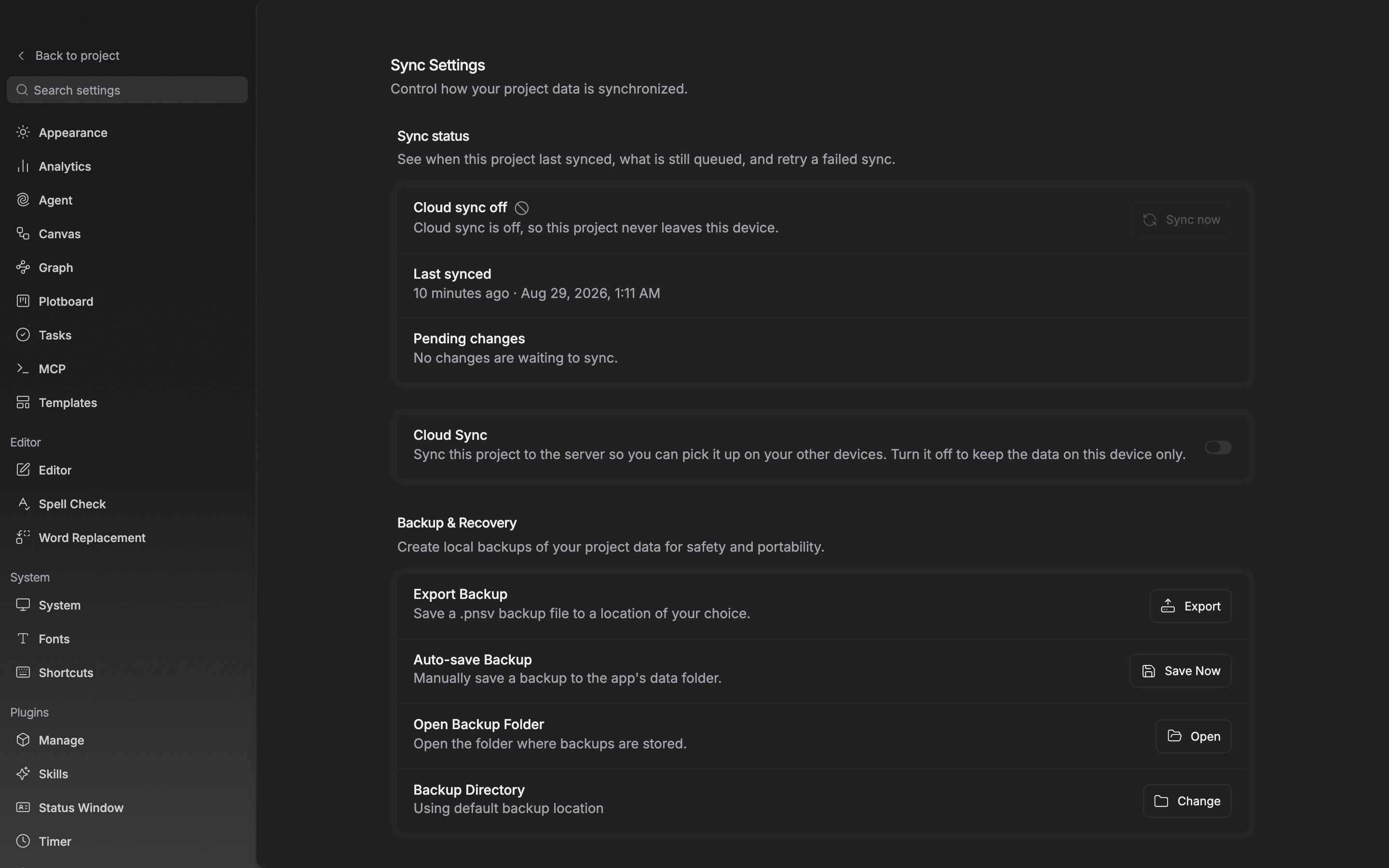
The Sync Settings tab in project settings. One switch turns cloud sync on and off for this project.
Reading the status
The first row of the Sync status card shows one of “Up to date” · “Syncing” · “Waiting to sync” · “Last sync failed” · “Offline” · “Cloud sync off”. Sync now on the right runs one pass on the spot. If the previous attempt failed, the button changes to Retry sync. When the connection is down, Check connection appears beside it.
Below that come the Last synced time and the number of Pending changes.
When the connection drops
When the network drops, the app moves to offline on its own, and what you write in the meantime piles up on the device and goes up once you are back online. While you are looking at the window, it rechecks the connection every 10 seconds.
Conflicts are last write wins. “If multiple devices edit the same content while offline, only the last saved version will be kept.” It is safer not to run two devices offline at the same time. Offline mode is still in beta.