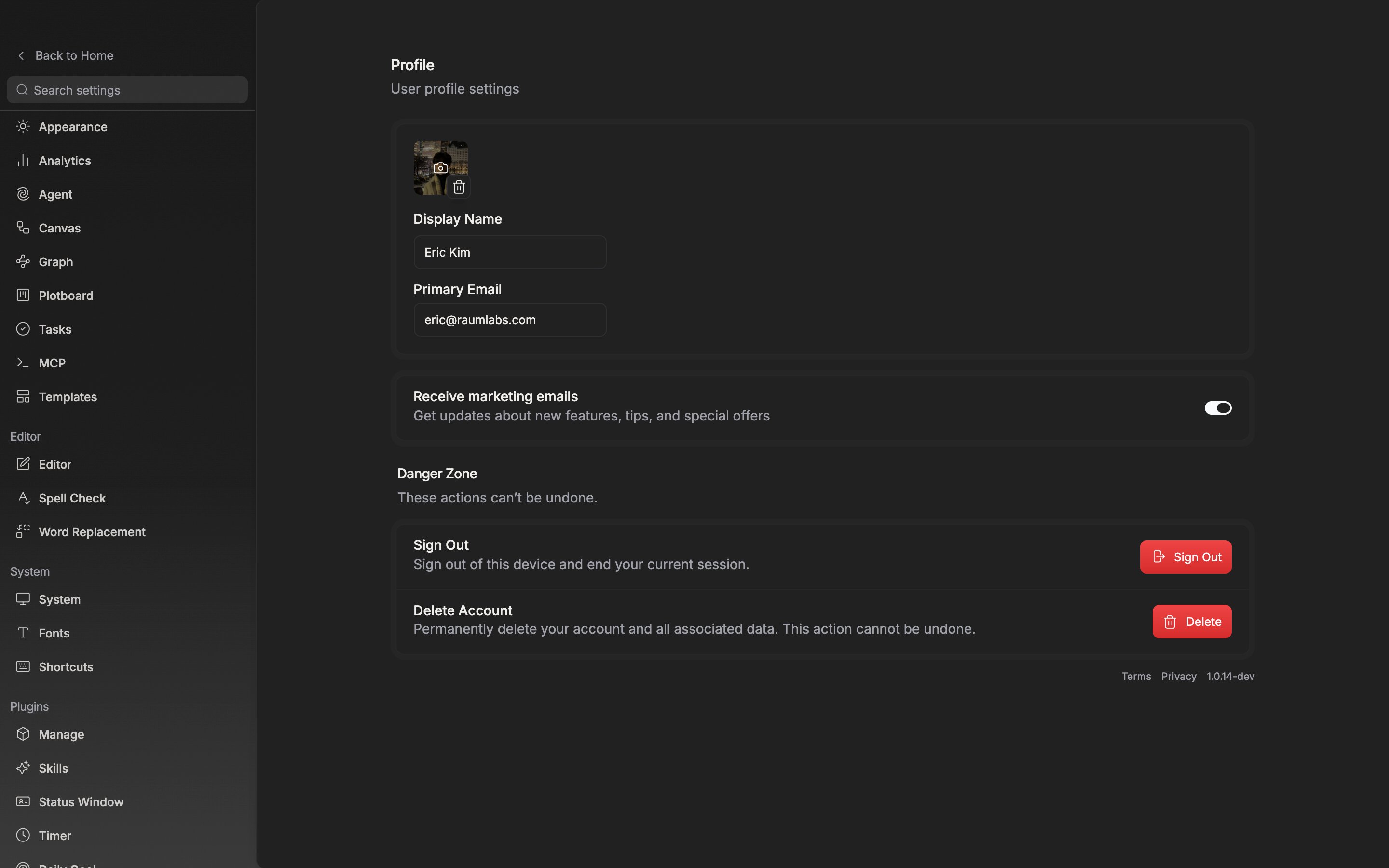
Open Settings and choose Profile from the Workspace group on the left. It is the same screen whether or not you came in with a project open. The values you touch here belong to your account, not to a project. They follow you when you sign in on another device.

Picture

The square at the top is your profile picture. Click it to pick a file, or drag an image file onto that spot and it uploads as well. It accepts only JPEG, PNG, GIF, and WebP, and rejects anything over 5MB. Hover over it and a trash can appears at the bottom right. Click it and the picture is removed, returning to a square with the first letter of your name in it.

Name

The value you type into Display Name is the display name used throughout the app. There is no save button. It uploads on its own a moment after you stop typing. Keep the length between 2 and 30 characters. It does not have to be your real name. Write a pen name and that is the name you go by. Here is where this value is visible:
  • The account row at the top left of the Home screen, and the menu that opens from it
  • The first letter placed in the square when you have left the picture empty
  • The name laid on the card when you share an AI review result as a card
Leave the name empty and your email address appears in these places instead.

Email

Primary Email holds the address you signed up with. It is read-only and cannot be changed on this screen.
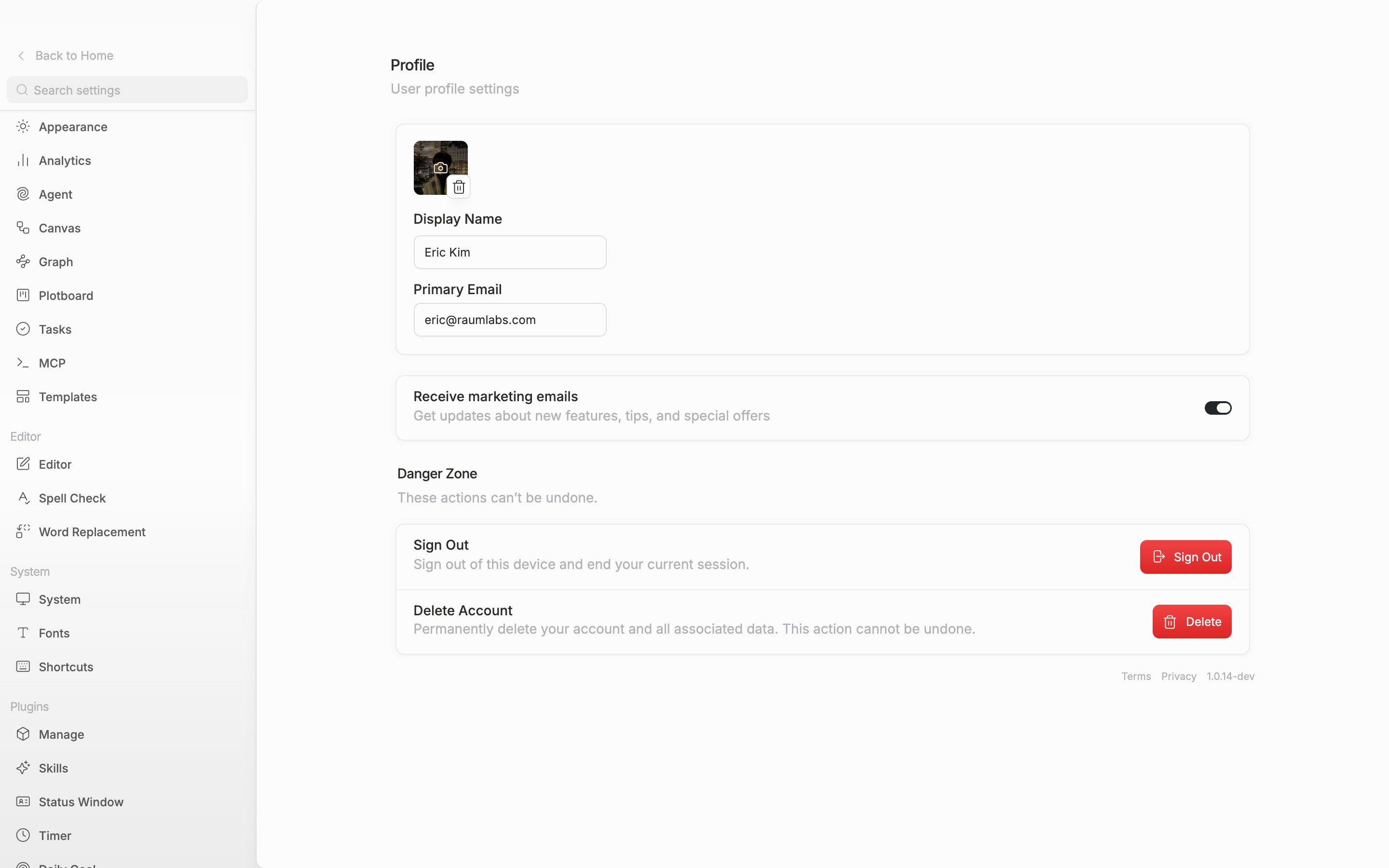
The top card of the Profile tab. The pointer rests on the profile picture so the trash can icon at the bottom right is revealed, and beside it the “Display Name” input and the read-only “Primary Email” field are in frame.

The picture, name, and email sit together in one card.

Marketing emails

The Receive marketing emails switch below the card decides whether you get emails about new features, tips, and special offers. Further down, the Danger Zone holds Sign Out and Delete Account. Those cannot be undone, so they are covered separately.