

Global
These are the keys listed in the Global card of the app settings, carried over as they are. Of them, only Settings, Feedback, Reload, New Window, Toggle Fullscreen, Zoom In / Zoom Out / Reset Zoom, and Quit also work on the home screen (with no project open). Toggle Sidebar (⌘ ⇧ B), pane navigation (⌘ ⌥ ←→↑↓), and Go to tab 1–9 work only with a project open.
Esc also takes you out of full screen. If a dialog or the search panel is up, though, it takes the Esc first, so you have to press it once more.
Project
These work only while a project is open.
New Canvas and Paste Without Formatting in the editor section below are the same ⌘ ⇧ V. With the cursor in a place where letters are typed, the paste runs; anywhere else, the canvas is created.
Esc also leaves Focus mode.
Sidebar
The tree navigation keys (↑ ↓ ← →, Space, Enter, ⌫) work only when the sidebar has focus. Collapse / expand (⌥ [, ⌥ ]) works while a project is open regardless of focus, even in the middle of typing in the body. The four rows at the bottom are mouse actions.
On macOS, Enter renaming follows Finder. The key that opens is Space.
Plotboard
With the cursor resting on a card, the new card appears right after it.
Editor
Canvas
These work when you have a canvas open.Agent
While the agent panel has focus, the agent takes ⌘ T and ⌘ W. To open a new tab or close one, click once on the body side to move the focus first.
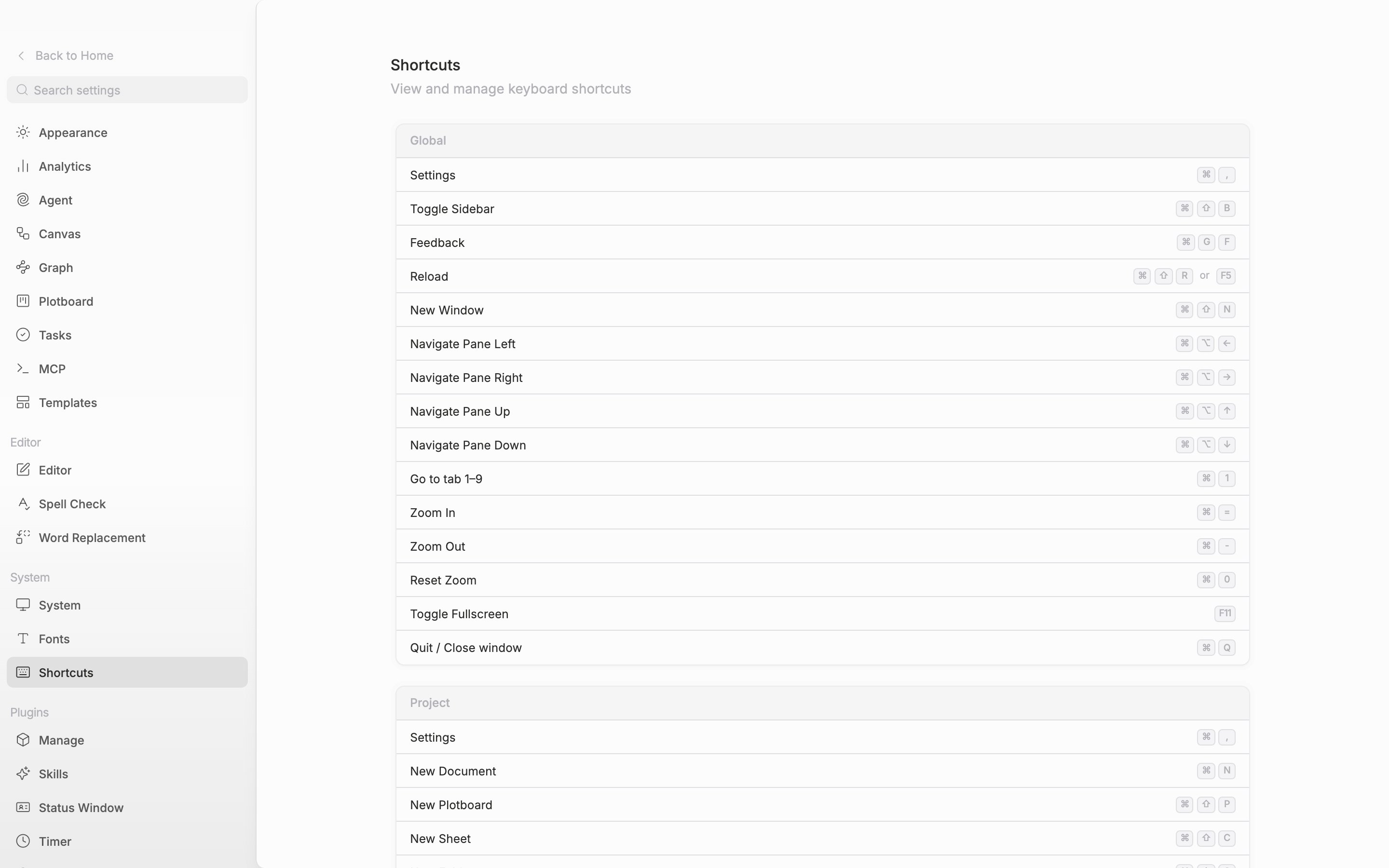
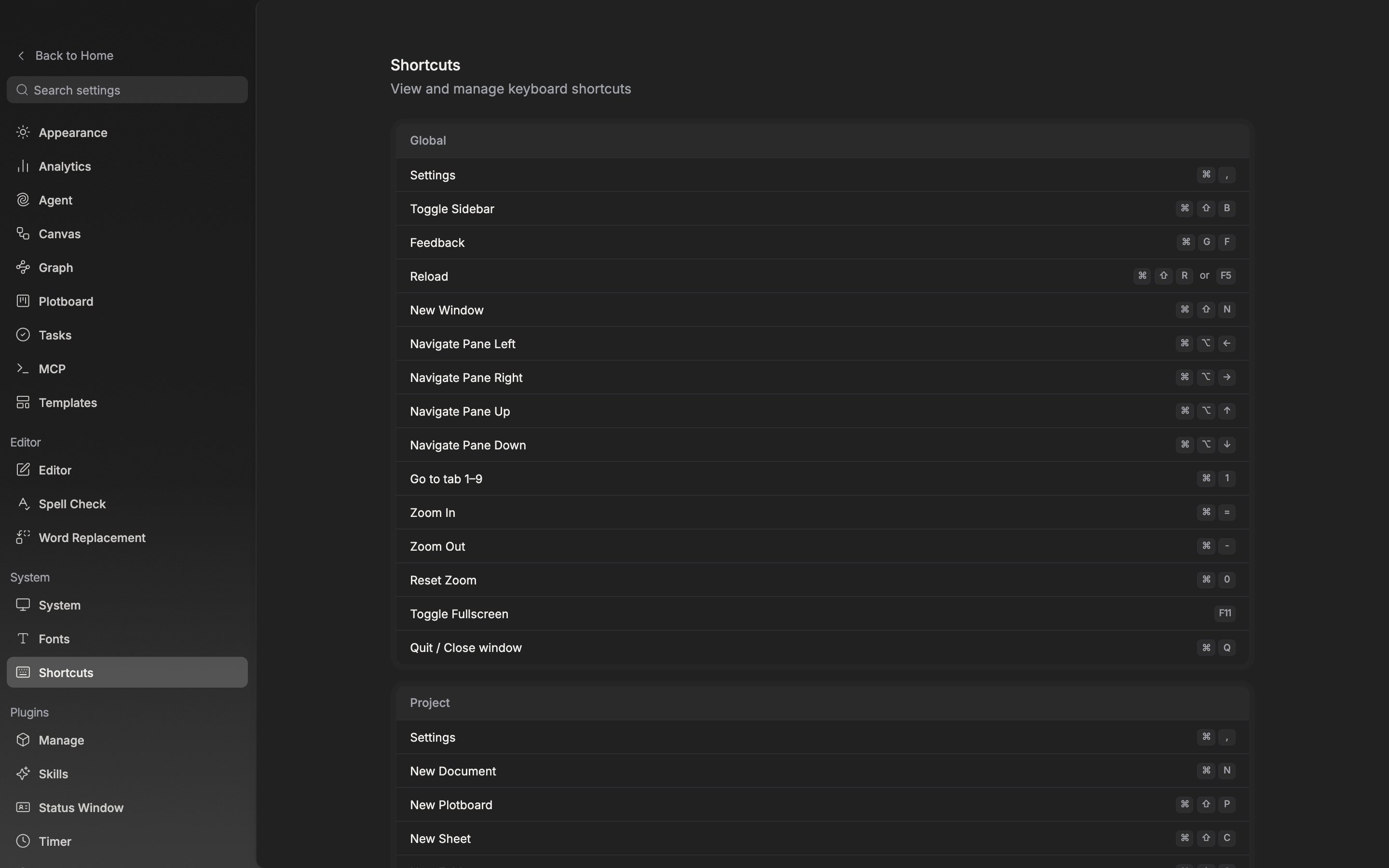
The shortcut list as seen inside the app. It is split into cards by scope.