A file you delete from a project does not disappear at once. It is moved to the trash and stays there for 31 days, and during that time you can put it back where it was whenever you like. After 31 days it is permanently deleted automatically.

Opening the trash

Trash sits at the very bottom of the sidebar, just above Settings. Press it and every deleted item is shown. Each item in the list also shows “N days until permanent deletion”, so this is where you check whether anything needs clearing out in a hurry.
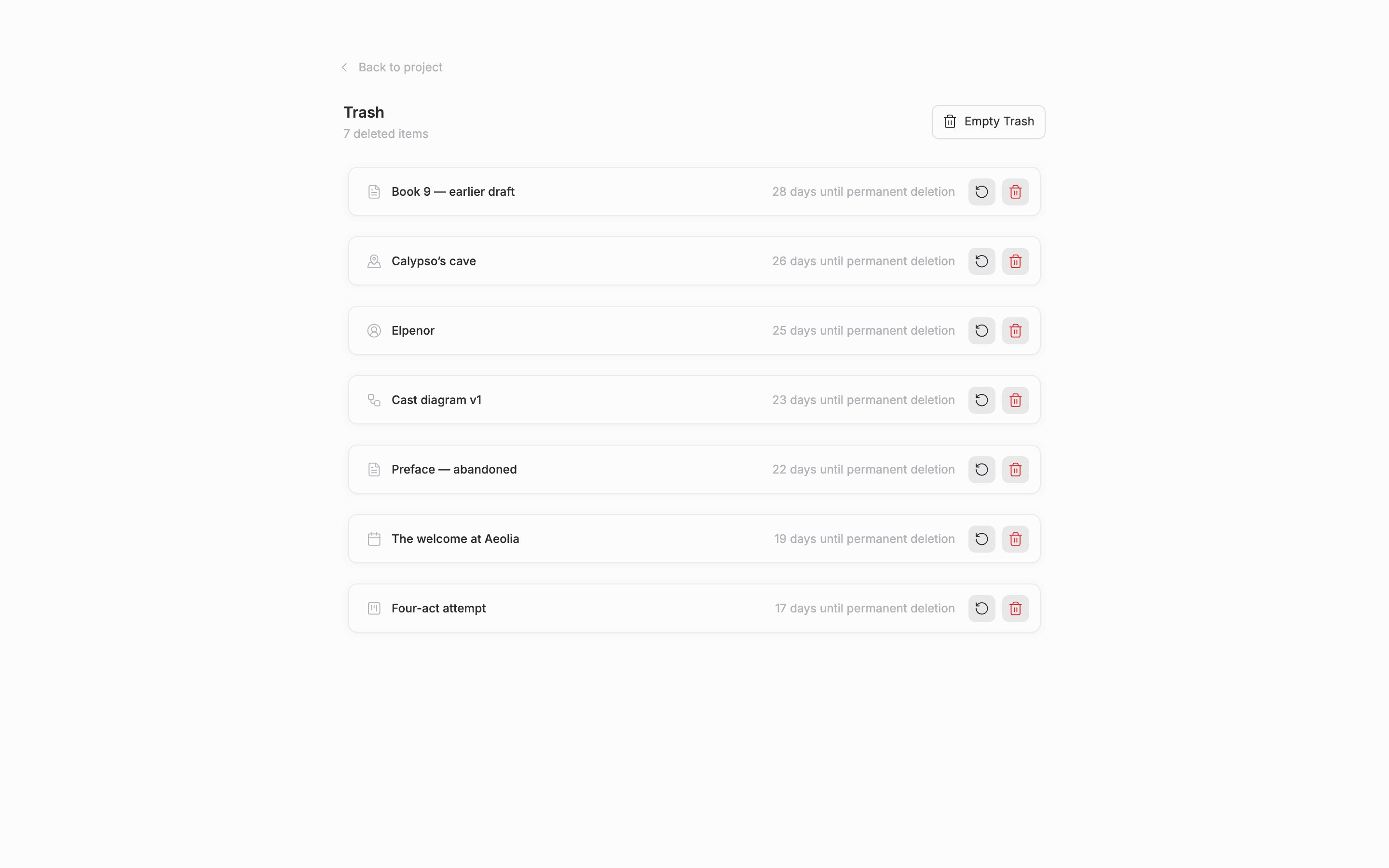
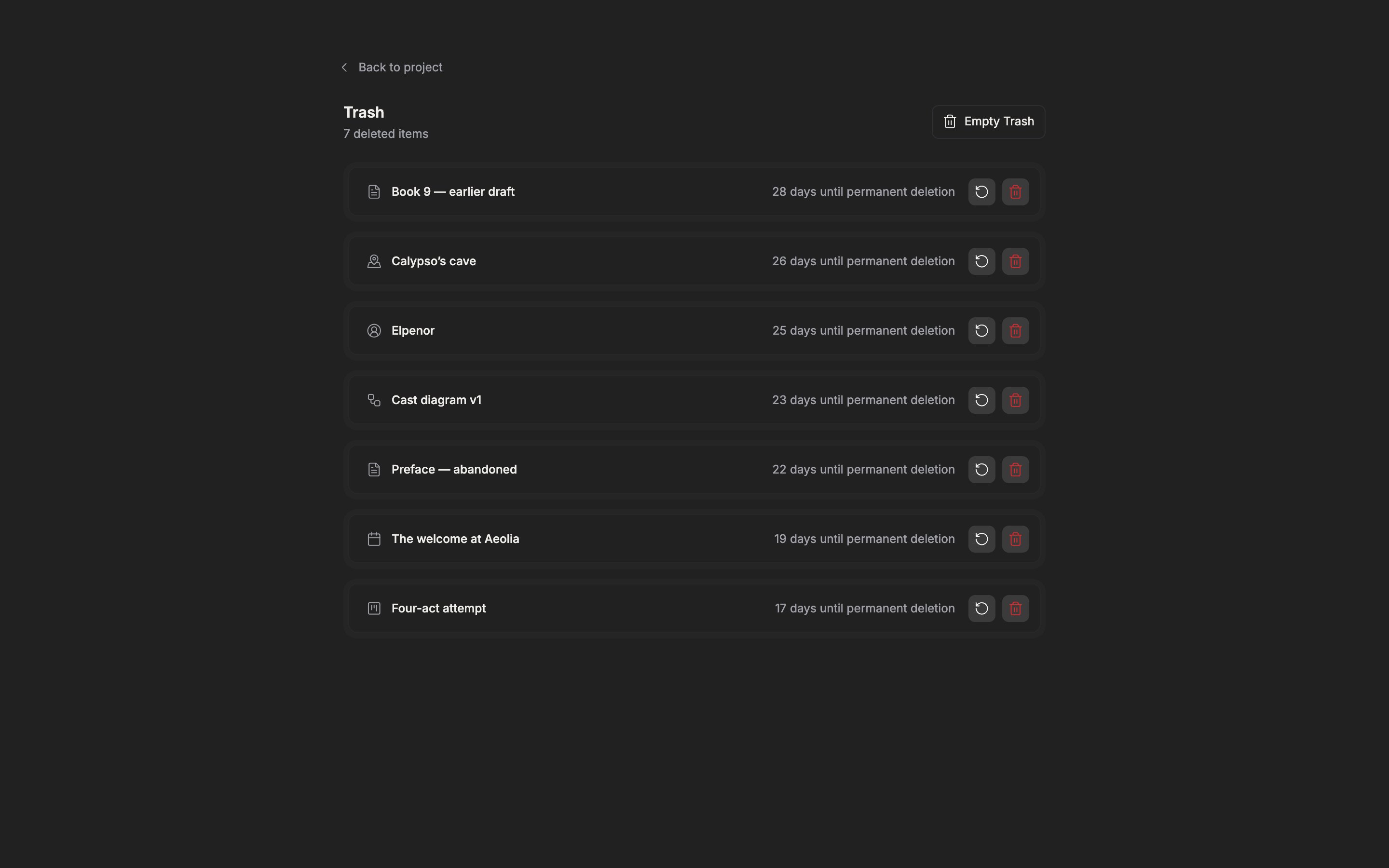
The trash screen. The list of deleted items is shown, with the days remaining until permanent deletion on each item.

The trash screen. Each item also shows the days remaining until permanent deletion.

Putting things back

Press the restore button on the item you want back and it returns to where it was before you deleted it. Documents, folders, sheets, plotboards, and canvases can all be restored. Plot cards and part cards come with one condition. If the plotboard a card belongs to is in the trash as well, the card cannot be put back on its own and does not even appear in the list. In that case restore the plotboard first and the cards inside come back with it.

Permanent deletion

If you want something gone now rather than waiting 31 days, you can permanently delete it item by item. A confirmation dialog comes up once. Once you confirm, it cannot be undone. Empty Trash permanently deletes every item in the list at once. It is convenient for clearing things out, but there is no way to recover afterwards, so check first that nothing you might want back is mixed in.
Permanent Delete and Empty Trash cannot be undone.

Sending a file to the trash

Right-click an item in the file tree and pick Move to Trash. It asks once, “Move ”○○” to trash?”, so press confirm. Finding and running “Move to Trash” from the command palette comes to the same thing. You can also select several items and send them together. You can also drag a file and drop it on Trash in the sidebar. Drop it there while you are moving it in the tree and you skip the menu.