

Language
The first row of the General section is Language. Choose among the eleven languages — English · 한국어 · 日本語 · Português · Русский · Bahasa Indonesia · Español · Deutsch · Français · Tiếng Việt · ไทย — and the on-screen text changes at once, followed by “Language updated”. If saving fails, it reverts to the original language. This value is saved to your account, so signing in on another device opens in the same language.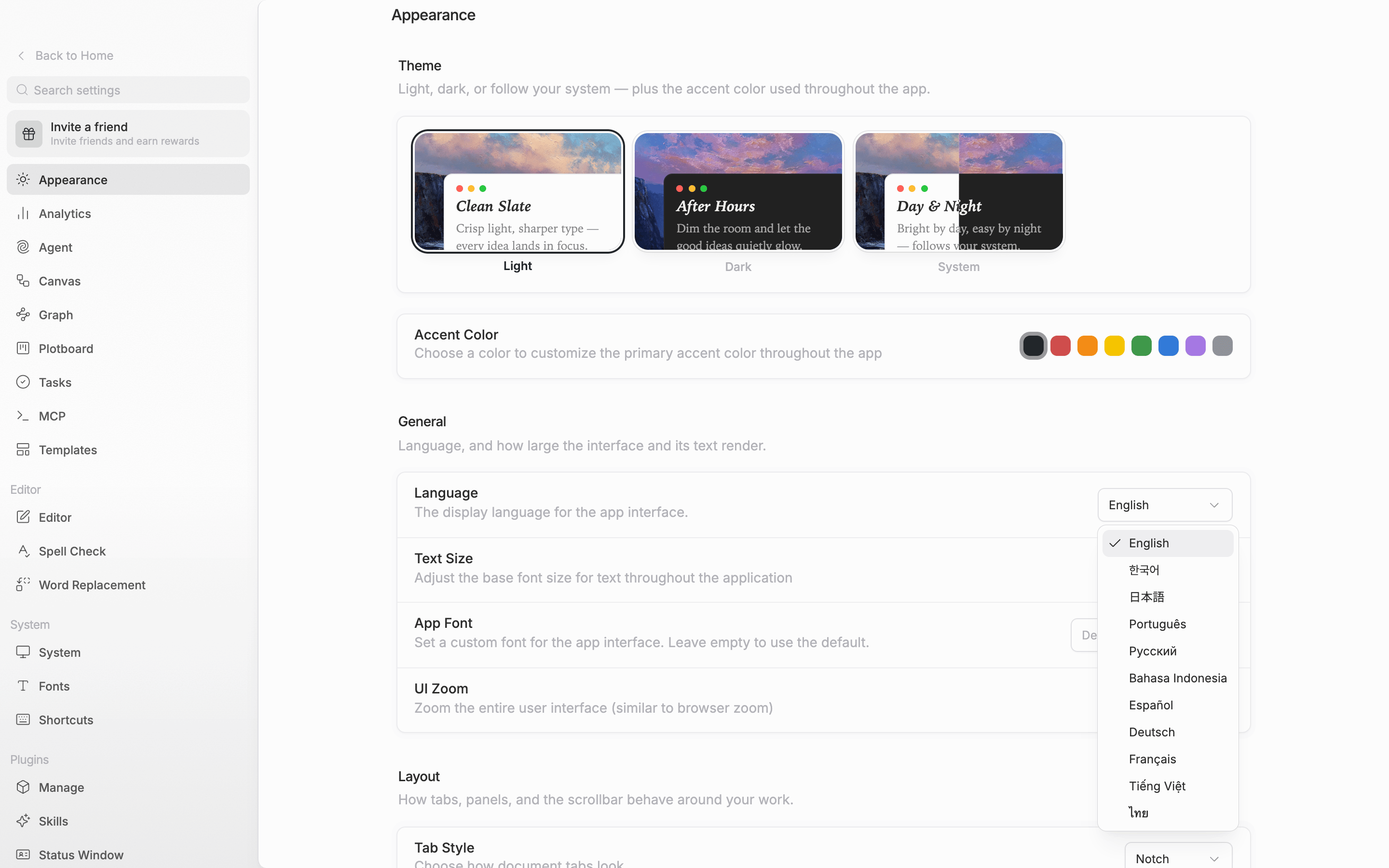
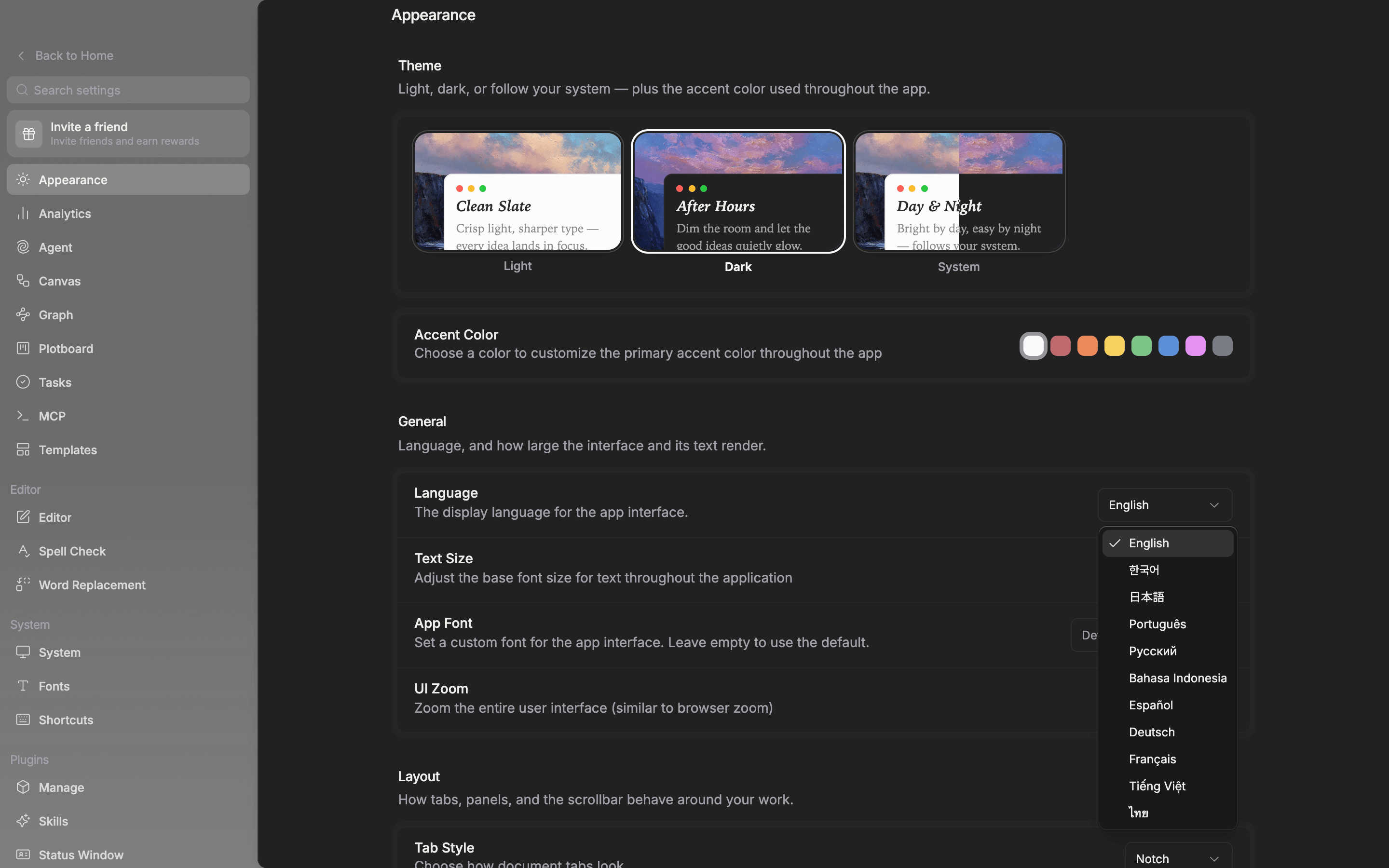
The language is saved to your account, so it opens the same way on other devices.
Theme
The Theme section at the top has three tiles: Light · Dark · System. Choose System and it follows the operating system setting, changing on its own between day and night. It applies to the window the moment you click, so you can decide by clicking back and forth between the tiles. Light Mode, Dark Mode, and System Theme in the command palette switch it as well.Accent color
The Accent Color row below the theme holds eight color swatches. The leftmost is the default, followed by red, orange, yellow, green, blue, purple, and gray. The color you pick is used for accents throughout the app, such as buttons and selection marks. Raise Accent tint in the Window section and the same color washes faintly over the window background too.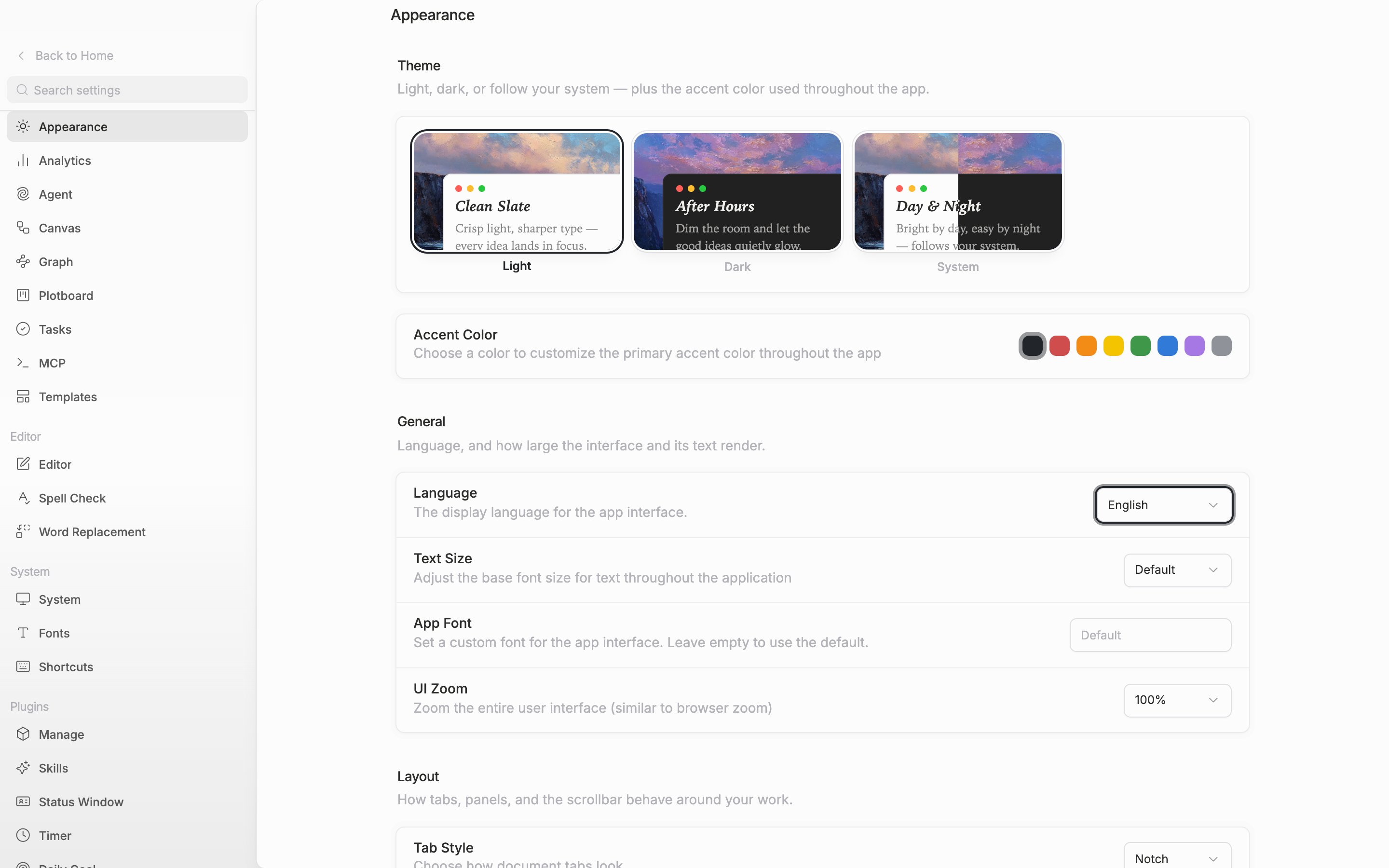
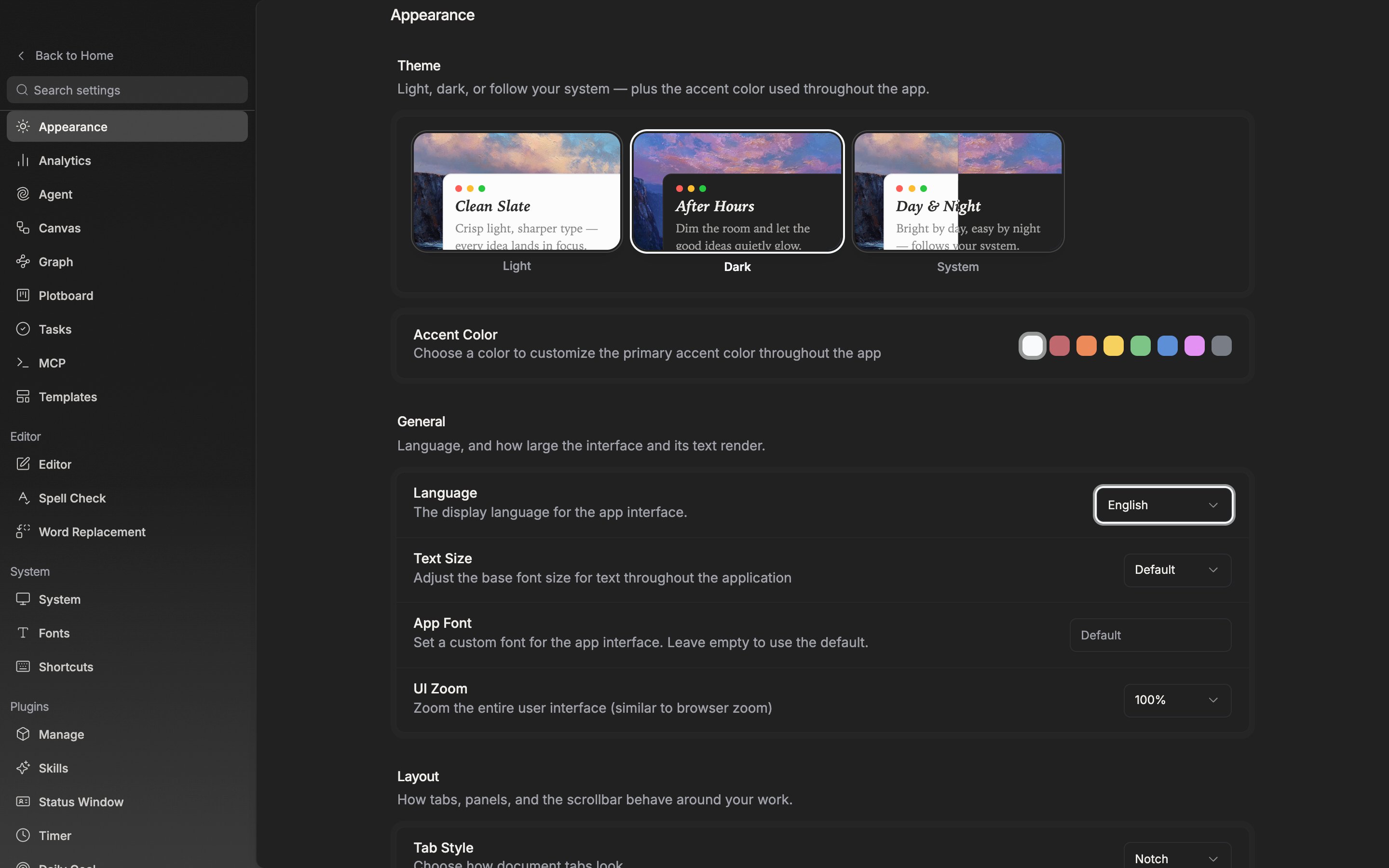
The theme tiles and the accent color. They apply to the window as soon as you pick one.
The screen that opens when you start the app
Startup behavior is in the System tab, not in Appearance. It shows in the desktop app only and is stored per device rather than in your account.- Open in start — pensiv runs automatically when you turn on your device.
- Open last visited — reopening the app takes you straight into the last project screen you were looking at.
The only screens it remembers are the ones inside a project. If you left the project and closed the app while sitting on Home, there is no screen to return to, so it starts at Home again next time.