

Four types
Click Add Property and a type button appears on the left, with a name field on the right. Create only becomes clickable once you enter a name.- Text — you write the value out as text. Use it for entries that never tie to another file, such as age, height, or title.
- Tags — you pick several. A word that is not in the list is created on the spot and used.
- Documents — you attach manuscript files. If a search turns up nothing, the
Create "…" documententry in the list creates a new document and attaches it in one step. - Category sheets — pick one category, as in Character Sheets or Location Sheets, and the property takes only sheets in that category as values. The seven categories are Character, Event, Organization, Item, Location, Worldbuilding, and Other.
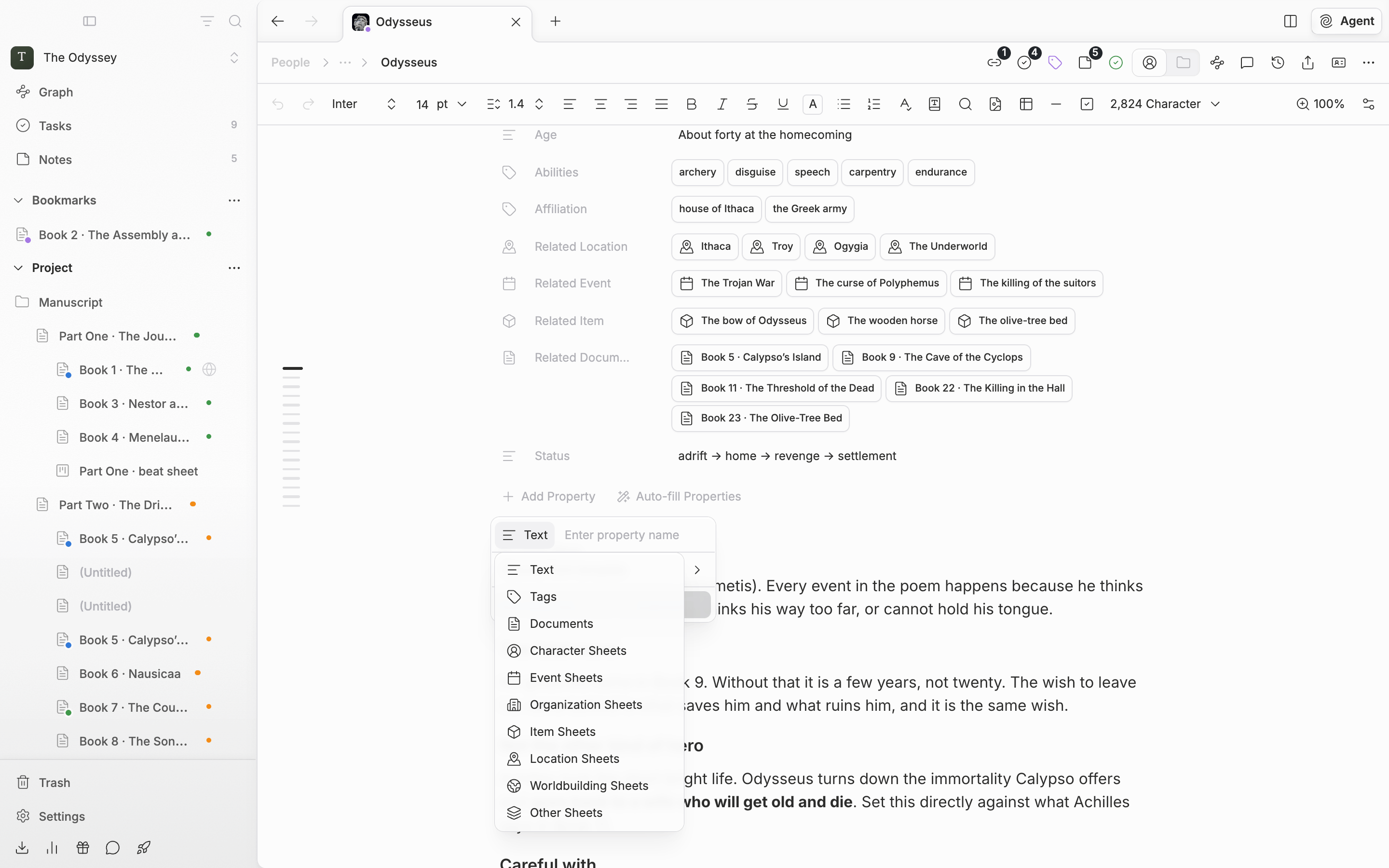
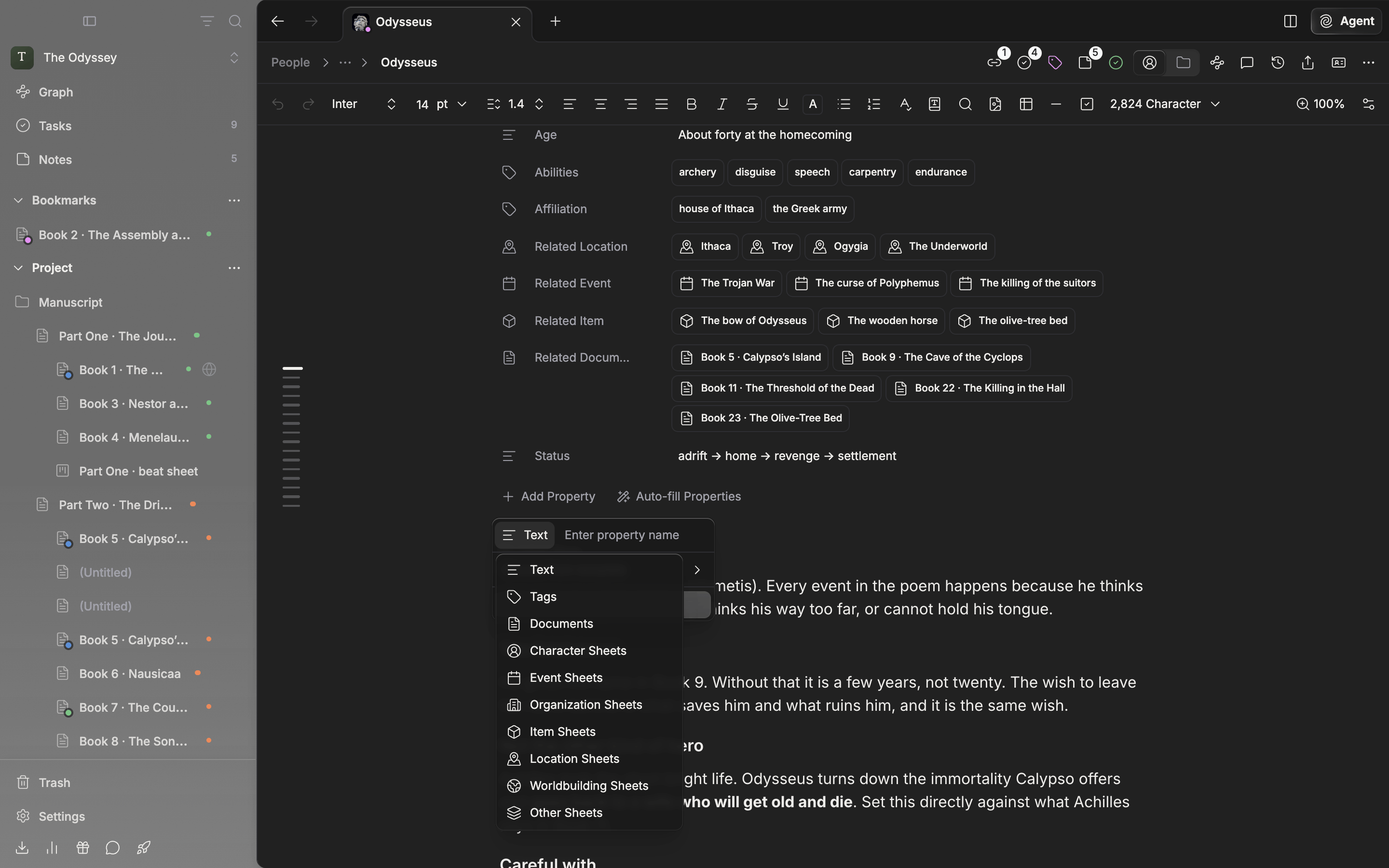
The list you pick a property type from.
Choose from template
If naming is a chore, open Choose from template. At the top are Related Documents, the seven per-category entries beginning with Related Character, Tags, Notes, and Status. Below are text entries such as Name, English Name, Hanja Name, Gender, Species, MBTI, and Title; tag entries such as Abilities and Affiliation; and entries that take another sheet as their value, such as Leader, Members, Location, Birthday, and Duration. Pick one and the row is created immediately with that name and type.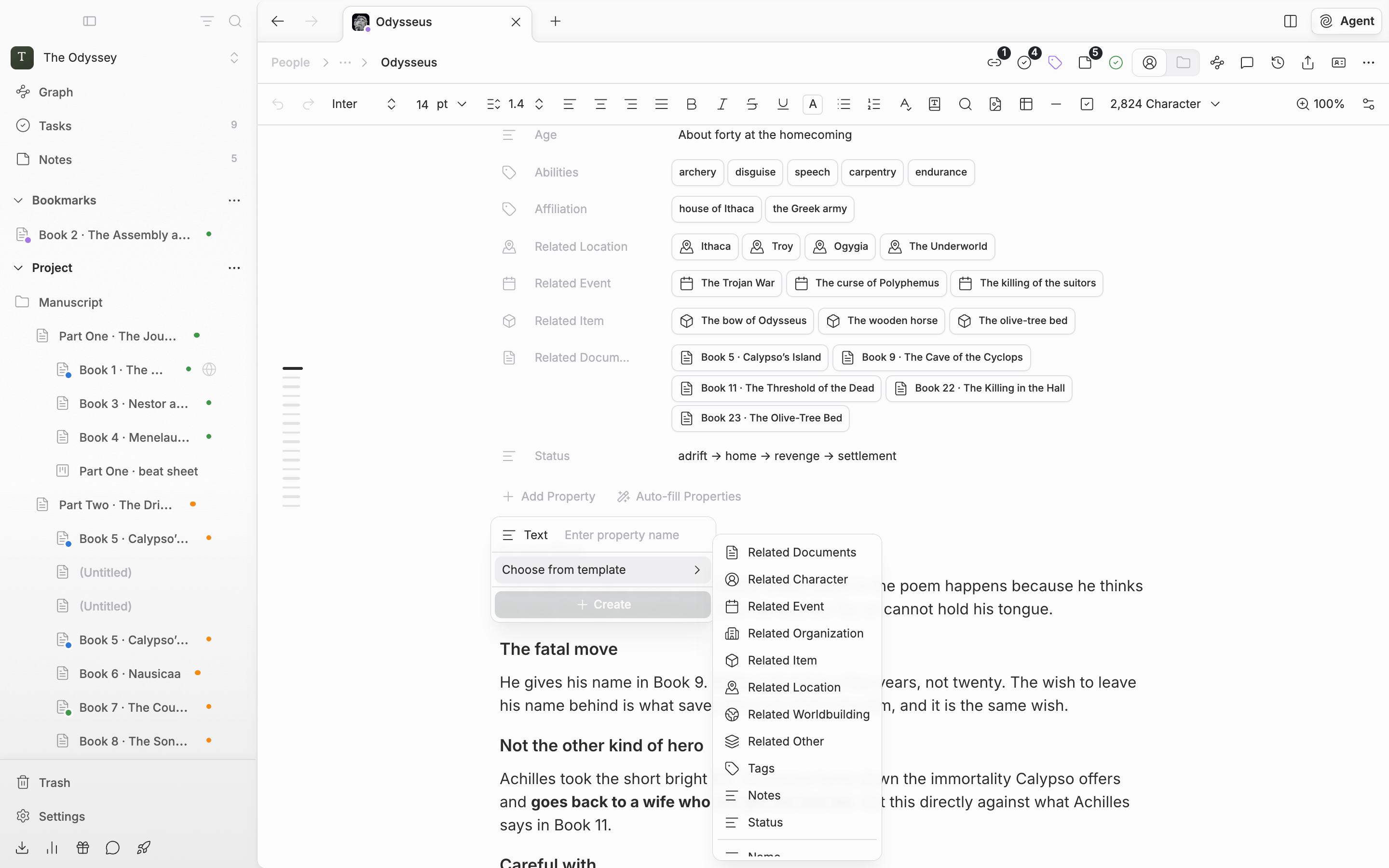
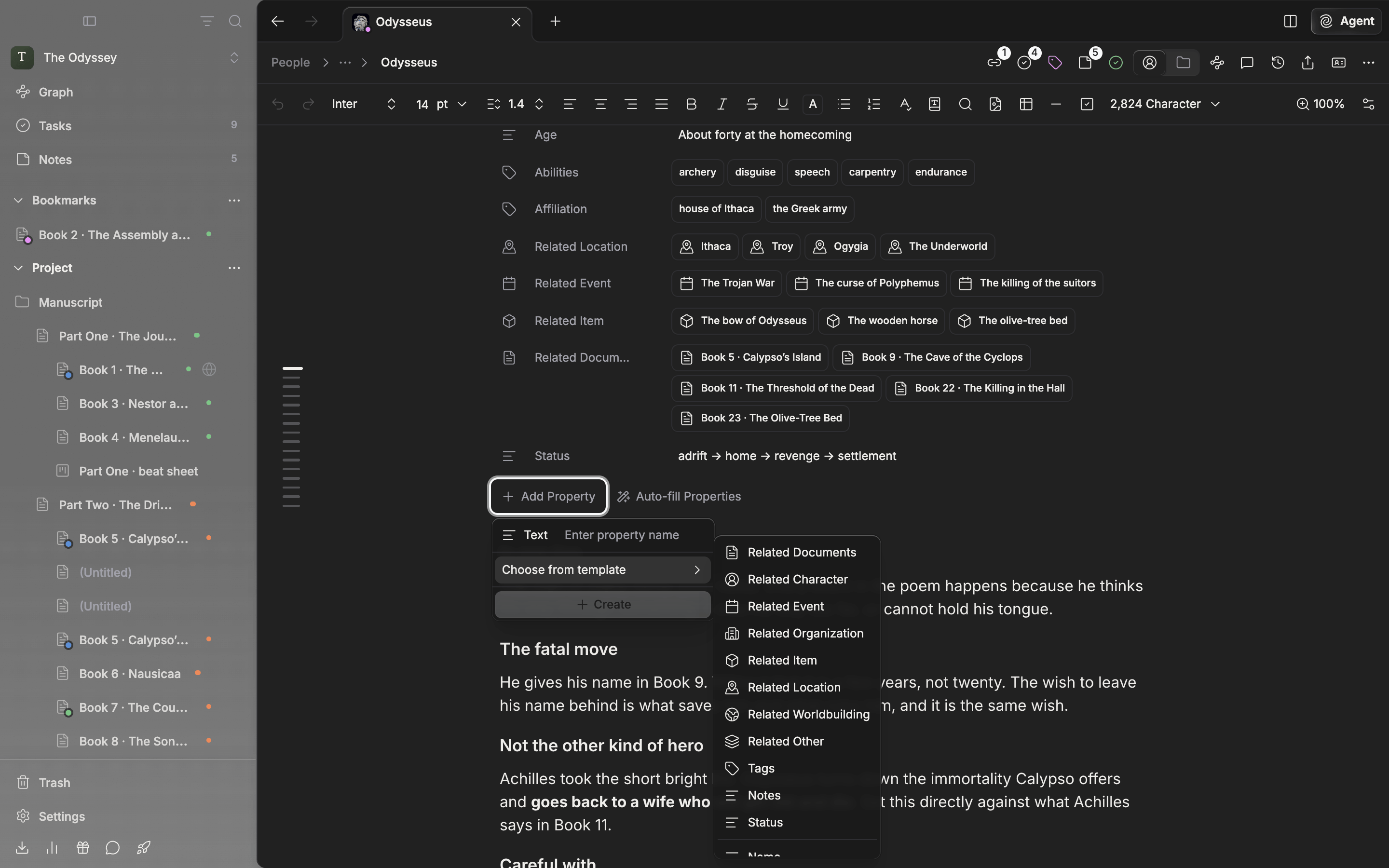
The screen for setting up a property by picking from a template.