

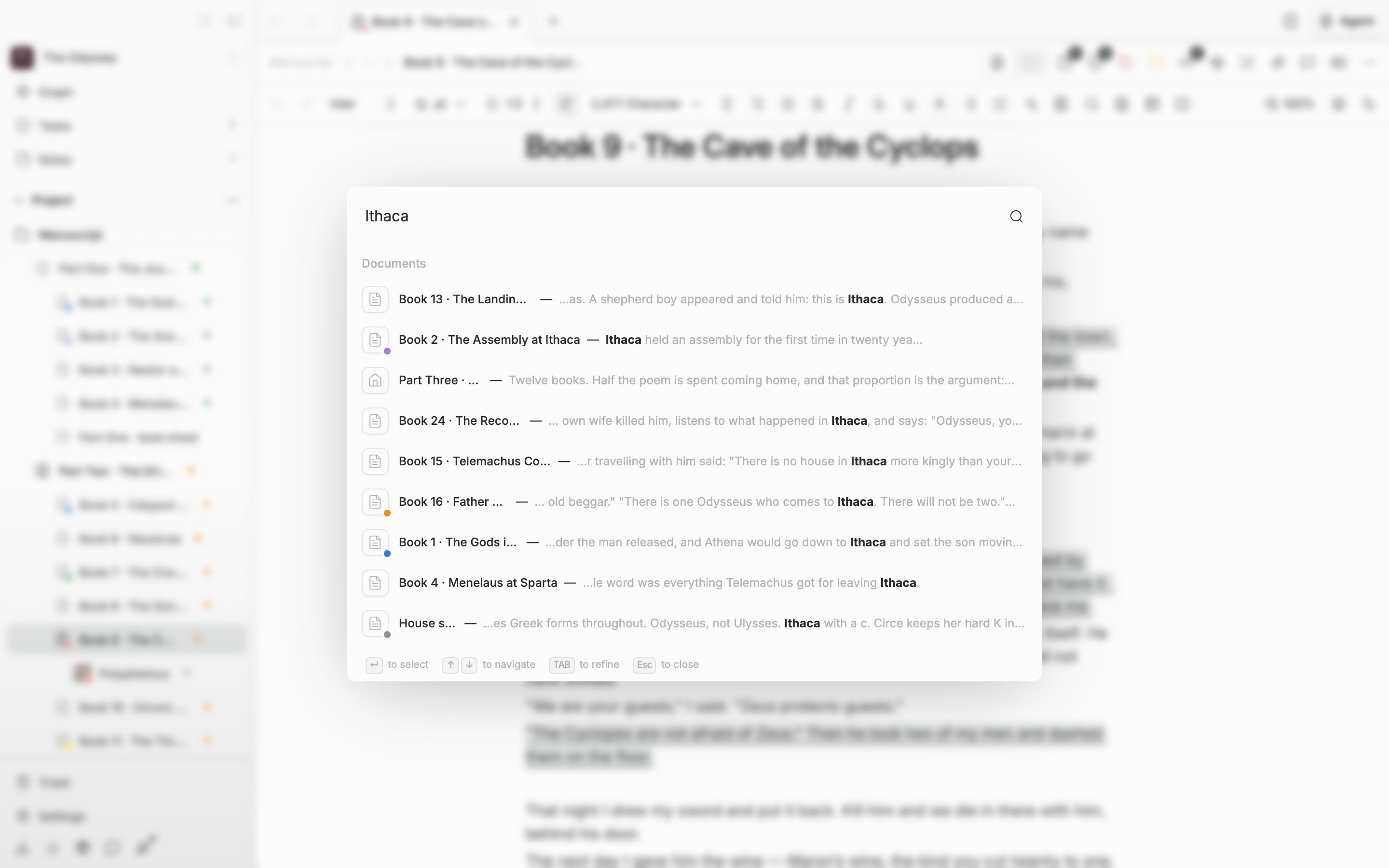
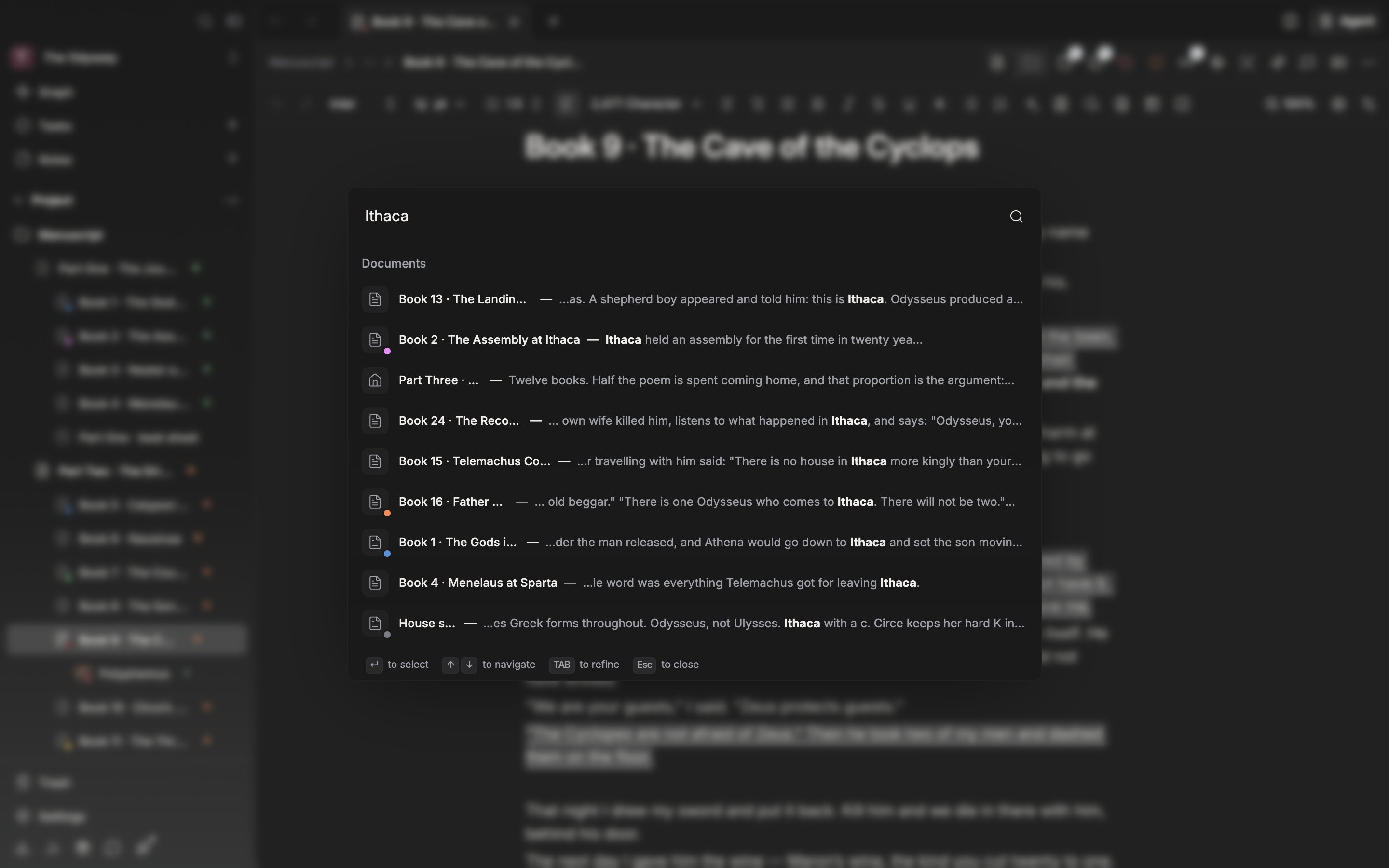
Search and the command palette are the same window.
Results come out in two passes
The moment you type the first character, up to five files whose titles match come up right away. The search that reads body text runs after you stop typing. The longer the previous search took in a project, the longer it waits before running. While it runs you see “Searching your project…”, and when it finishes the results come out under “Results”, grouped in this order: documents, sheets, folders, plotboards, canvases, plot cards, plot part cards, labels, statuses, notes, file notes, and tasks. Hangul and Hanja scan body text from one character, and Roman letters from two. A single letter of the alphabet would catch half the manuscript and tell you nothing.What comes to the top
An item whose whole title matches goes at the top, then items that match at the start, then items where one word begins with the search term, then items that contain it somewhere as it is. Spacing is ignored, so “lightmode” catches “Light Mode” as well. Even when the characters are only in the right order and scattered, the item is caught at the very bottom. When the scores are equal, the shorter title comes first. On top of that, files you open often or opened recently get a bonus. The bonus is capped at about enough to push something up one rung, so a title you typed properly is never pushed aside by habit. When you have typed nothing, “Recently used” puts the commands and settings you reach for often first.Narrowing
Put a space in the search term and only items containing every word remain. A word can sit anywhere: the title, the body, or a sheet’s aliases and properties. Press Tab once the results are up and what you typed hardens into a chip while the input field changes to “Type to refine…”. From then on typing narrows only within the results that are left. The “to refine” hint at the bottom of the window says as much. Delete chips one at a time with Backspace while the input field is empty, or clear them all with Esc.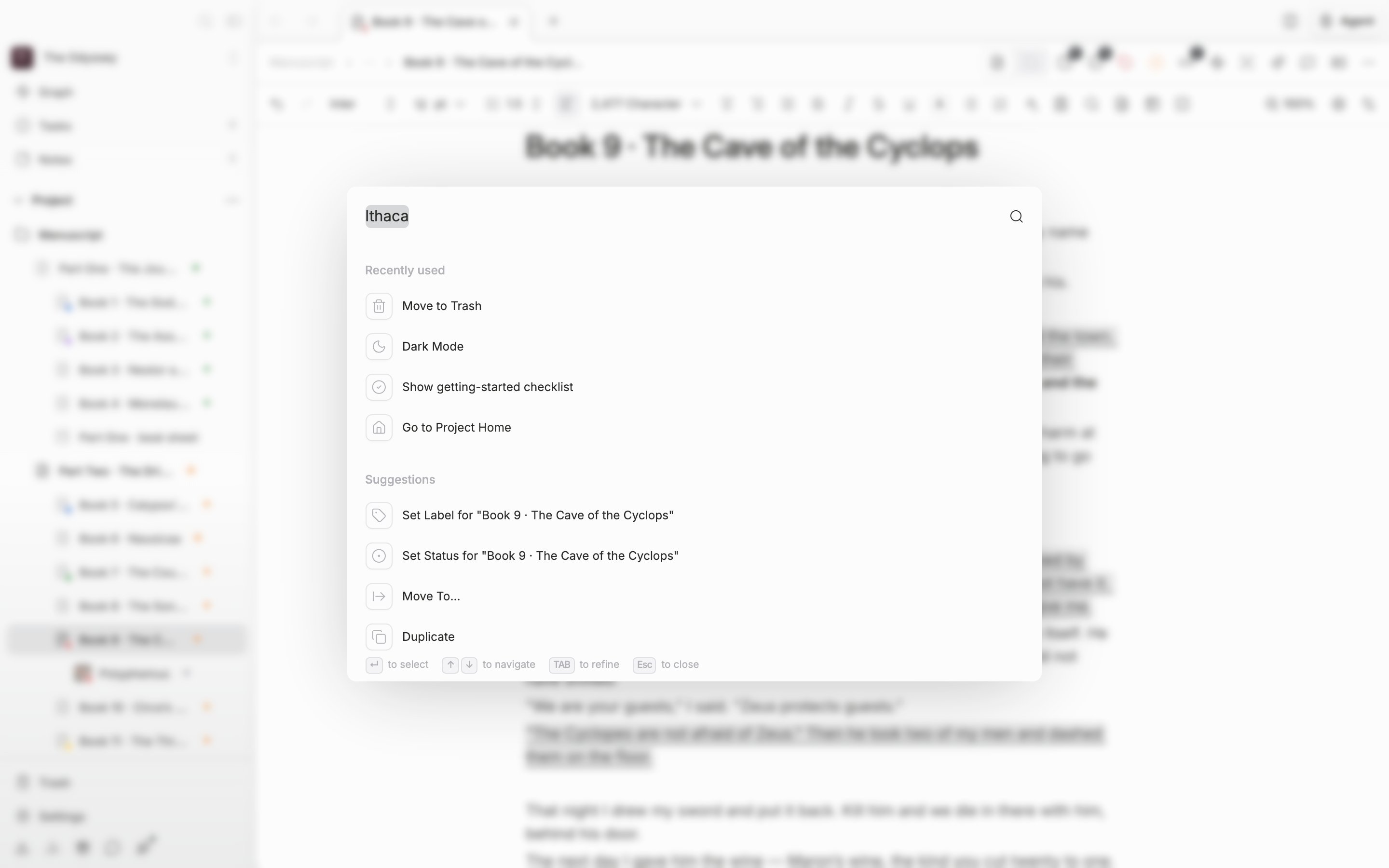
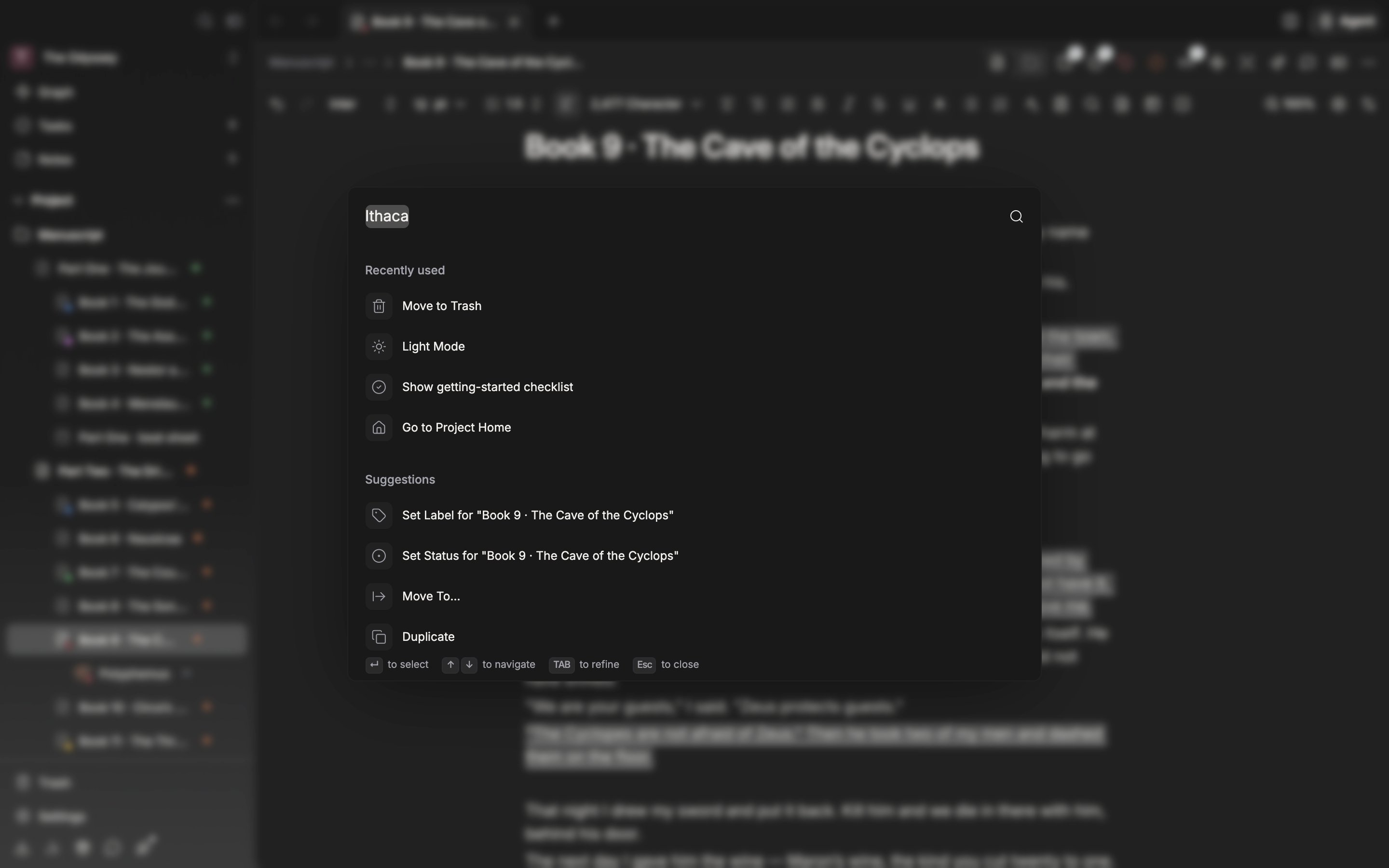
Harden a search term with Tab and narrowing happens only within it.
Open a result with Enter and the search term is carried into that file’s find panel, taking you straight down to the first match. Filter syntax such as quotation marks andtype: is covered separately in the search syntax reference.